2. To delete all memories:
Follow steps A and B above
C. Press the “MEMORY” button until the display
shows “DEL ALL”.
D. Once the “DEL ALL” has been displayed,
press and hold the “START/STOP”
button again. After 3 beeps, all records
have been deleted.
To delete the memory
1. To delete one memory:
A. Press the “MEMORY” button to display the
record that you wish to delete.
B. Press and hold the “START/STOP” button until
the display shows “DEL”.
C. Once the “DEL” has been displayed, press and hold the
“START/STOP” button again. After 3 beeps, the selected
record has been deleted.
Deleting the Memory
16
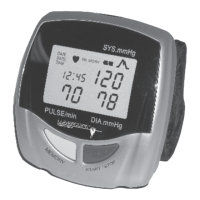
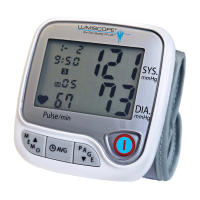
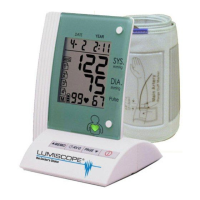
Display Symbols & Explanations
7
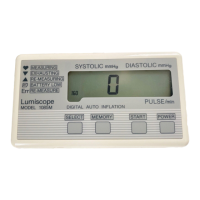
Display Symbols
Systolic Pressure
Pulse Rate
Diastolic Pressure
Display Explanations
Low Battery Indicator: Appears when the
batteries are low or need replacement.
Pulse Symbol: Shows the pulse rate per minute.
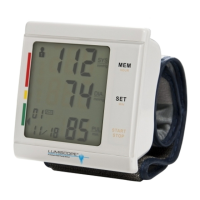
Memory: Holds the memory for up to 85 readings.
Date and Time: Shows the exact date (month and
day) and time of each reading.
Quick Read Technology: Detects your blood
pressure with the touch of a button.


 To Next Page
 Loading...