17
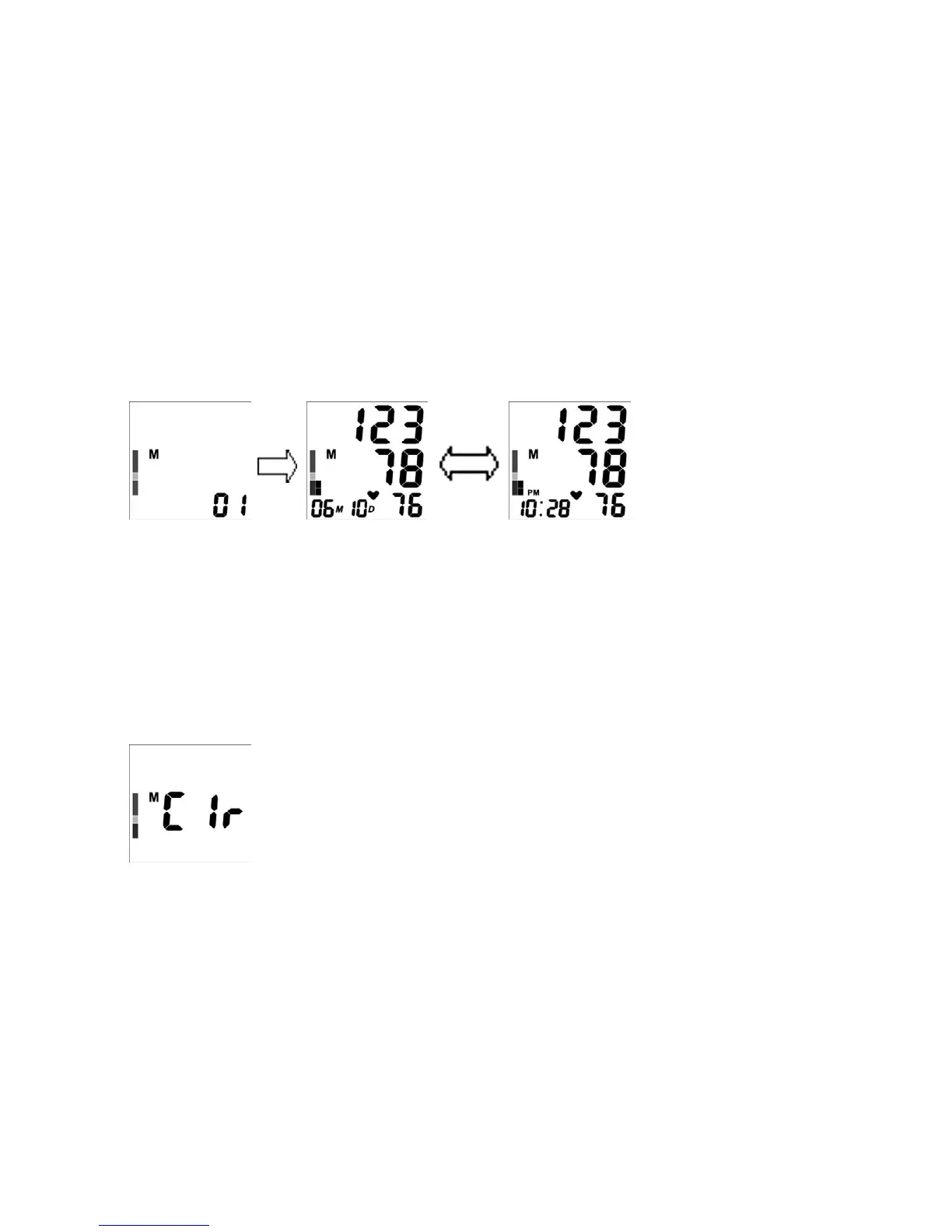
3. Press button ‘M’ again, the device displays ‘01’; then after 1-2 seconds the
latest reading will display as in Fig.9;
Fig.9
4. Press button ‘M’ again, the device displays ‘02’; then after 1-2 seconds the
second-to-the-last reading will display.
DELETING THE MEMORY
To clear memory: After a measurement is finished or when the device is in standby
mode, press and hold button ‘M’ for at least 5 seconds. The device will display ‘Clr’,
which means the stored reading is deleted as in Fig.10.
Fig.10


 To Next Page
 Loading...