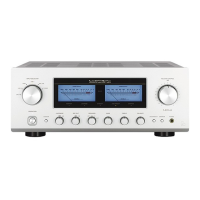
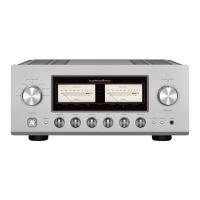
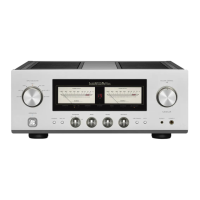
Names and Functions
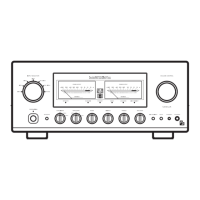
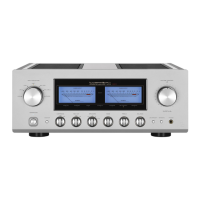
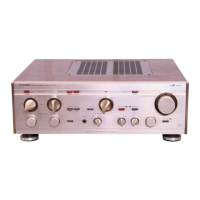
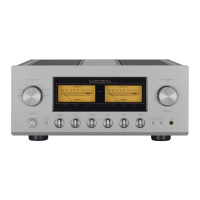
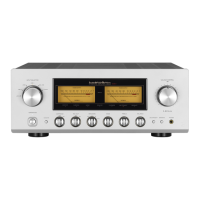
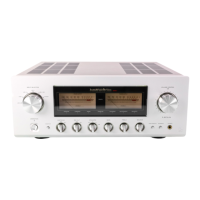
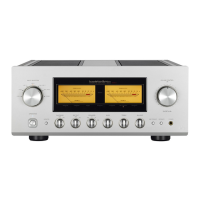
Front panel
1. Operation switch (OPERATION)
Toggles the power on and off.
When wiring or connection is performed, be sure to
turn off this switch.
2. Operation indicator (OPERATION)
Blinks in the time of muting mode when the operation
switch is turned on and lights up when the operation
state is activated afterward. This indicator blinks
when the unit is in the muting mode or when the
volume is adjusted with the remote control.
3. Input selector (INPUT SELECTOR)
Selects an input device from the devices such as a
CD player, an SACD player and a tuner connected to
each input terminal.
T
he
input selector has 6 positions consisting of
LINE-4, LINE-3, LINE-2, LINE-1, BAL LINE, and
PHONO from left to right that correspond to each
input terminal on the rear panel. The knob is rotated
to light the input indicator of the input device to be
selected.
4. Input indicator
Lights up at the input device to be selected with the
input selector or remote control.
5. Display
Displays the operation status of this unit.
This display is composed of 5 indicators and 2 power
meters.
6. Remote control infrared receiver (REMOTE)
This is a sensor to receive signals from the
accessory remote control.
7. Volume control (VOLUME CONTROL)
Adjusts the sound volume. Sound is not generated
when this control is rotated counterclockwise to the
end, and then, the sound volume gradually becomes
higher when the control is slowly rotated clockwise.



 To Next Page
 Loading...