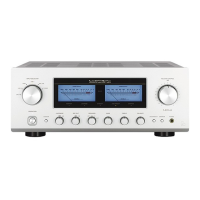
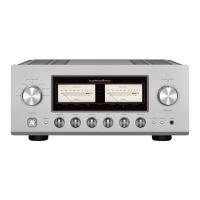
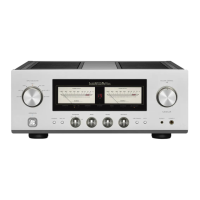
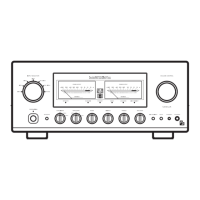
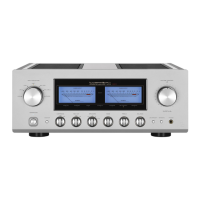
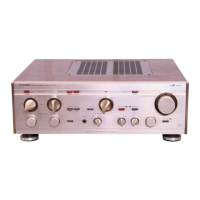
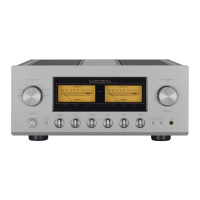
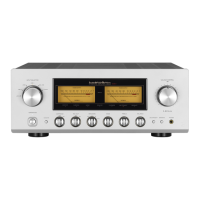
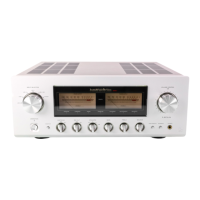
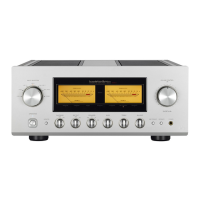
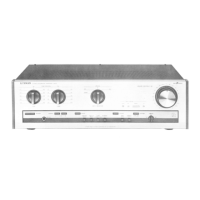
Display
1. Monitor indicator (MONITOR)
Lights up when the monitor switch is on.
2. Power meters
The left meter reads the output of the L channel, and
the right meter reads the output of the R channel.
The meters read the level in decibels.
The meters light when the power is on.
3. Loudness Indicator (LOUDNESS)
Turns on when the loudness switch is on.
The loudness function can only be turned on/off with
the included remote control (RA-17).
4. Standby indicator (STAND BY)
Lights when the AC plug is plugged into a wall socket
and the operation switch is set to off. This indicator
turns off when the AC plug is disconnected from the
wall socket or the operation switch is set to on. This
indicator blinks when the protection circuit is activated.
5. Remote sensor (REMOTE)
Receive signals from the accessory remote control.
6. Line straight indicator (LINE STRAIGHT)
Lights up when the line straight switch is on.
When the line straight switch is set to on, the
loudness cannot be adjusted from the accessory
remote control.
When
one of these switches is pressed, the line
straight indicator blinks for 3 seconds to show that
this unit cannot be operated.
Adju
st the loudness after setting the line straight
switch to off.
7. Separate indicator (SEPARATE)
Lights up when the separate switch is on.


 To Next Page
 Loading...