4
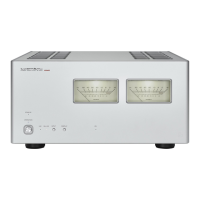
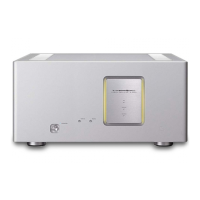
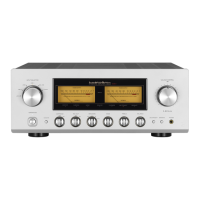
Names and Functions
1. Operation indicator (OPERATION)
Turns orange when the power is turned on.
2. Operation switch (OPERATION)
Toggles the power on and off.
When wiring or connection is performed, be sure to turn off
this switch. When turning on the power switch again after
turning the unit off, wait for more than one minute.
When the power is turned off, the OPERATION indicator
will stay on for a while, but it is not a malfunction.
3. Volume control (VOLUME)
This function is effective only when a source component
such as a CD player is connected to the VARIABLE input of
this unit to adjust the input level.
When the connection is made with the direct input (DIRECT),
the signals do not go through this volume thus the sound
volume does not change.
When the DIRECT input is connected, please take extra
care for the volume of the other connected unit.
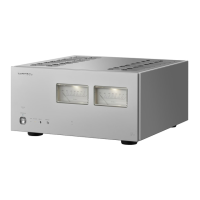
Front panel


 To Next Page
 Loading...