Fold Fold Fold
3
Connecting Devices
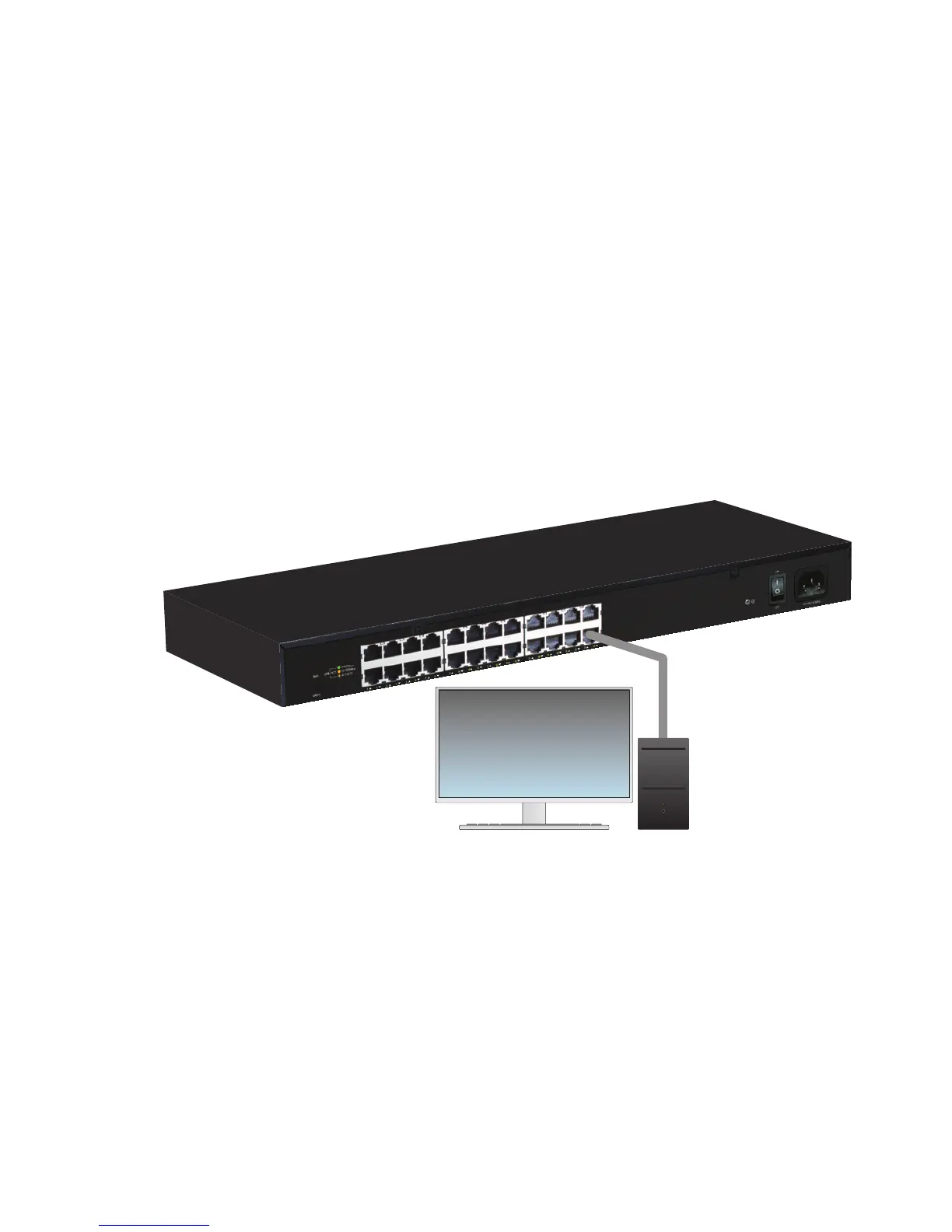
Use an Ethernet cable to connect the AGS-1024 to a device as shown
below. Luxul recommends Category-5, super Category-5 or Category-6
unshielded twisted pair (CAT5/CAT5e/CAT6 UTP). To ensure best perfor-
mance and stable data transmission at 1000 Mbps, use Category-6 shielded
twisted pair.
The AGS-1024 automatically adjusts to the speed and duplex of the
connected device.
Connecting the AGS-1024 to a Device
When a device is properly connected and powered, the Link/Activity LED
for the device port lights up. Refer to the Hardware Operation section for
indicator definitions and troubleshooting.
4
Connecting to a Router or Other Switch
Use an Ethernet cable to connect the AGS-1024 to a router or other switch as
shown below. The AGS-1024 automatically adjusts to the speed and duplex of
the connected switch or router, so uplink cables are not necessary.
Connecting the AGS-1024 to Router or Switch
When a router or switch is properly connected, the Link/Activity LED for each
port lights up. Refer to the Hardware Operation section for indicator defini-
tions and troubleshooting.
5
Hardware Operation
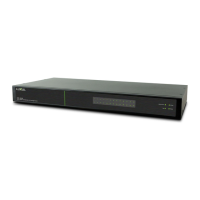
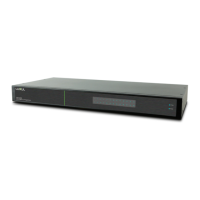
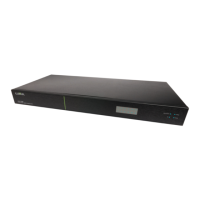
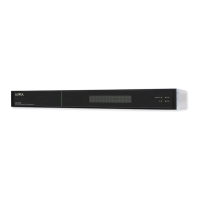
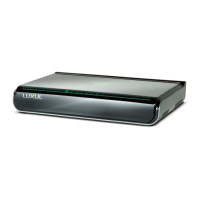
The front panel of the AGS-1024 switch features one Power LED as well as a
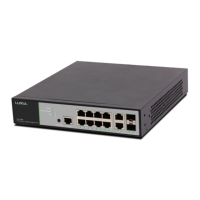
Link/Activity LED for each port. The back panel of the switch includes (24)
10/100/1000 Mbps RJ-45 ports, a power connector, and a switch to select blue
or green front-panel LEDs. Each Ethernet port has one LED to indicate Link/
Activity as well as connection speed.
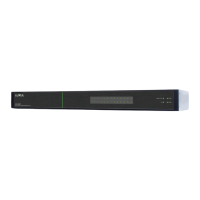
AGS-1024 Front Panel
Status Indicators
The following table describes the LED functionality for both front and
back indicators:
Front
Indicator
State Description
Power
On
The AGS-1024 is switched on.
Off
AGS-1024 is switched off or not connected to AC
power. Check power connections and power switch
at on the rear of the unit.
Link/Act
On Device connected to the port.
Flashing Port is receiving or transmitting data.
Off
No device connected to the port or the device is off.
Back
Indicator
State Description
Speed/
Link/Act
Green Gigabit device connected to the port.
Amber 10/100Mbps device connected to the port.
Flashing Port is receiving or transmitting data.
Off No device connected to the port or device is off.
SELECTING FRONT-PANEL LED COLOR
Use the switch on the rear panel of the AGS-1024 to select either blue or
green for the Power and System LEDs on the front panel to best match the
equipment in the rack where the Switch is sharing space.
AGS-1024 Selector Switch



 To Next Page