5
QUICK SETUP: SYSTEM
This chapter covers Configuration of functions found in the “System” section of the configuration interface, including
Information, IP, NTP, Time and Log.
System
By configuring the System Information settings including System Contact, System Name and System Location, you
can easily identify the Switch location and function. This is particularly helpful in installations with several switches in
multiple locations.
Information
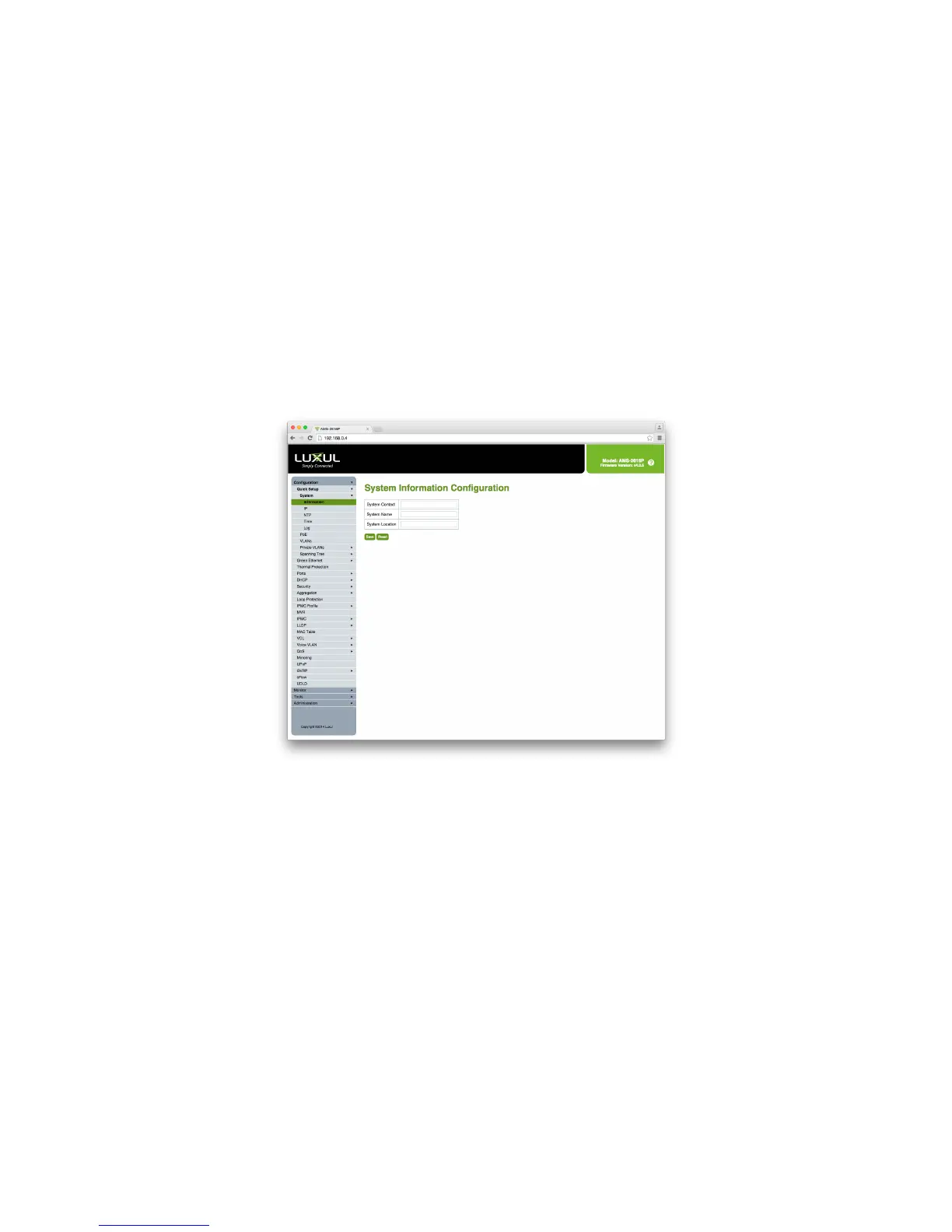
To access the System Information Configuration, click Configuration > Quick Setup > System > Information in the
navigation menu.
System Information Configuration
System Contact: The Name and Contact Information of the Switch Administrator. The allowed string length is 0 to 128
characters but does not allow spaces.
System name: The Name assigned to the Switch to enable easy identification of the Switch. This entry will also be used
as the switch’s hostname on the local Network. The allowed string length is 0 to 128 characters and follows standard
Hostname conventions. The permitted characters are numbers, uppercase letters, lowercase letters, and hyphens.
Spaces and special characters (i.e. !@#$) are not permitted. The first character of the hostname must be an alpha
character and last character may not be a hyphen.
System Location: The physical location of the switch (i.e. Telephone Closet, 3rd floor). The allowed string length is 0 to
128 characters and all characters are permitted including spaces.
X Save: Click to save any unsaved changes.
X Reset: Click to cancel any unsaved changes and revert to previously-saved values. Not available once changes are saved.


 To Next Page
 Loading...