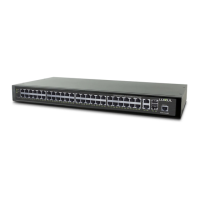
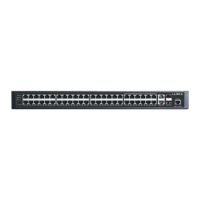
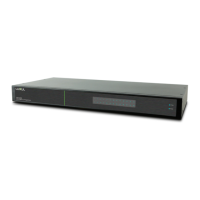
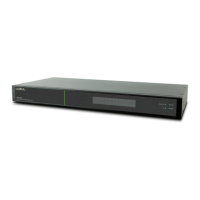
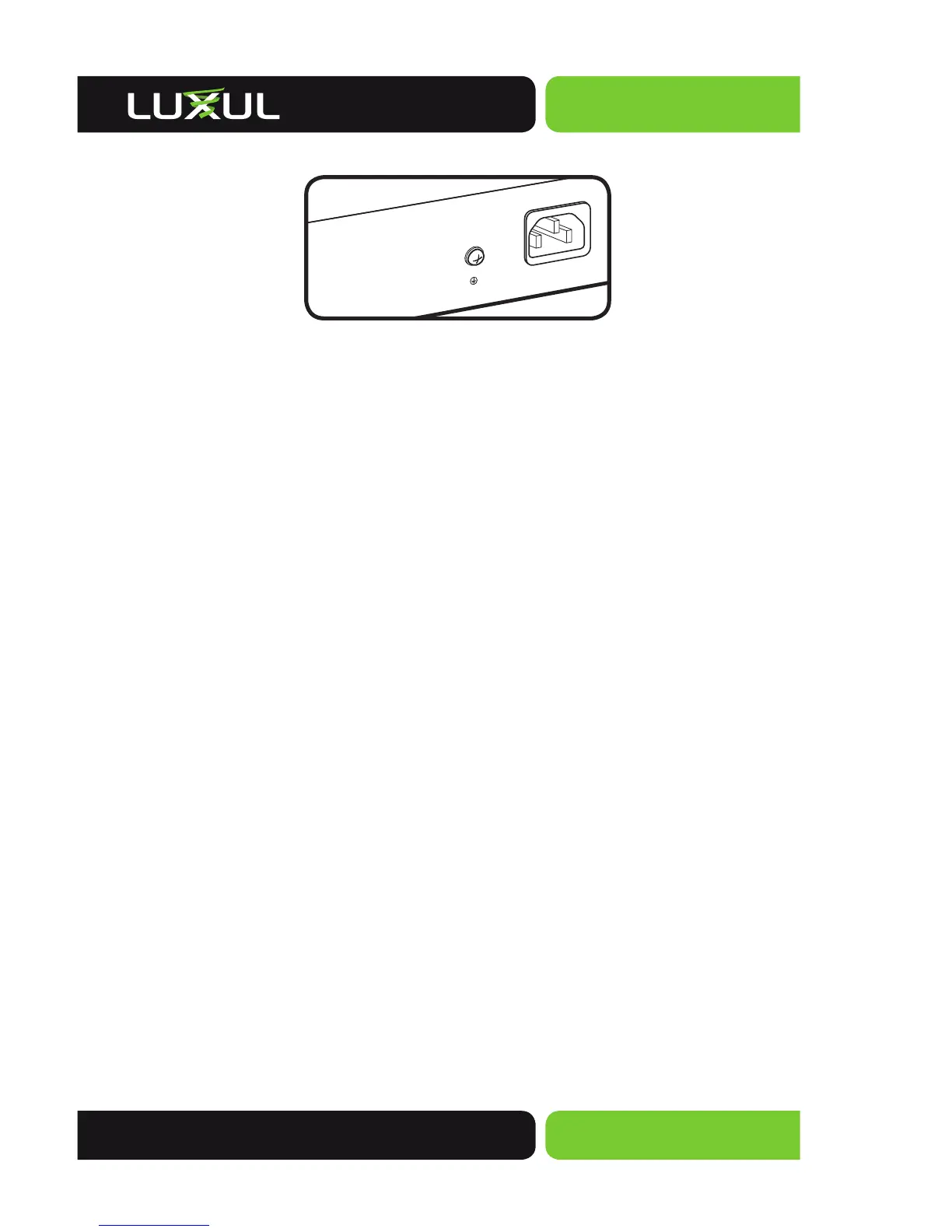
XMS-1024P Rear Panel View
Power Input: Please use the included power cable
PREPARING FOR INSTALLATION
System Requirements
Ethernet Cables to connect the XMS-1024P to Ethernet enabled devices
Computer equipped with a Web browser. Supported Web browser versions
include Microsoft I.E. 9.0, Firefox 3.6, Safari 5.0, Chrome 6.0, Opera 10.6 and up.
The Web browser is used to configure the XMS-1024P.
Power must be AC 100-240V~ 5.0A(Max) 50/60Hz.
Before Connecting to the Network
The XMS-1024P can be rack-mounted or used as a desktop switch. Before connect-
ing to the network, please be aware of the following requirements:
Install the XMS-1024P in a stable/safe place to avoid any possible damage
Make sure there is space around the XMS-1024P for adequate ventilation and proper
heat dissipation. It is recommended to have at least 4-6 inches around all sides.
Do not place heavy articles on the XMS-1024P.
Power outlets should be within 5 feet of the XMS-1024P.
Verify the ground connection of the outlet is functioning properly.
Check the power cord to confirm a secure connection.
Avoid placement in direct sunlight.
When installing the XMS-1024P on a flat surface, attach the rubber feet to the
bottom of the device to avoid scratching the surface.



 To Next Page
 Loading...