27
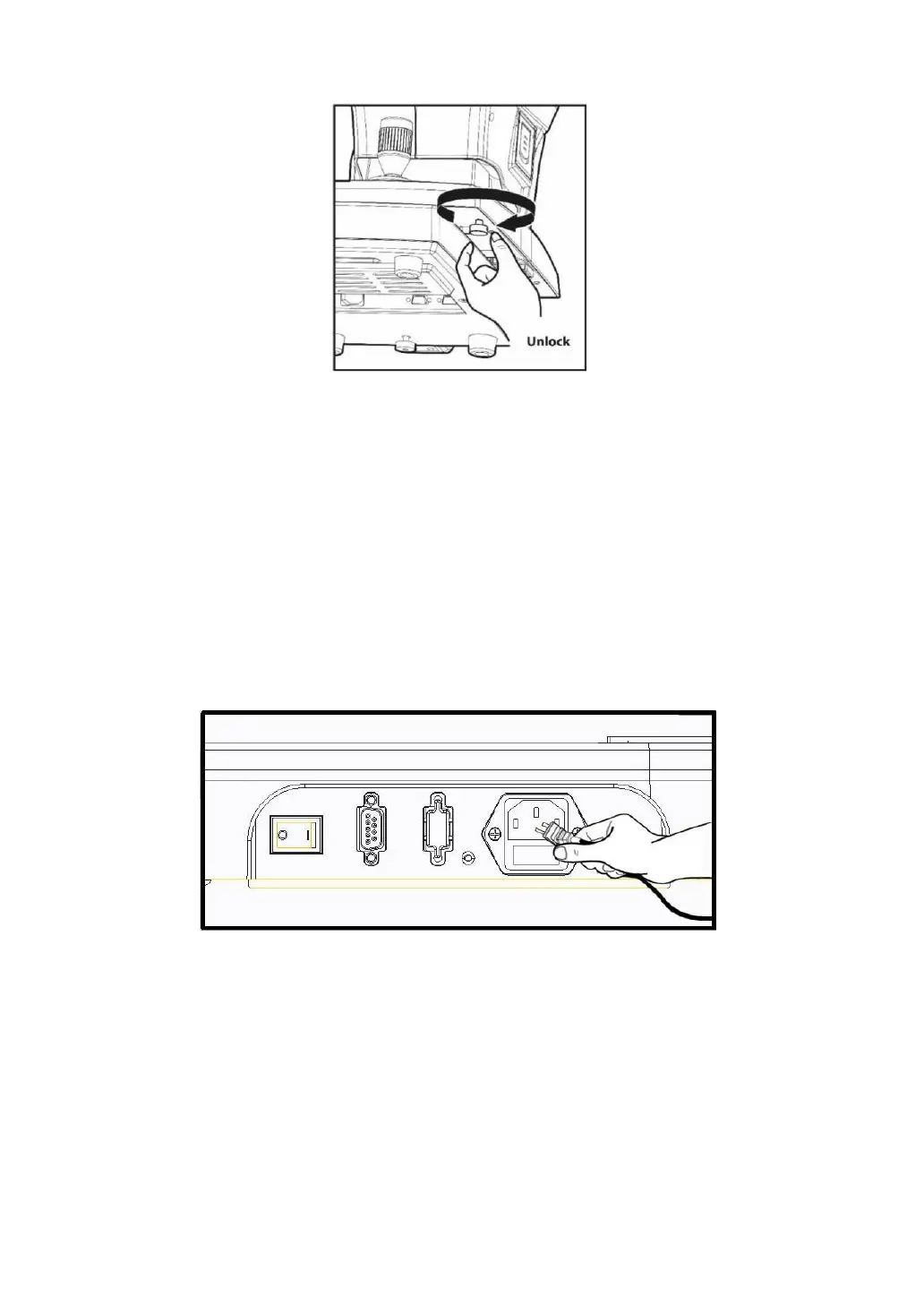
[Unlocking stage part’s lock2 (Body locks)]
3. Access to the power cable
- Place LRK-7000 on a table.
- Make sure the POWER switch of the instrument is OFF
- Put in the power cable into the power connector at the main body’s lower part.
- Put in the power plug into the AC socket.
[Access to the power cable]
4. Fitting in the chin rest paper


 To Next Page
 Loading...