4 L98005G3-EU-A
User Manual: PCD-51™ 731A
3. Setting up the System
Before using the PCD-51™ system for the first time, arrange the
treatment area so that the patient can reach the console at any time
during treatment.
When the system has been stored in extreme temperature
conditions of -20°C (-4°F) or 70°C (158°F) between uses, wait for
two (2) hours before using the system.
3.1. Setting up the Console
1. Place the console on a flat stable surface from where it will not slip
or fall. The front of the console must be at least six inches from the
edge of the surface.
2. Position the console so that the patient can easily reach the
controls during treatment.
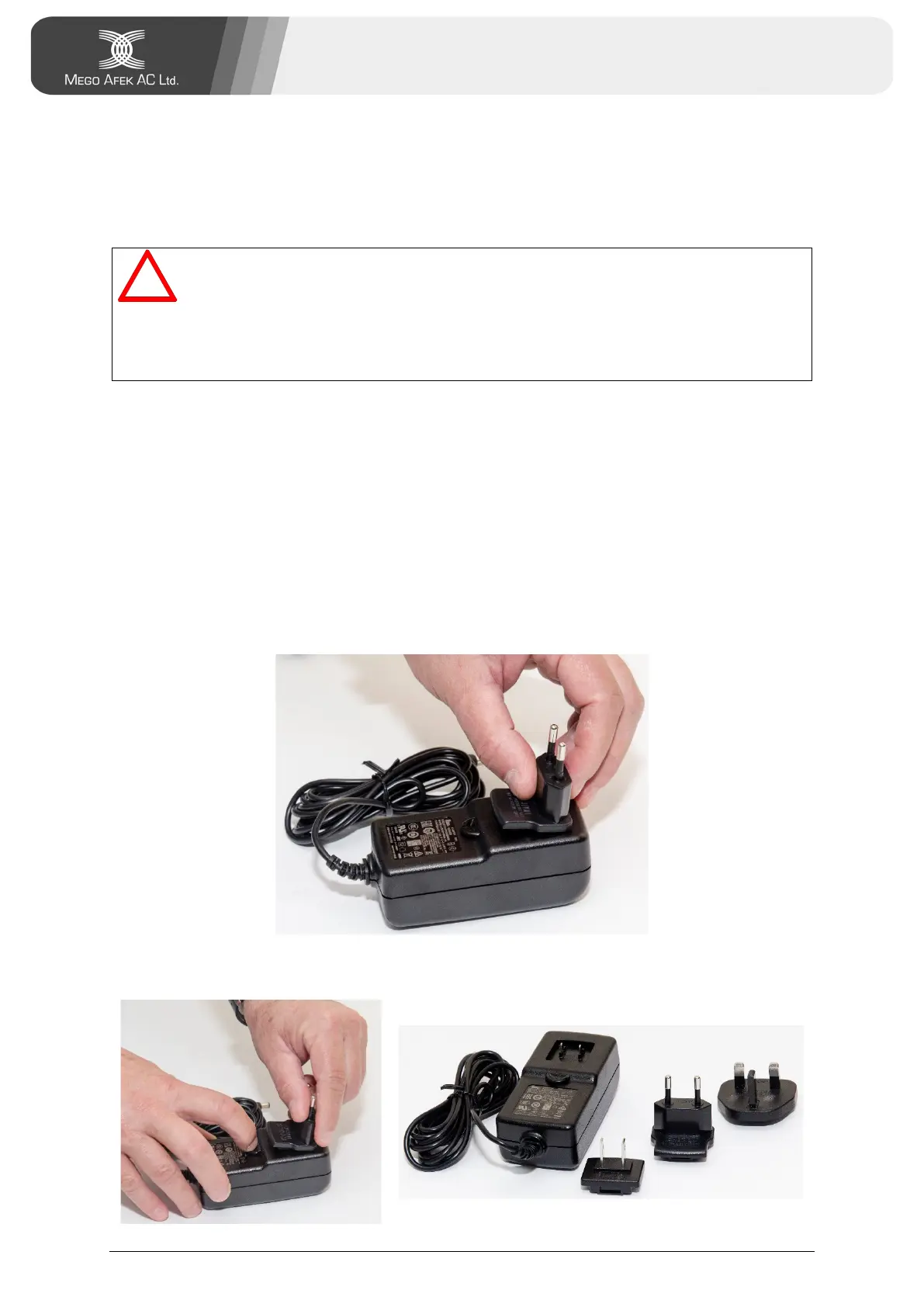
3. Select the plug suitable for your country and insert it onto the pins
on the DC adapter backside (see figure below).
To replace the plug, press and hold the Open button under the plug
while pulling out the plug (see figures below).


 To Next Page