EasyManua.ls Logo

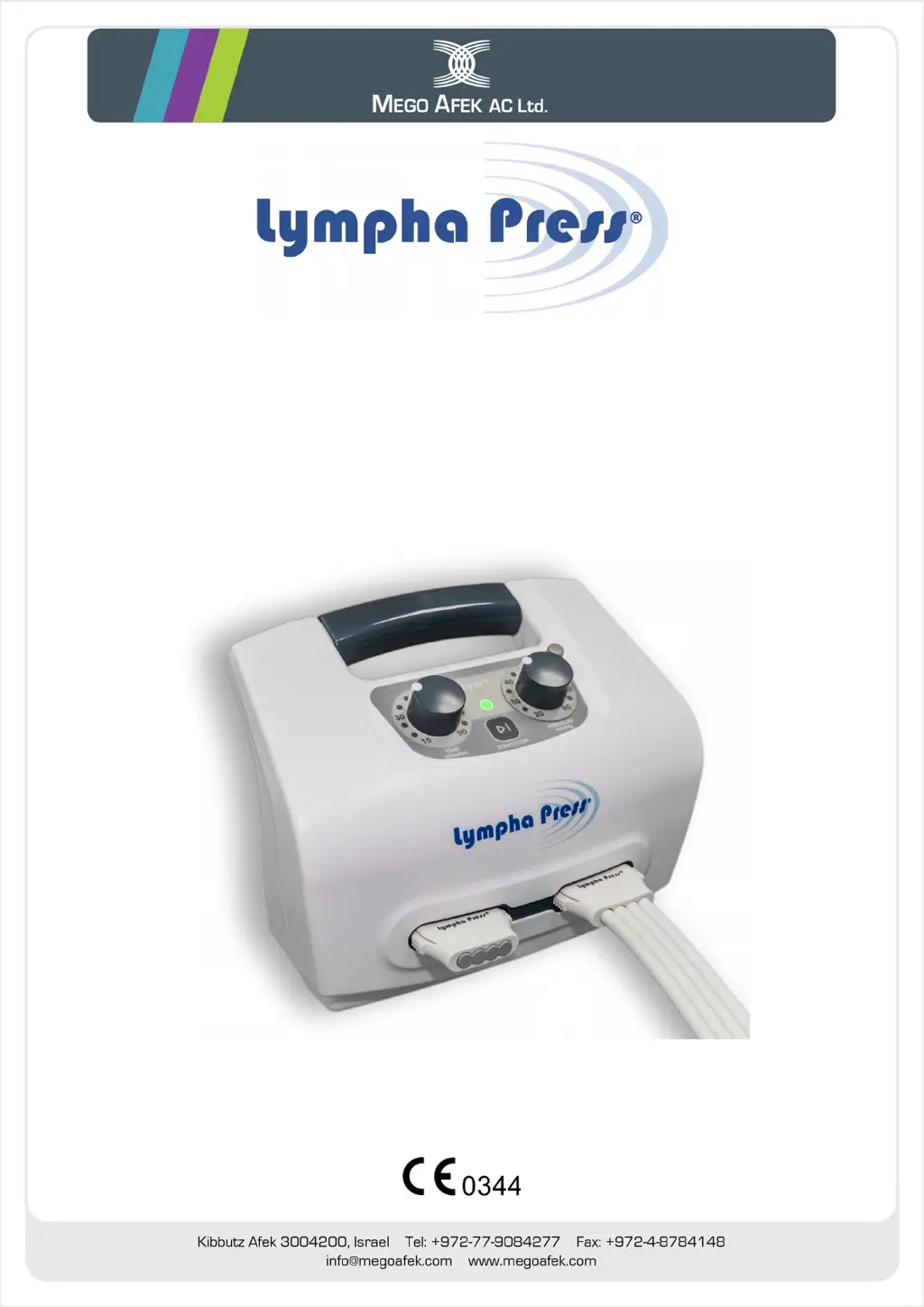
Lympha Press PCD-51 731A - User Manual

Lympha Press PCD-51 731A
28 pages
Print Icon
To Next Page IconTo Next Page
Loading...
PCD-51™
Model 731A
Sequential Compression Therapy System
User Manual
L98005G3-EU-A

Questions and Answers

  • A
    Amy HillAug 3, 2025
    What to do if Lympha Press PCD-51 731A console stops, indicator is orange, and it beeps?
    • W
      wallacecoreyAug 3, 2025
      If your Lympha Press Medical Equipment console stops working, the status indicator turns orange, and the buzzer beeps, check and secure all air connections. If you are only treating one limb, make sure to plug the unused air outlet with the prong plug provided with the console. If the issue continues after checking the connections, contact your distributor.
  • T
    tyler36Aug 8, 2025
    How to troubleshoot Lympha Press Medical Equipment console not working?
    • J
      Justin HolmesAug 8, 2025
      If your Lympha Press Medical Equipment console is not working, take the following steps: * Check the electrical wall outlet to ensure it is providing power. * Verify that the DC power adapter cable is correctly connected to both the console's DC adapter socket and the 100-240 Volt wall outlet. * Inspect the DC power adapter for any signs of damage.
  • D
    Danielle PattersonAug 11, 2025
    What to do if Lympha Press Medical Equipment starts and stops immediately?
    • G
      Glenda MarshallAug 12, 2025
      If your Lympha Press Medical Equipment console starts and then immediately stops, examine the hose bundles for any kinks, twists, or folds that might be blocking the airflow.
  • M
    melissa32Aug 16, 2025
    Why does only one Lympha Press PCD-51 731A Medical Equipment garment inflate?
    • A
      Angela CaseyAug 16, 2025
      If one garment inflates but the second one does not when using your Lympha Press Medical Equipment, check the hose bundle of the garment that isn't inflating for any kinks, twists, or folds that may be preventing air from flowing through it.
  • M
    Michelle DavisAug 20, 2025
    What does orange status indicator mean on Lympha Press Medical Equipment?
    • J
      Justin RyanAug 20, 2025
      If the Status Indicator on your Lympha Press Medical Equipment is orange, it indicates a malfunction. In this case, you should contact your distributor.
  • W
    Walter GambleAug 25, 2025
    What to do if Lympha Press PCD-51 731A has very low pressure?
    • G
      gsmallAug 26, 2025
      If your Lympha Press Medical Equipment console is working at a very low pressure, regardless of the pressure you set, replace the garment and check again. If the problem persists, contact your distributor.
  • J
    Jennifer RossAug 29, 2025
    How to fix irregular noise from Lympha Press Medical Equipment?
    • C
      Christy HernandezAug 29, 2025
      If your Lympha Press Medical Equipment is making an irregular noise, ensure the console is standing firmly on all four of its bumpers. If the issue continues, contact your distributor.

Summary

Important Pre-Use Information and Safety

User Manual Guidance

Advice on reading the manual and keeping packing materials for future reference and transport.

Indications for Use

Lists conditions the PCD-51™ system is intended for, and patient age/weight requirements.

Contraindications for Use

Lists conditions where use of the system is not recommended due to potential risks.

Medical Practitioner Use Advisory

Caution that the device is for sale and use by, or on the order of, a licensed medical practitioner.

Manual Symbols and General Safety

Symbols Used in the Manual

Explains symbols for notes, cautions, and warnings to ensure user understanding.

General Safety Warnings and Precautions

Critical warnings about electric shock, liquids, flammable materials, and preventing damage.

Device Operation and Environment Safety

Device Operation and Environment Warnings

Warnings regarding system modification, servicing, small parts, dust, temperature, humidity, and transit.

Operational and Environmental Cautions

Cautions on altitude, accessory use, console placement, and cleaning procedures.

Serious Incident Reporting Procedure

Any serious incident must be reported to the manufacturer and competent authority for safety.

Labels and Symbols on Device

Console, Garment, and Packaging Markings

Explains symbols for protection, instructions, insulation, magnetic fields, manufacturer, and disposal.

System Introduction and Components

Introduction to the PCD-51 System

Overview of the system's purpose, intended uses, and basic function for therapy.

Console and Accessories Overview

Details the main console unit, plug, and DC power adapter, including cautions for use.

Compression Garment Types

Describes the different types of compression garments and their specific applications.

System Setup Procedures

Console Placement and Power Adapter Setup

Step-by-step guide for initial system setup, including console placement and selecting the power plug.

Connecting Power and Preparing for Treatment

Instructions for connecting the DC power adapter and preparing the patient and environment for treatment.

Putting on the Compression Garment

Guidance on how the garment should fit and instructions for application.

Attaching the Hose Bundle to the Console

Step-by-step guide to connecting the hose bundle to the console outlets and ensuring a secure fit.

System Operation and Controls

Console Operating Panel and Controls

Explains the console panel layout, including Time Knob, Lock Knob, Pressure Knob, and Status Indicator.

Console Control Functions

Details the function of the Start/Stop Button, Power Switch, and DC Adapter Socket.

Setting Treatment Pressure and Time

Instructions for setting the treatment pressure and time using the console knobs.

Starting and Ending the Treatment Session

Procedures for starting, stopping, and ending treatment sessions, including powering down.

Maintenance, Support, and Troubleshooting

Cleaning and Maintenance Guidelines

Guidelines for cleaning the console and compression garments safely and effectively.

Storage, Travel, and Disposal Advice

Recommendations for storing, transporting, and disposing of the system components.

Troubleshooting Common Issues

A guide to diagnosing and resolving common problems encountered with the system.

Technical Support and Warranty Information

Information on obtaining technical support, warranty coverage, and the system's expected service life.

Technical Appendices

Device Specifications Overview

Lists device model, electrical ratings, protection types, operation mode, environmental conditions, dimensions, and weight.

EMC Manufacturer Declarations

Manufacturer's declarations concerning electromagnetic compatibility and interference guidelines.

RF Interference Separation Distances

Guidance on separation distances for RF communication equipment to prevent interference.

Lympha Press PCD-51 731A Specifications

General IconGeneral
BrandLympha Press
ModelPCD-51 731A
CategoryMedical Equipment
LanguageEnglish