8 L98005G3-EU-A
User Manual: PCD-51™ 731A
Control Function
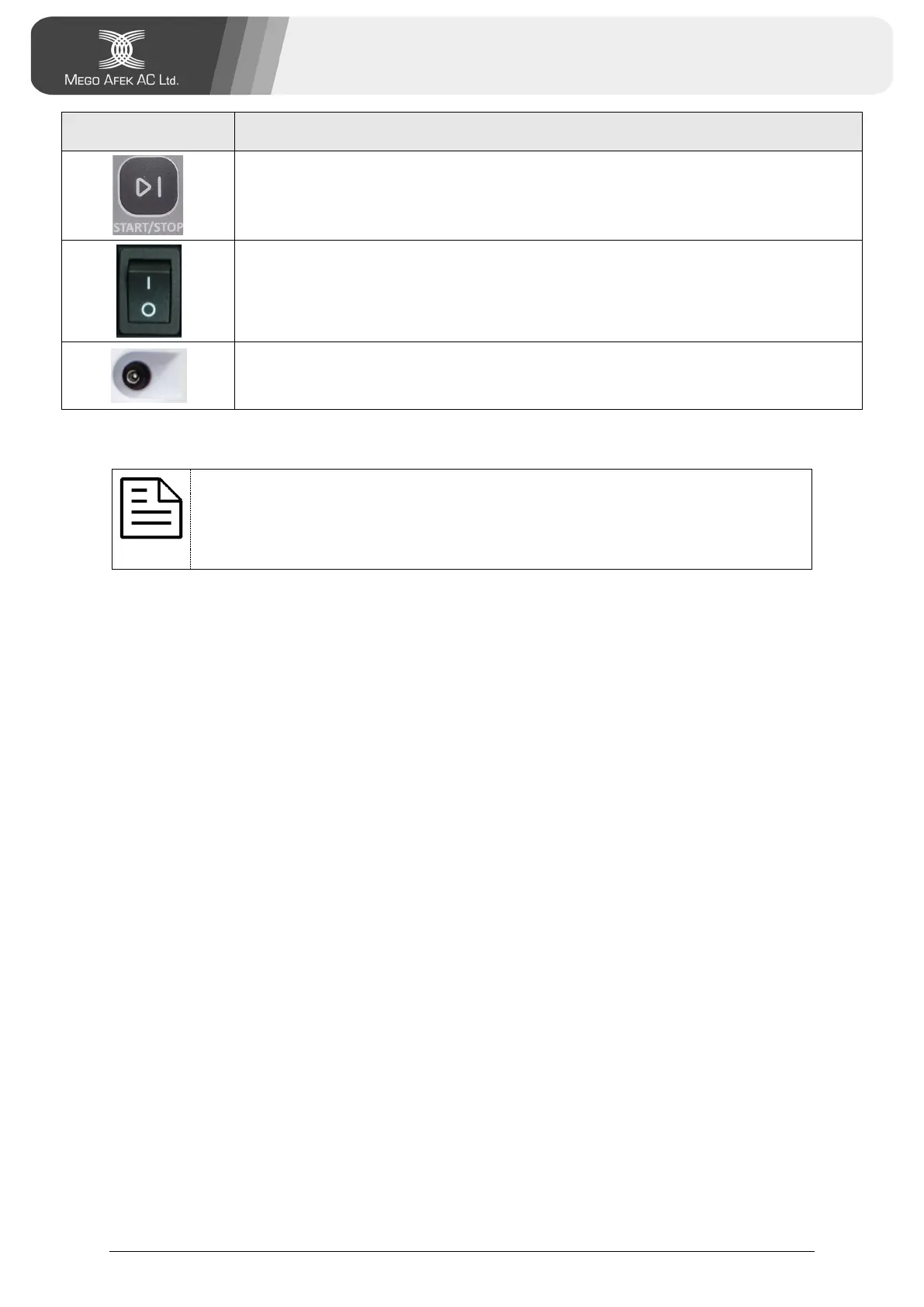
Start/Stop Button: Used to start or stop treatment.
Power Switch: Used to turn On the console (located at the
bottom-right backside of the console)
DC Adapter Socket: Used for connecting the DC power adapter
(located under the Power Switch)
5. Setting Treatment Pressure and Time
Note:
Select treatment pressure and time according to your licensed
medical practitioner's instructions.
1. Turn the Lock Knob counterclockwise to release the Pressure Knob.
2. Set the Pressure Knob to the required treatment pressure.
The minimum pressure setting is 20 mmHg.
The maximum pressure setting is 80 mmHg.
3. Turn the Lock Knob clockwise to lock the Pressure Knob.
4. Set the Time Knob to the required treatment time.
The minimum treatment time setting is 15 minutes.
The maximum treatment time setting is 90 minutes.


 To Next Page