4.3 CLOCK
NOT
The VU Meter bar graphic display is inactive during time
setting mode.
4.3.1 12/24 hour mode
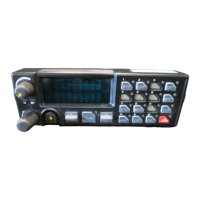
Below the clock display, there are two switches: SW1 and SW2.
1. Press SW1 for approximately 1 second. "12__" or "24__" will appear in
the display.
2. Press SW2 to toggle between two modes.
3. Press SW1 for approximately 1 second to select required mode.
4.3.2 Setting the Time
Having selected the hour mode, the time will display (no flashing colon) with
hours intensified.
Press SW2 to advance the hours. Holding SW2 down will automatically
advance the clock in increments of about three counts per second. Note the
dot in the upper left indicates PM.
1. Press SW1 for approximately 1 second when the correct hour is
displayed. The time will display with minutes intensified.
2. Press SW2 to advance the minutes.
3. Press SW1 for approximately 1 second when the correct minutes are
displayed.
4.3.3 Light Intensity
SW2 controls the VU Meter/Clock display intensity. There are four settings
available. Press SW2 to toggle through the intensities. When the correct
level is reached, and the reference clock advances to the next minute, press
SW1 for approximately 1 second.
11



 To Next Page