2.2 OPTIONS
The standard Desktop Station can be configured in several different ways
including Remote/Intercom controls, and/or VU (Volume Unit) Meter/Clock
display.
2.2.1 Remote/Intercom Option
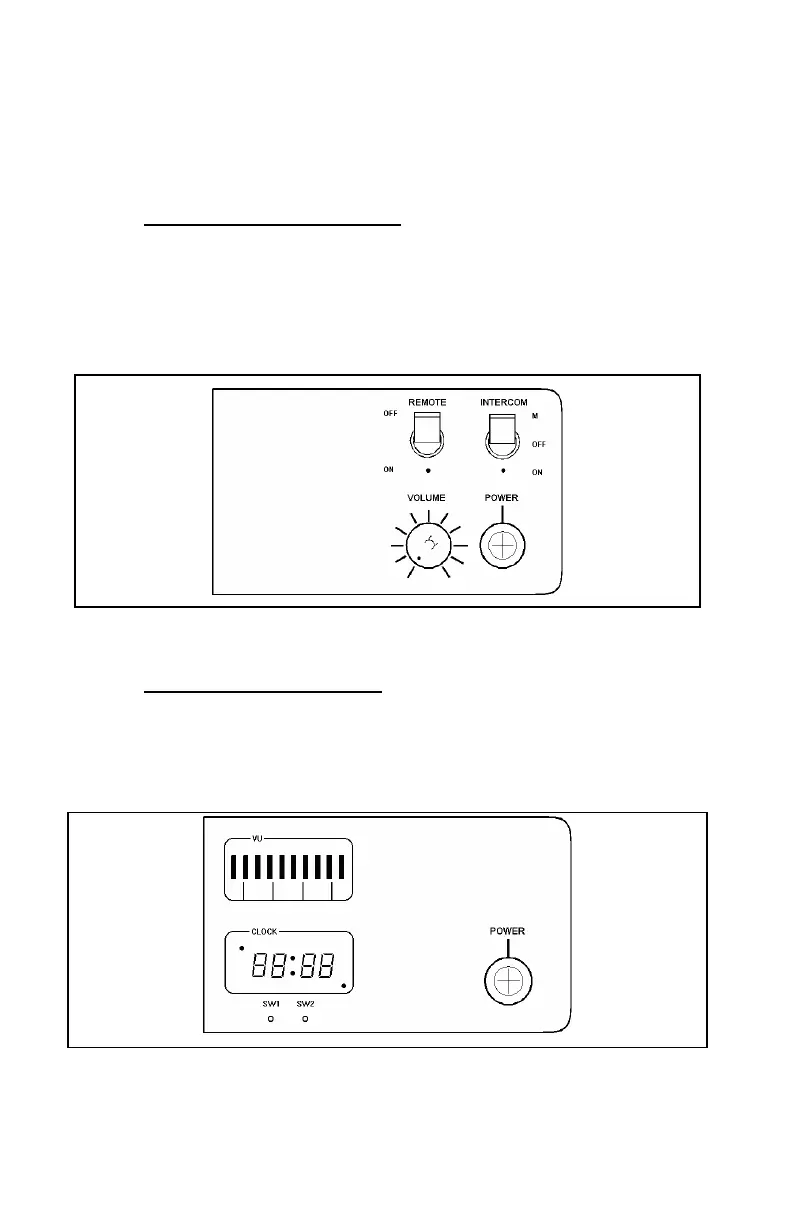
Desktop Stations equipped with the Remote/Intercom option (see Figure 2-3)
permits the use of Remote Controllers. Local and Remote Station control is
provided for station functions such as Transmit, Receive and Intercom Audio,
PTT (Press-To-Talk) Control, and Channel Guard Monitor.
Figure 2-3: Remote/Intercom Option Control Panel
2.2.2 VU Meter/Clock Option
The VU Meter/Clock option provides transmit and receive audio level
display, together with a twelve/twenty-four hour digital clock display (see
Figure 2-4).
Figure 2-4: VU/Clock Option Control Panel
6



 To Next Page