4 STATION OPERATION
4.1 BASIC STATION
Turn on the main ON/OFF power switch located on the rear of the Station
housing. The front panel LED illuminates, indicating that the power supply to
the cooling fan is on. Fan operation is temperature controlled.
4.2 REMOTE/INTERCOM
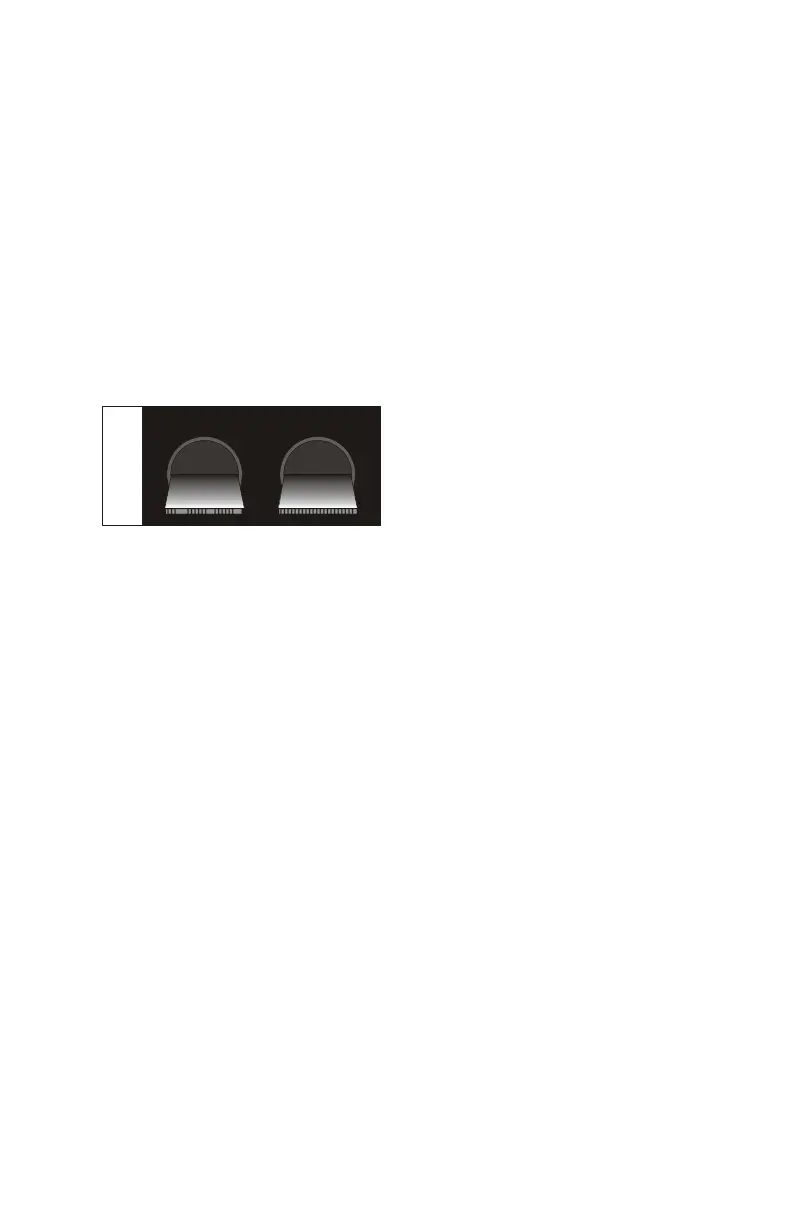
These switches control the audio paths between remote and local
microphones, the radio, and remote and local speakers. There are four
possible switch configurations.
REMOTE INTERCOM
OFF
ON
M
OFF
ON
1
With this switch configuration,
intercom communication is possible
etween the Desktop Station and the
Remote Controller. The Remote
Controller can also key the radio
transmitter and hear the receiver's
audio output.
When the Desktop Mic is keyed, there is no connection to the radio
transmitter. If the radio receiver is squelched, the Remote hears the audio as
an intercom conversation. Should the radio receiver be unsquelched, receiver
audio is heard on both the Desktop speaker and the Remote speaker, with
priority over the intercom message from the Desktop Mic to the Remote
speaker.
The audio from the Remote Mic is heard on the Desktop speaker. The
Remote’s Intercom switch must be OFF to key the Station's radio transmitter.
The audio from the unsquelched radio receiver is heard on both the Station
speaker and the Remote speaker.
Intercom messages from the Remote are muted when radio messages are
being received or when the Desktop Station operator is using the Desktop
Mic.
9



 To Next Page