FEATURE ENCRYPTION DISPLAY
Feature Encryption Display is available through the menu function and, if
programmed, appears in the menu as "FEATURES." This data indicates
current features programmed into the radio as well as information required to
add features to the radio. This feature applies to 512K RAM radios only.
Once the feature has been accessed, all normal menu functions work. The user
can scroll up or down through all of the entries.
Feature Encryption Display provides the ability to view, in the order
displayed, the following:
• Serial number ROM data - serial number of the ROM
• Feature encryption data stream - used to enable features
• Number Fields - defines limits
• Features enabled - displays bit fields of enabled features
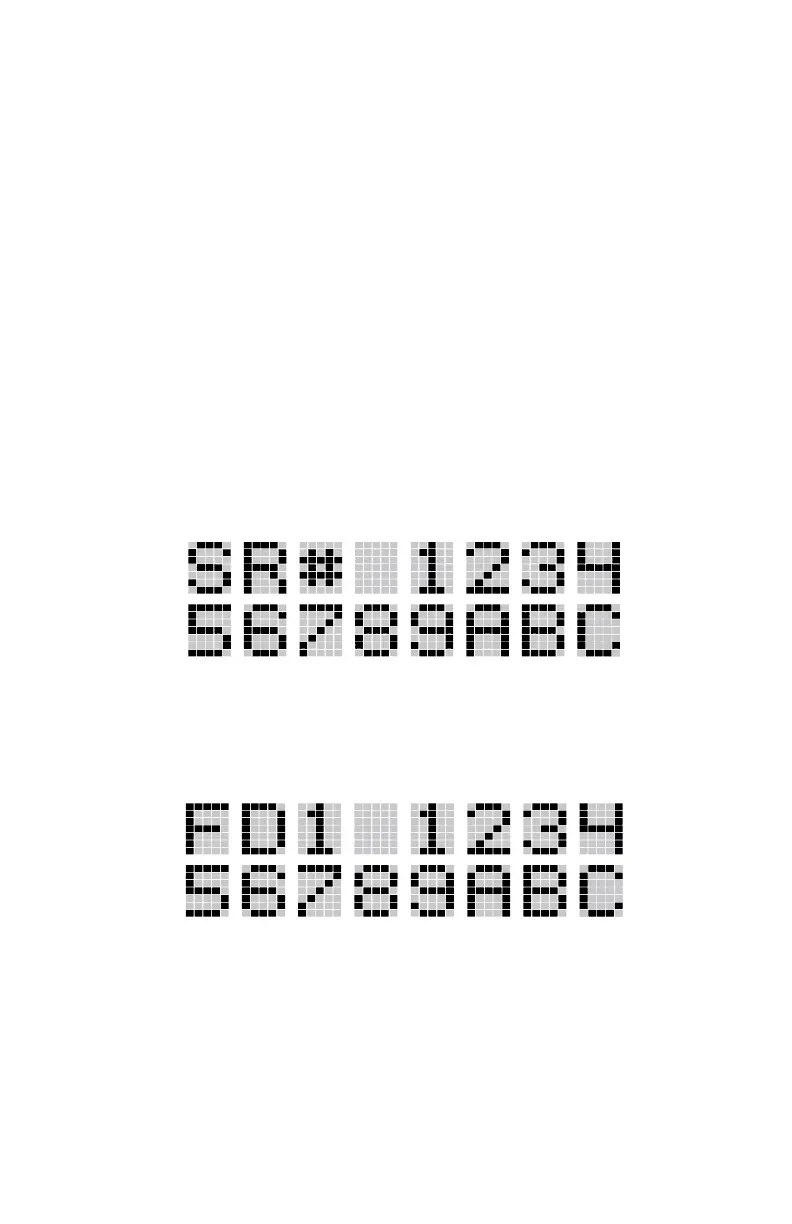
Serial Number ROM (12 Hex Digits)
Example:
To enable a feature in the radio, contact M/A-COM and provide the ROM
serial number. The serial number shown here is for example only.
Feature Encryption Data Stream
Example:
These data streams define the features the user has enabled in his radio and are
required by M/A-COM to enable other features. The data streams shown here
are for example only. Note: There are three displays: FD1, FD2, FD3. All
three are required.
29



 To Next Page