31
VOLUME: choose the output volume of the
metronome. Change the value with Alpha
Dial.
SOUND: choose the sound to be used for
the metronome. Turn Alpha Dial to select.
OUTPUT: choose the output. Change the
value with Alpha Dial.
LIGHT: allows the CLICK sound to be asso-
ciated with a timed light, in the METRO-
NOME key.
Once the settings are made, the metro-
nome is ready to go: press F3 [START]
or Play to begin. THE metronome can be
programmed within a SHOW as a Slot. We
can program it if we need to send the Met-
ronome to the musicians on stage during
a performance, even without a musical
base playing. From the Main screen we
can change the BPM by pressing the two
arrows Up and Down.
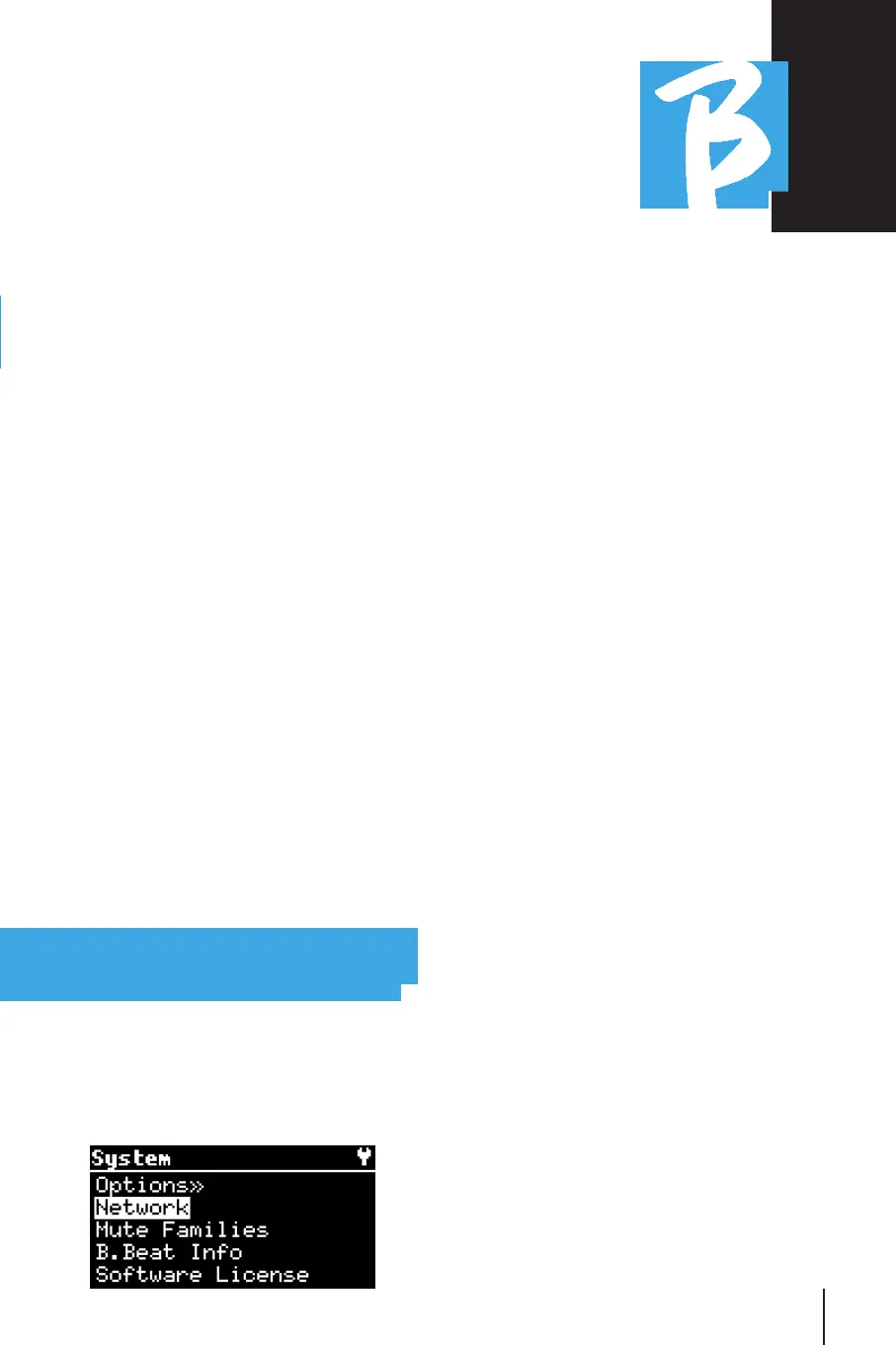
SYSTEMSYSTEM
The System key gives access to a number
of B.Beat settings, as well as managing
the Wi Fi connection and System informa-
tion.
OPTION>>OPTION>>
The option menu contains the following
submenus, which can be accessed by
pressing ENTER:
AutoPlay: AutoPlay: enables or disables the Auto
Play function. Press Enter on Autoplay
and then select Off or On. Auto Play ON
enables automatic play while running the
Playlist. When Autoplay is OFF at the end
of each song in a playlist B.Beat stops un-
til the Play button is pressed to contin-
ue the playlist. The function of Autoplay,
Stop is specifically defined for Shows and
scenes.
AutoHotSpot:AutoHotSpot: if in the ON position, the Hot
Spot function for connecting with Device
or Mobile is always active when B.Beat
is turned on, as long as you do not want
to activate a Wi Fi connection to a public
network. The Hot Spot allows Smart De-
vices to connect to B.Beat and use the
Prompter App to display lyrics and Sheet
Music.
Display Brightness: Display Brightness: adjusts the bright-
ness level of the Display. Press Enter and
change the level via Alpha Dial.
Key Brightness: Key Brightness: adjusts the brightness
level of the keyboard. Press Enter and
change the level via Alpha Dial.
Time Format:Time Format: to define whether the exe-
cution timeline should show a countdown
or the actual duration of the song. Se-



 To Next Page