11
SECTION 3 - LOADING FILAMENT
The Micro can be loaded with filament using either the external feed port at the top of the extruder
or the internal feed port underneath the print bed. Do not load both ports at the same time during
operation.
3.1 Loading Filament (External)
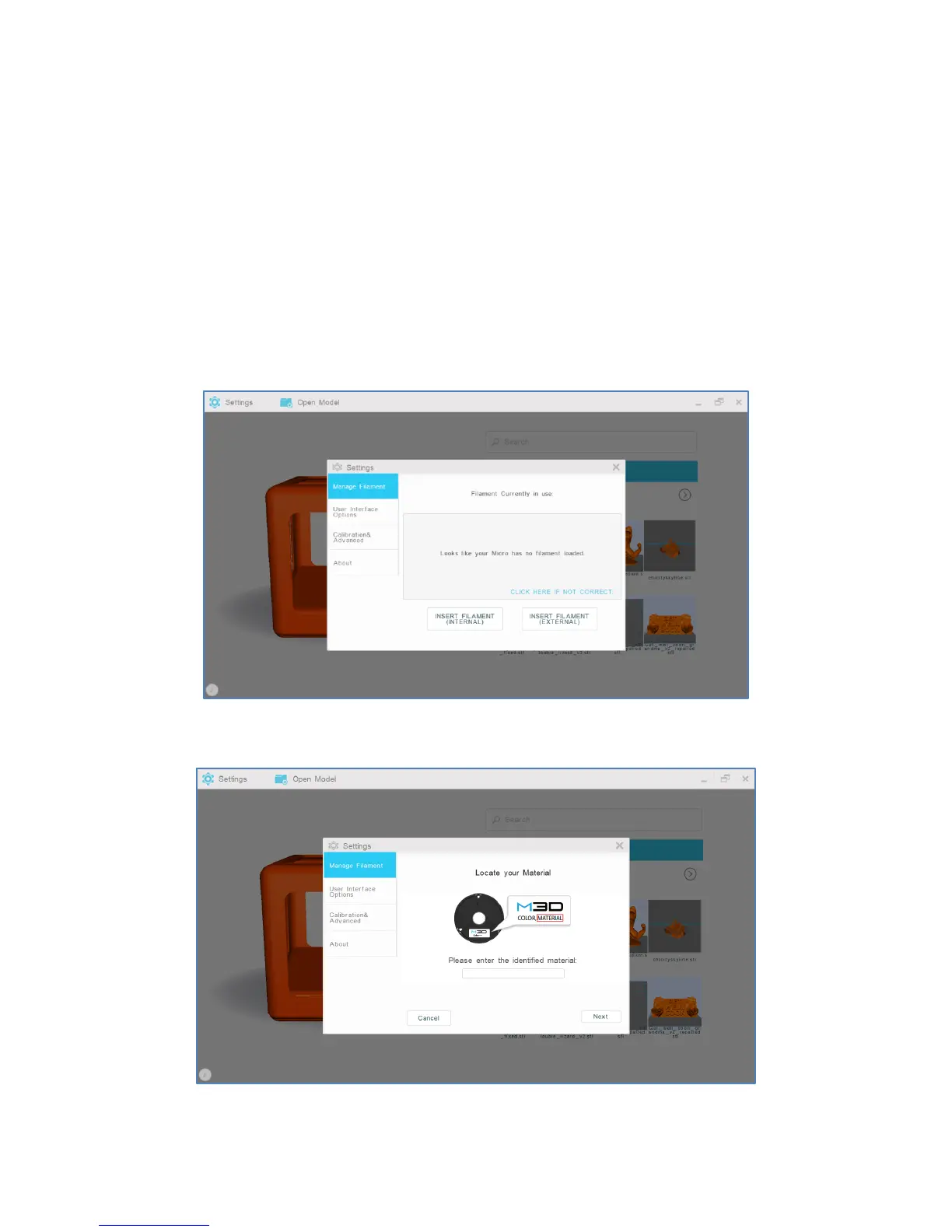
1. To load filament into the external feed port, select “Settings” from the M3D software’s main interface.
Then, select “Manage Filament.”
2. Select “Insert Filament (External).”
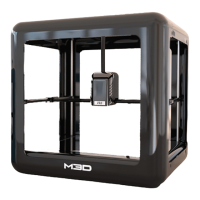
3. Confirm and enter your filament type. Select “Next.”


 To Next Page