9
2.2 Attaching Power Supply
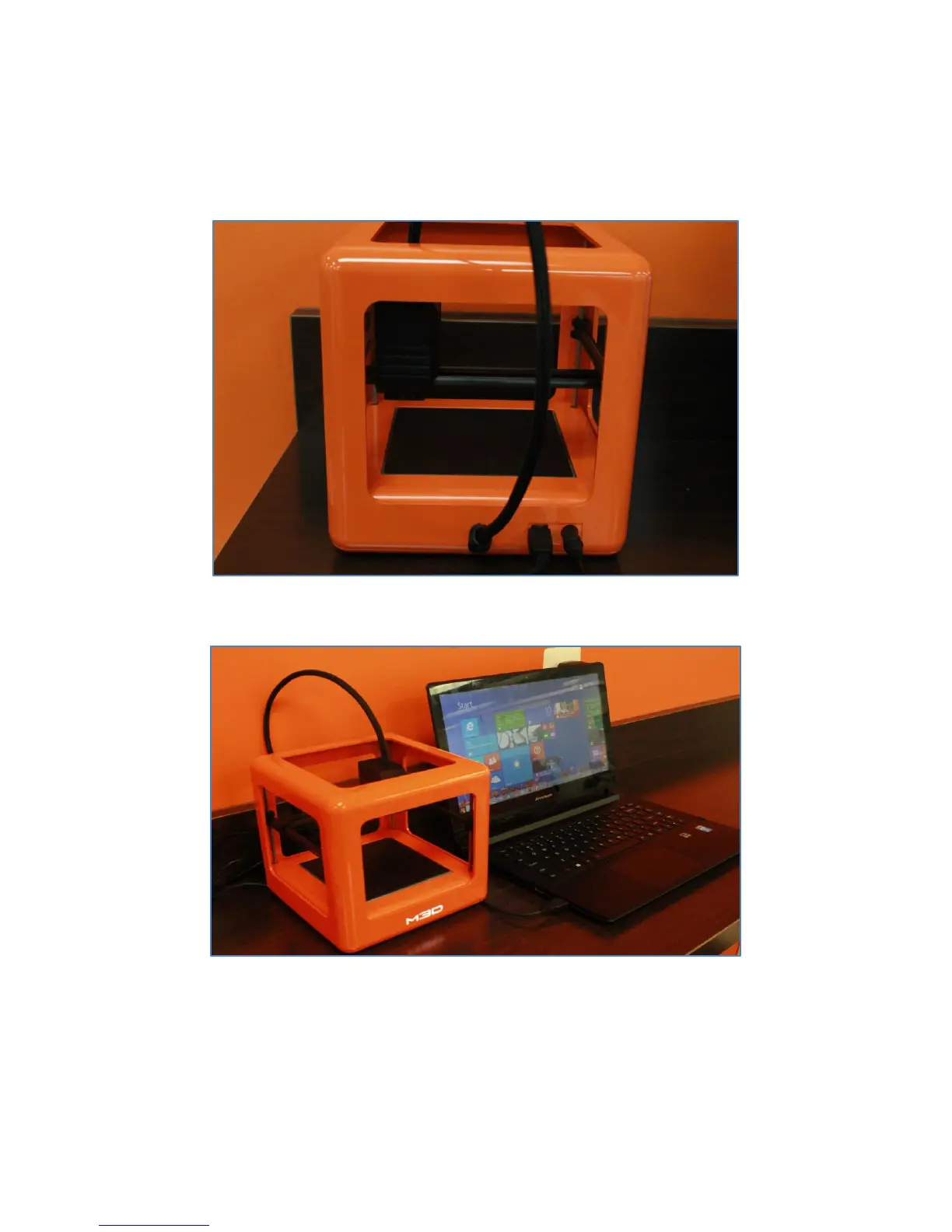
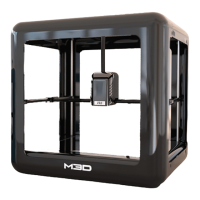
1. To power on The Micro, insert a genuine M3D power supply (provided) into the back of the printer, in
the round hole next to the USB port.
2. Plug the country-specific external power supply into a wall socket, and The M3D power indicator LED
will light up.
2.3 Detaching Power Supply
1. To power off The Micro, disconnect the USB first. Then, wait for at least 10 seconds (or calibration may
fail) before detaching the power supply from the back of the printer and wall socket.


 To Next Page