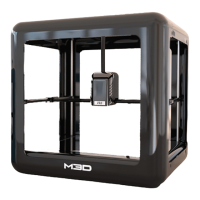
21
SECTION 6 – APPENDIX
6.1 Removing Filament (External)
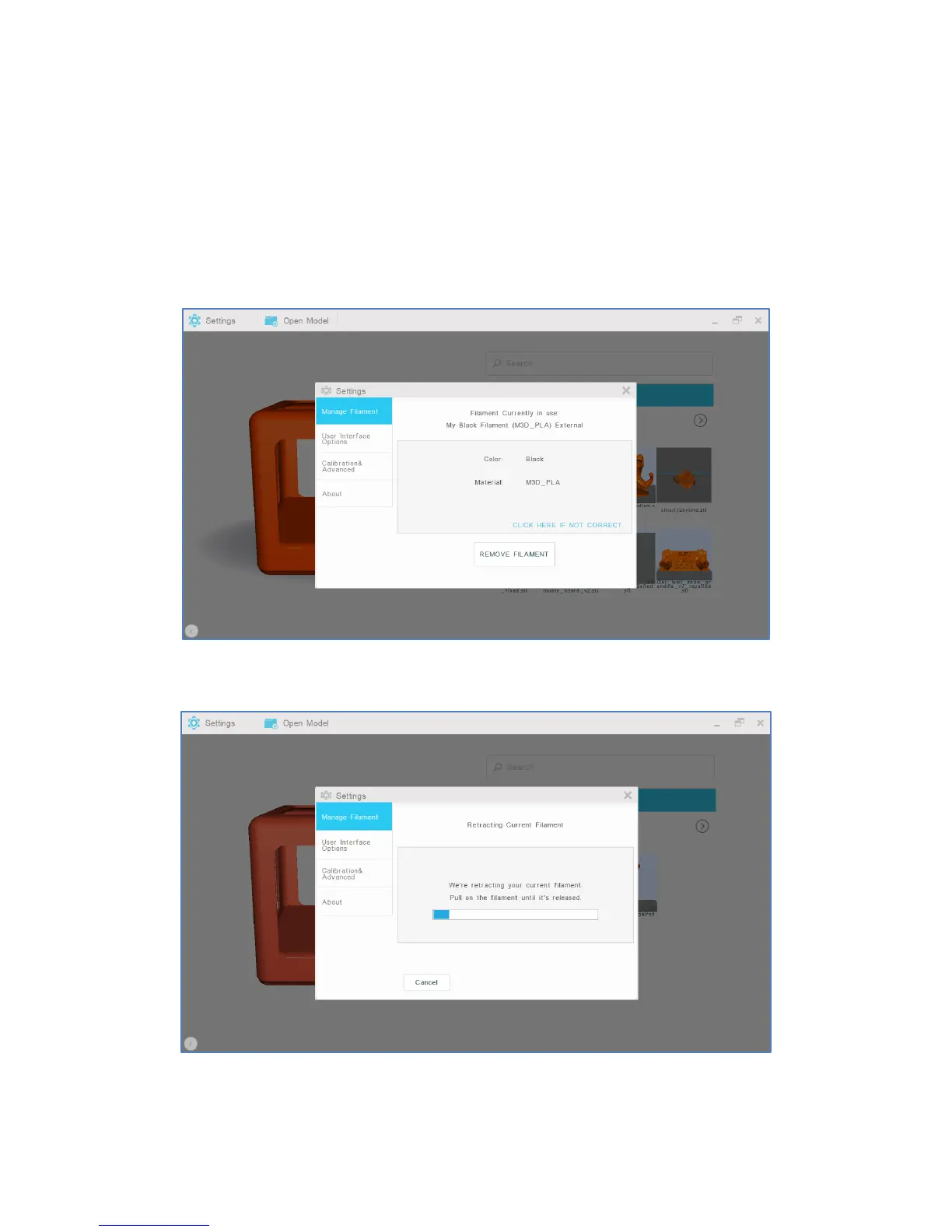
1. To remove filament from the external feed port, select “Settings” from the M3D software’s main
interface. Then, select “Manage Filament.”
2. Select “Remove Filament.”
3. When prompted, firmly pull on the filament until it is released.


 To Next Page