13
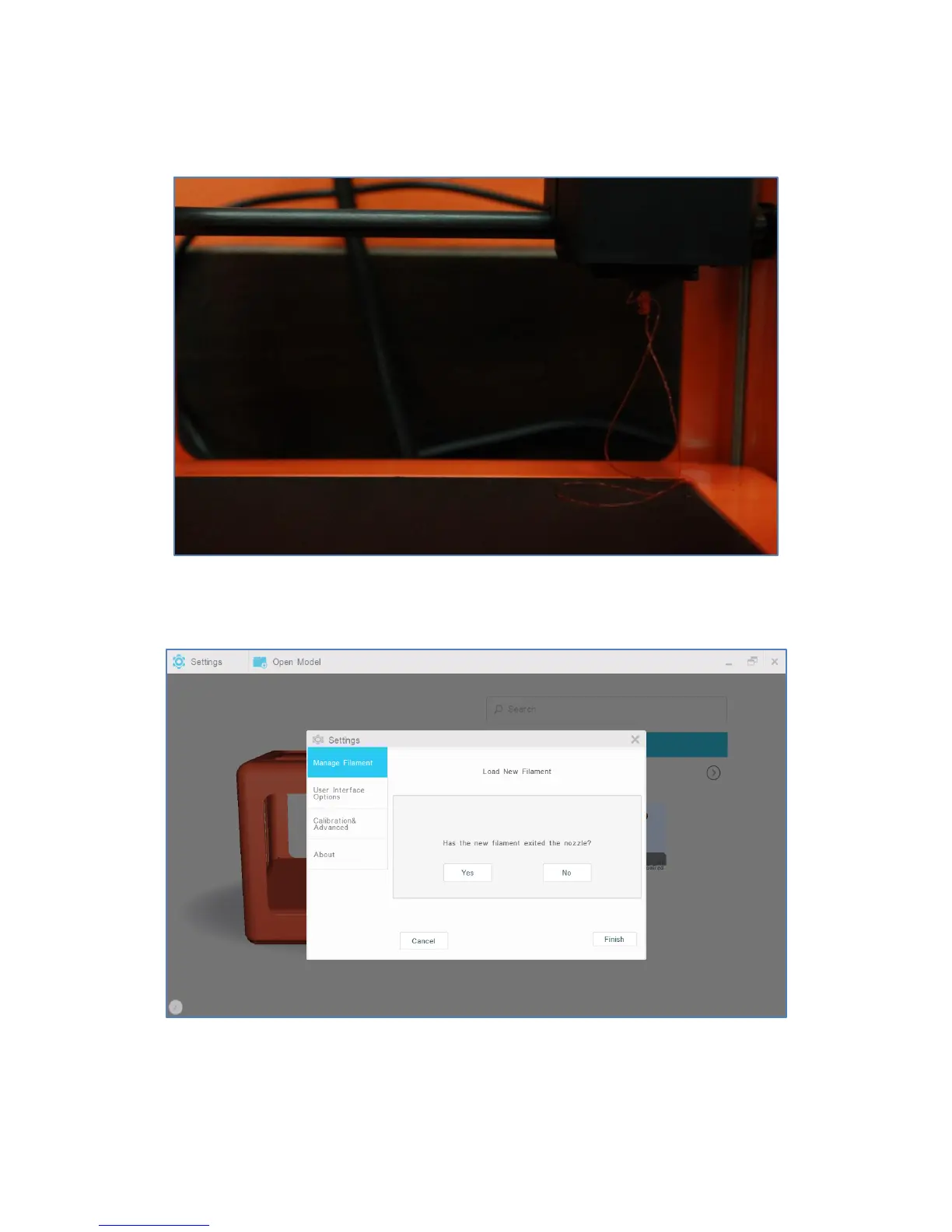
6. If loaded correctly, filament will begin to exit the nozzle. Please make sure to clean the nozzle and print
bed before starting to print models.
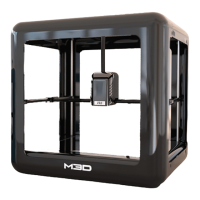
7. If filament has not exited the nozzle, select “No” and retry filament loading steps again; it may take
several attempts. Otherwise, select “Yes” to finish loading filament (external).


 To Next Page