User guide HC - Copyright © 2008 MAC3. All right reserved.
Disegno 6328
13
Via Baldanzese, 149 50041 Calenzano FI
Tel. 055 8877672 – Fax 8877068
www.mac3.it - e-mail: mac3@mac3.it
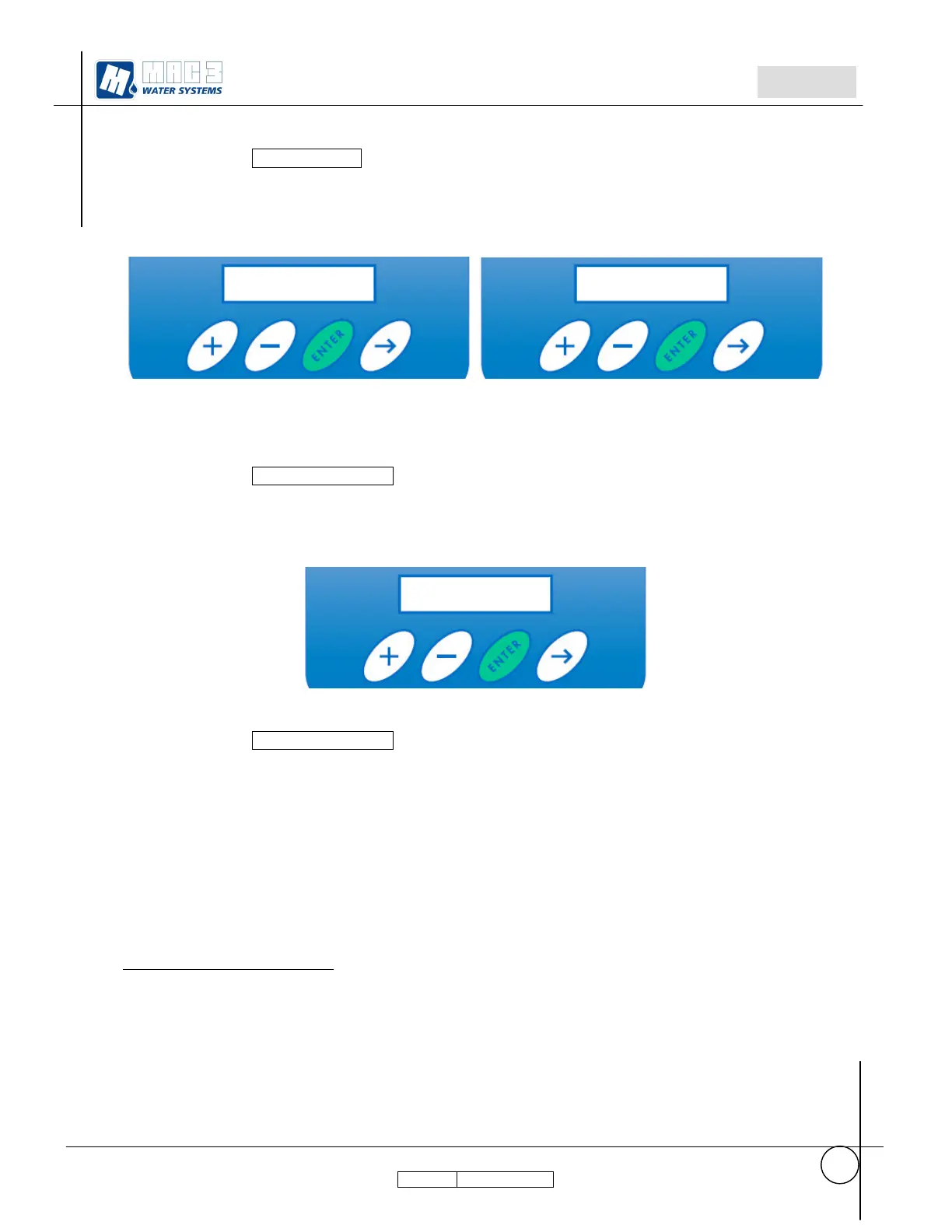
Displayed Garden Mode
7
d. Press + or – to set the value:
ON active Garden Mode
OFF de active Garden Mode
Garden Mode ON
Displayed Sector1 pressure
h. Press + or – to change the value (from 1.00 to 7.50)
i. insert the value for irrigation sectors at the first pressure set point.
j. Press ENTER, and keep pressed till it will be displayed “Done.…………”.
Displayed Sector2 pressure
d. Press + or – to change the value (from 1.00 to 7.50)
e. insert the value for irrigation sectors at the first pressure set point.
f. Press ENTER, and keep pressed till it will be displayed “Done.…………”.
7
Garden mode is available only if there is the device MULTIPRESS4.
Garden Mode
Sector1 Pressure
Garden Mode



 To Next Page