6
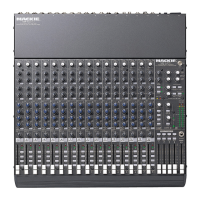
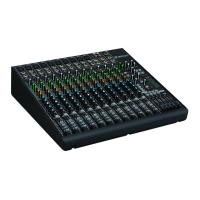
ONYX 1620
ONYX 1620
Hookup Diagrams
Stereo Power
Amplifier
Out
(play)
In
(record)
Stereo Compressor
Mono Compressor
Multi Effect
Processor
Mono Power
Amplifier
Stage Monitor
Left PA Speaker
Right PA Speaker
Stereo EQ
Mono EQ
Headphones
Keyboard or other
line level input
Stereo Guitar Effects
Drum
Machine
Bass Guitar Electric Guitar
Electric Guitar
Vocal Mics
Digital Multitrack Recorder
Laptop Computer
7
8
6
16
15
14
13
12
11
8
8
7
6
7
5
6
5
3
4
2
1
5
4
4
3
2
3
1
2
1
1
2
L
R
L
R
3
4
L
R
L
R
L
R
CHANNEL INSERTS
AUX RETURNS
ALT 3/4
OUT
PHONES
OUT
INPUTS
L
MONO
R
R
R
R
L
MONO
L
MONO
L
MONO
AUX
SEND
L
9
1
2
3
4
10
CHANNEL
R
L
R
IN-TAPE-OUT
MAIN
OUT
CNTRL ROOM
OUTPUTS
MAIN
OUT
RECORDING OUT
9-16
RECORDING OUT
1-8
L
R
Out
In
Out
In
Out
In
FIREWIRE
(OPTION)
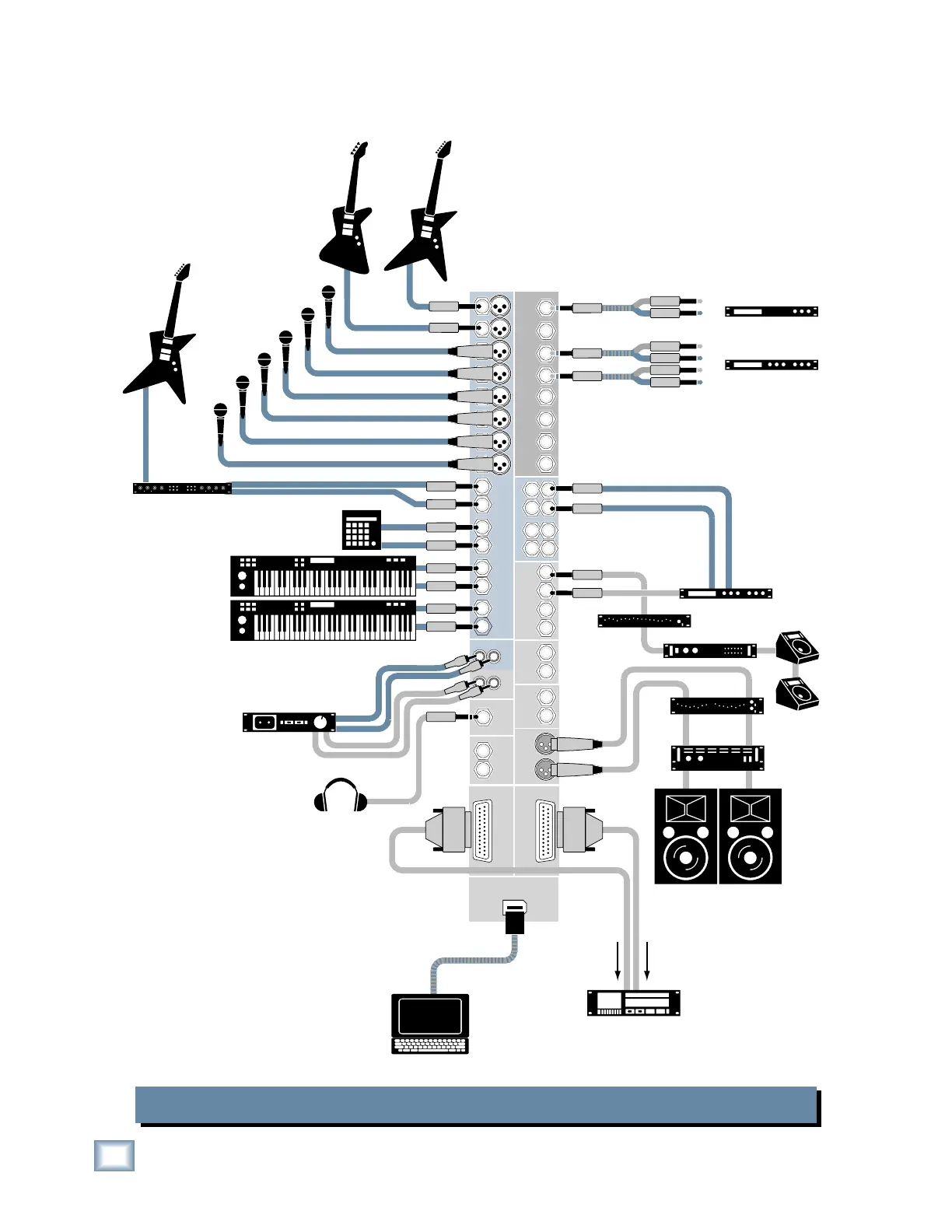
Onyx 1620 Live Mix and Multitrack Recording
This hookup diagram demonstrates how
you can do a live multitrack recording
using the RECORDING OUTs or the op-
tional FireWire card.
The RECORDING OUTs provide an
analog balanced direct output for each
channel, and the FireWire card provides
a digital direct output for each channel.



 To Next Page