Owner’s Manual
7
Owner’s Manual
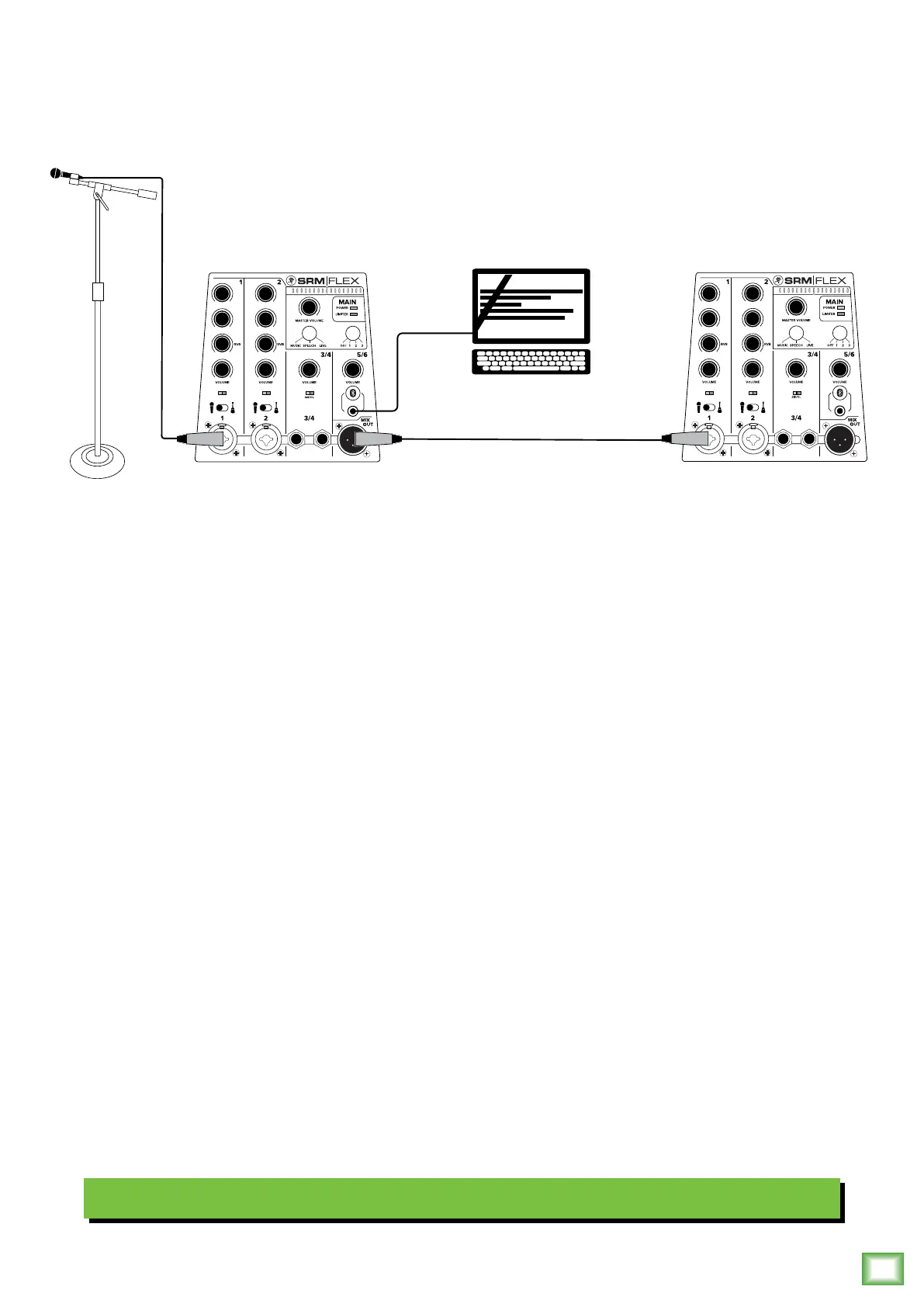
Wedding System
Hookup Diagrams continued...
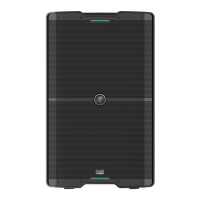
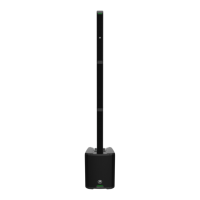
Perhaps you’re a DJ that’s been hired to work a wedding. Well, the SRM-Flex works great for playing bumpin’ tunes all night
to the happy newlyweds and raucous crowd that’s groovin’ and dancin’ to your fine selection.
In this example, a mic is connected to channel of SRM-Flex and the mic-line / Hi-Z switch is set to “mic” (switch lef).
This mic may be used for best man / maid of honor toasts, for the DJ to announce the couple’s first dance and any
“...someone with a blue truck, license plate XYZ23 lef their lights on...” announcements.
All the music is on a playlist on the DJ’s laptop. It’s connected directly to the /8" stereo channel 5/6 input.
The last connection is an XLR cable from the mix out jack of the first SRM-Flex to the channel input of an additional
SRM-Flex.
The speaker mode on both may be set to speech when toasts are happening and switched back to music when the dancing
begins!
Pro Tip: wrap each SRM-Flex with wedding garland so they blend in with the theme!
EQ RVB
LOW
HI
LOW
HI
SIG/OL SIG/OL
EQ RVB
LOW
HI
LOW
HI
SIG/OL SIG/OL






 To Next Page