Owner’s Manual
7
Owner’s Manual
DJ System
SIG/OL
FRONT LED PHASE
FR OUTPUT
U
+6dB-6dB
160Hz80Hz
120Hz
INPUT HIGH PASS
OUT
FULL RANGE
OUT
NORMAL
INVERT
FLAT
DEEP
PUNCH
VARIABLE
ON
OFF
STEREO
MONO
A
HIGH PASS MODE
A
B B
SIG/OL
FRONT LED PHASE
FR OUTPUT
U
+6dB-6dB
160Hz80Hz
120Hz
INPUT HIGH PASS
OUT
FULL RANGE
OUT
NORMAL
INVERT
FLAT
DEEP
PUNCH
VARIABLE
ON
OFF
STEREO
MONO
A
HIGH PASS MODE
A
B B
LINE
MIC
LINE
U U
MAX
LINE MIC
U
MAX
CH1
CH2 MAIN
THRU
OVERLOADPAIR LINK
MUSIC
DUCKING
FEEDBACK
ELIMINATOR
OUTDOOR
MODE
VOICING MODES
FRONT
LED
MUSIC
MON
LIVE
CLUB
-
∞
MAXMIN MIN
CLUB
LIVE
VOICING MODES
MUSIC
MON
GAIN VOLUME
GAIN
LINE
MIC
LINE
U U
MAX
LINE MIC
U
MAX
CH1
CH2 MAIN
THRU
OVERLOADPAIR LINK
MUSIC
DUCKING
FEEDBACK
ELIMINATOR
OUTDOOR
MODE
VOICING MODES
FRONT
LED
MUSIC
MON
LIVE
CLUB
-
∞
MAXMIN MIN
CLUB
LIVE
VOICING MODES
MUSIC
MON
GAIN VOLUME
GAIN
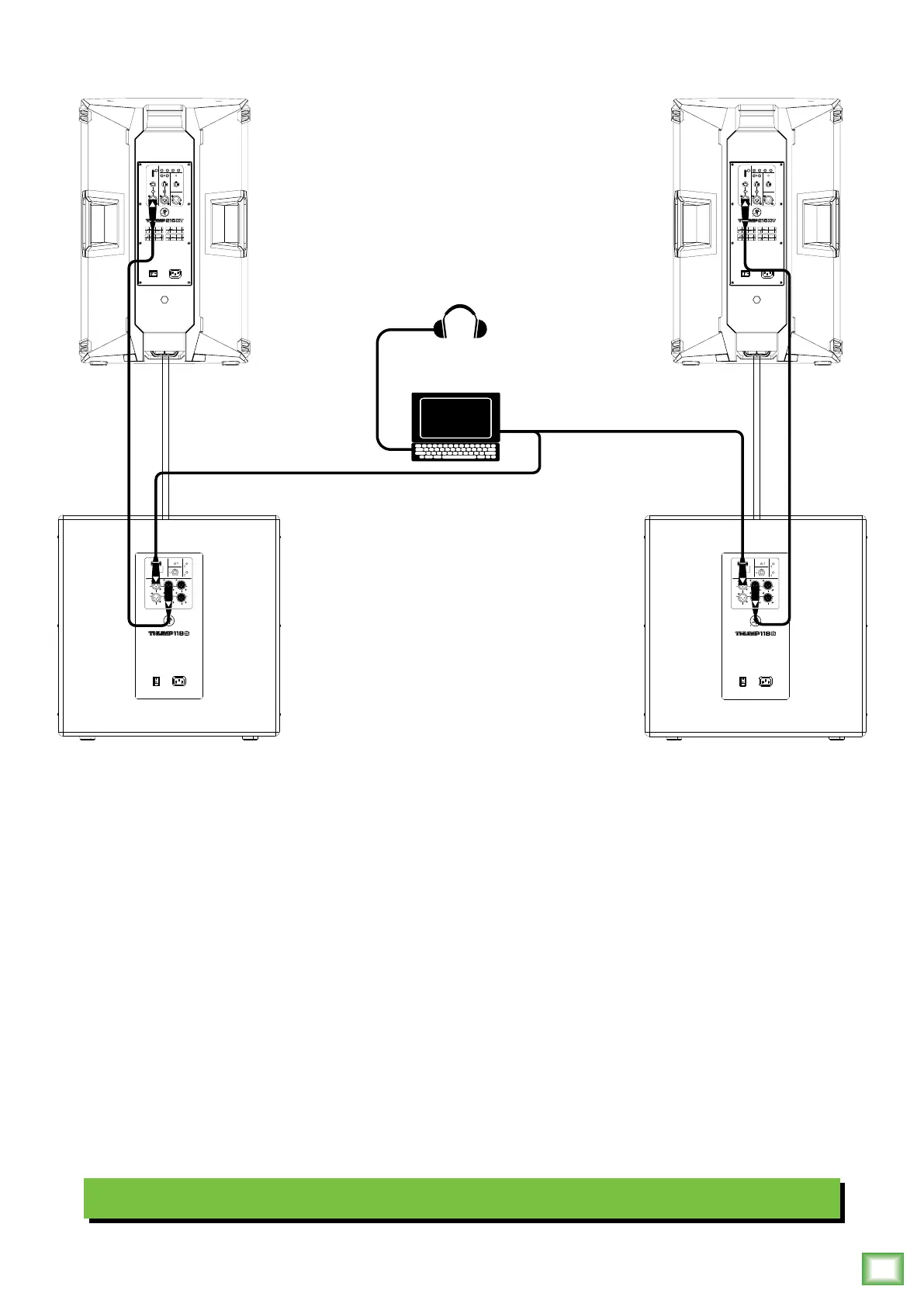
Hookup Diagrams continued…
Perhaps you’re a DJ playing bumpin’ tunes in the middle of the night to a crowd that’s groovin’
and dancin’ to your fine selection.
In this example, a laptop is connected to the inputs of two Thump8S subwoofers.
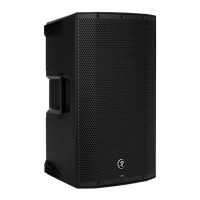
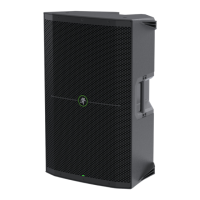
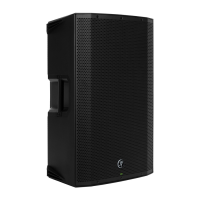
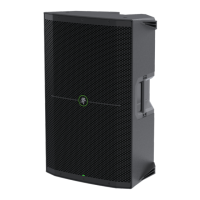
The High-Pass Out of each subwoofer is then connected to the input of each Thump25XT loudspeaker.
Additionally, a set of Mackie MC-450 headphones is connected to the phones jack of the laptop.
The gain knob on both loudspeakers should be set to Line. The Mic/Line switches should be disengaged [Line], as well.
Additionally, set the high pass mode of the sub to your preferred choice and the voicing mode of both loudspeakers to live
or club. Keep in mind that these “MIC” and “LINE” markings are for reference only and may need to be raised or lowered.


 To Next Page