10 Introduction
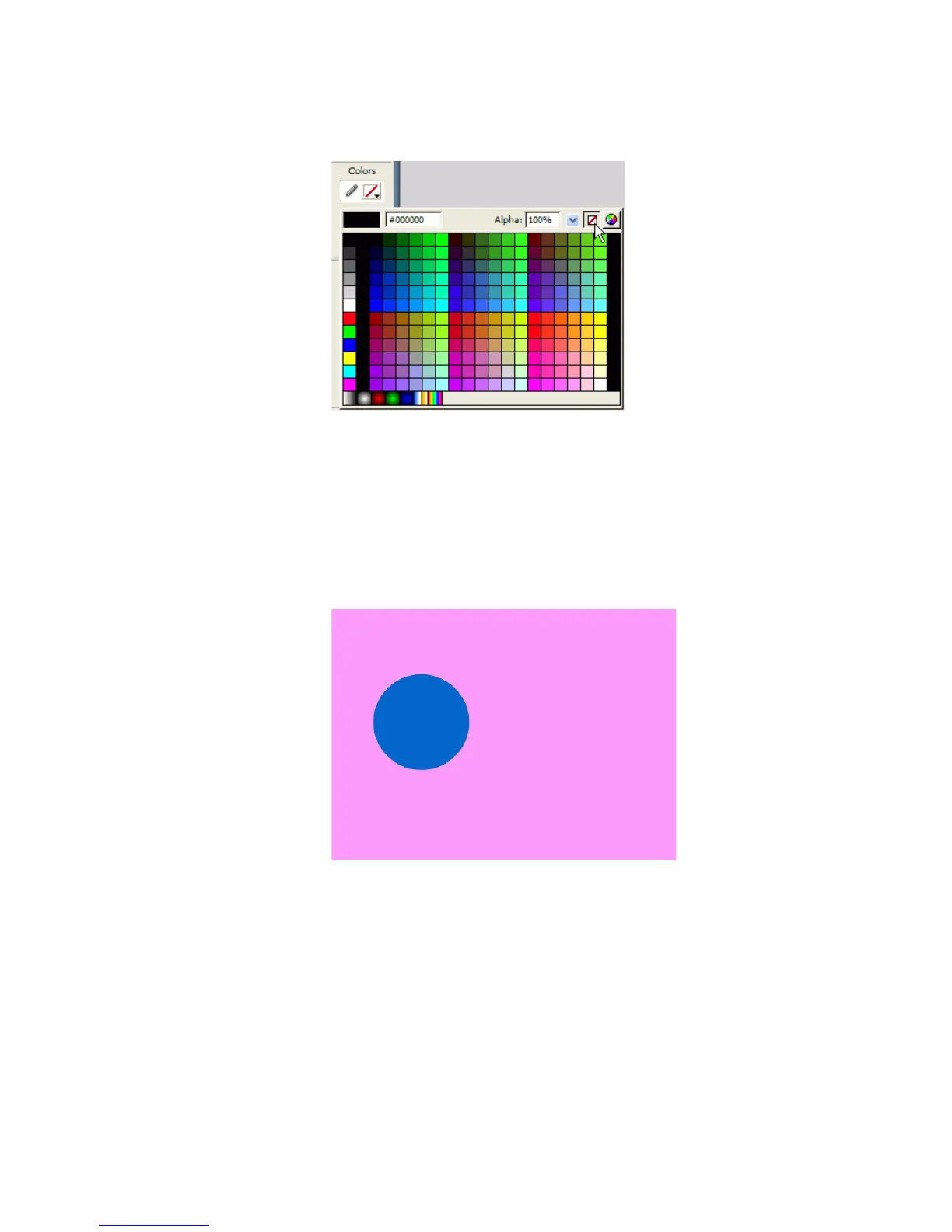
2. Select the No Color option from the Stroke Color Picker.
Selecting the No Color option in the Stroke Color Picker
3. Select a color of your choice from the Fill Color Picker.
Make sure the fill color contrasts well with the Stage color.
4. Draw a circle on the Stage by selecting the Oval tool and Shift-dragging
on the Stage.
Holding the Shift key constrains the Oval tool to a circle.
The circle shape drawn on the Stage
000_Getting_Started.book Page 10 Friday, September 2, 2005 12:22 PM



 To Next Page