Making a simple Flash document 9
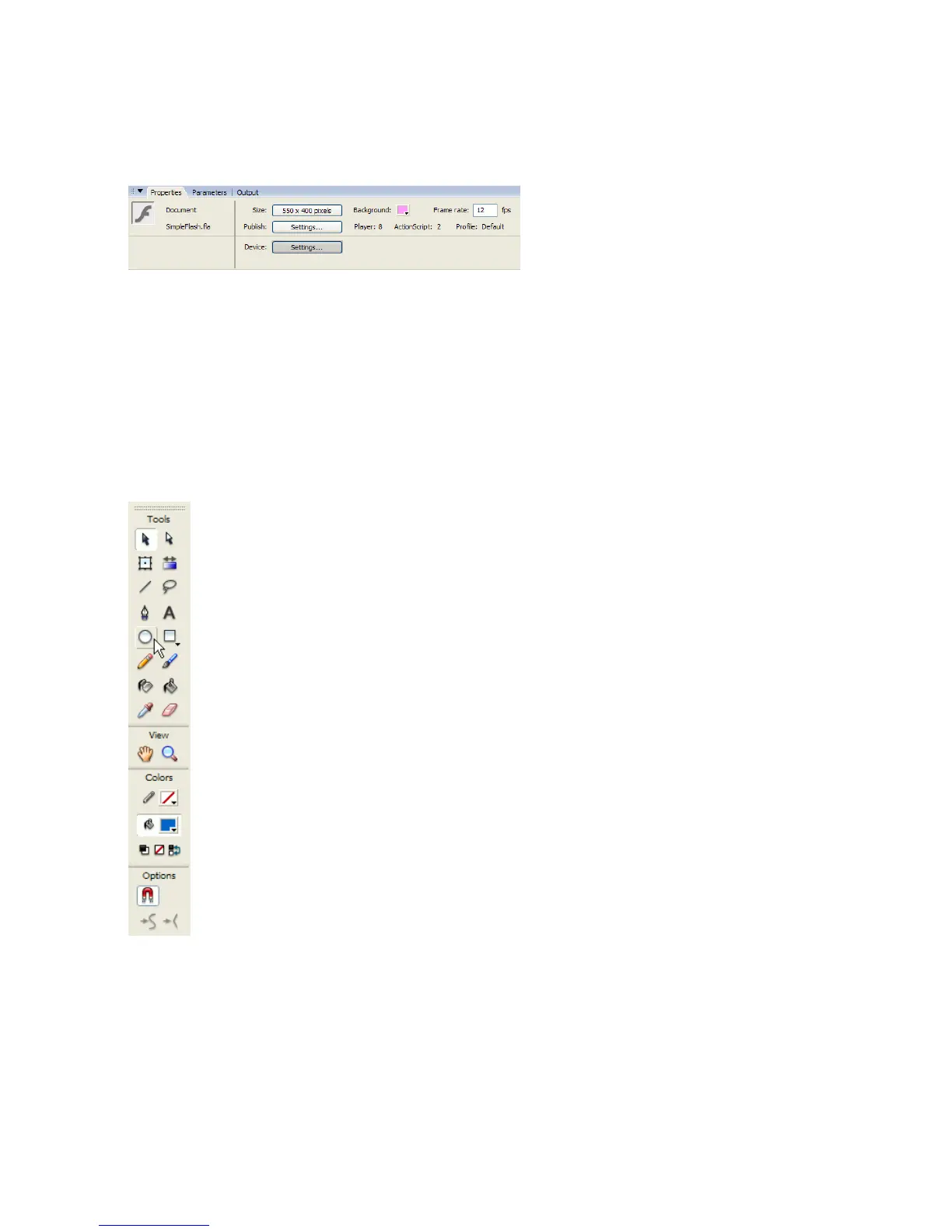
3. The Background color swatch is set to white. You can change the color
of the Stage by clicking the swatch and selecting a different color.
The Property inspector, showing the Stage size and background color
Drawing a circle
After you’ve created your document, you are ready to add some artwork for
the document.
To draw a circle on the Stage:
1. Select the Oval tool from the Tools panel.
The Oval tool in the Tools panel
000_Getting_Started.book Page 9 Friday, September 2, 2005 12:22 PM



 To Next Page