118 Tutorial: Building Your First Flash Application
21. In the Tools panel, click the Selection tool.
22.Click the blue rectangle to select it.
23.With the blue rectangle selected, go to the Property inspector panel and
enter the following values in the text boxes:
■ W: 700
■ H: 150
■ X: 0
■ Y: 0
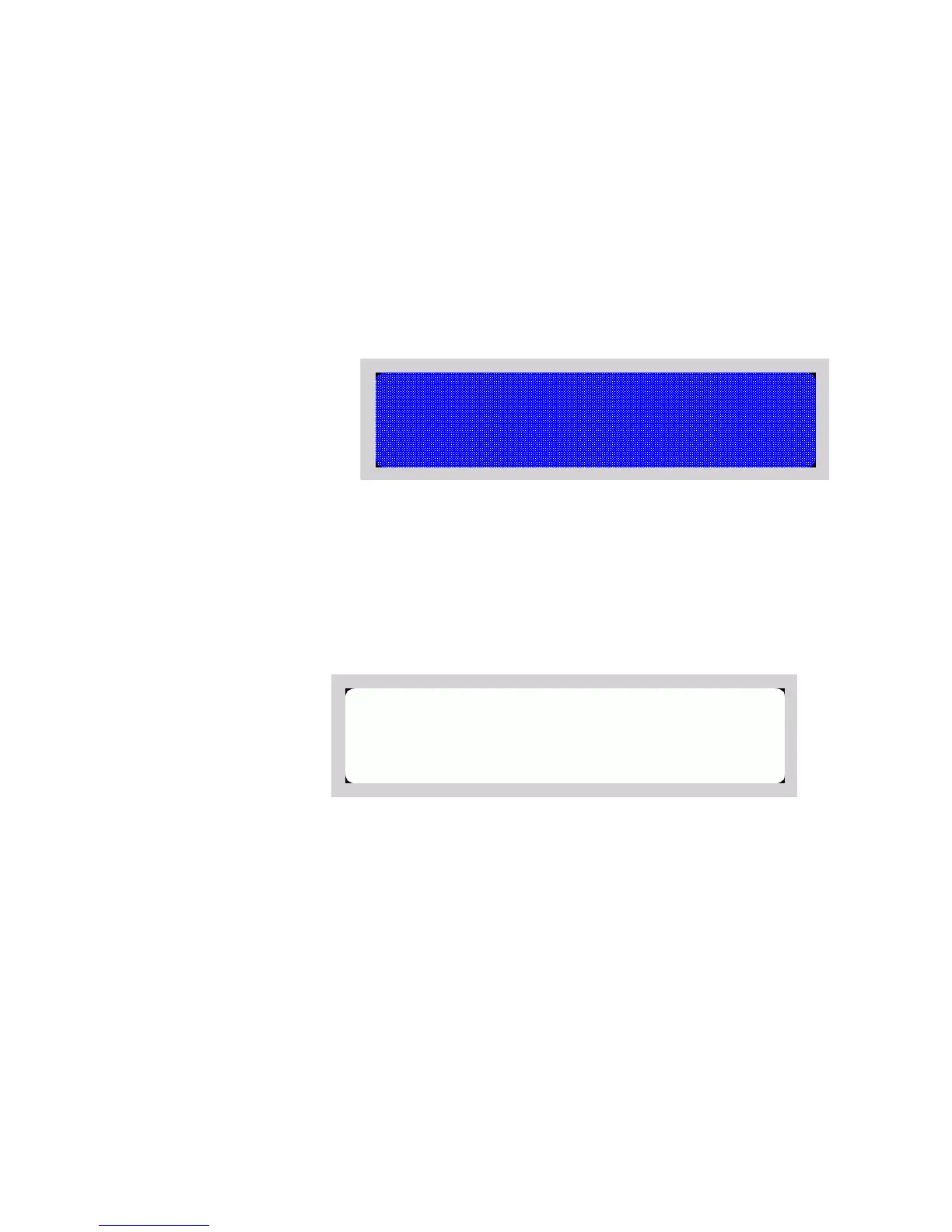
The properly sized blue rectangle on the Stage
24.Double-click the blue rectangle again to select it.
25.Press Delete to delete the blue rectangle.
A white rectangle appears in the middle of the black rectangle you drew
earlier. The blue rectangle functioned as a mask in this step. You now
have a black border at the top and bottom of the Stage.
The Stage with only the black corners remaining
000_Getting_Started.book Page 118 Friday, September 2, 2005 12:22 PM



 To Next Page