12 Introduction
Animating the circle
Now that you have some artwork in your document, you can make it more
interesting by animating it to move across the Stage.
To create an animation with the circle:
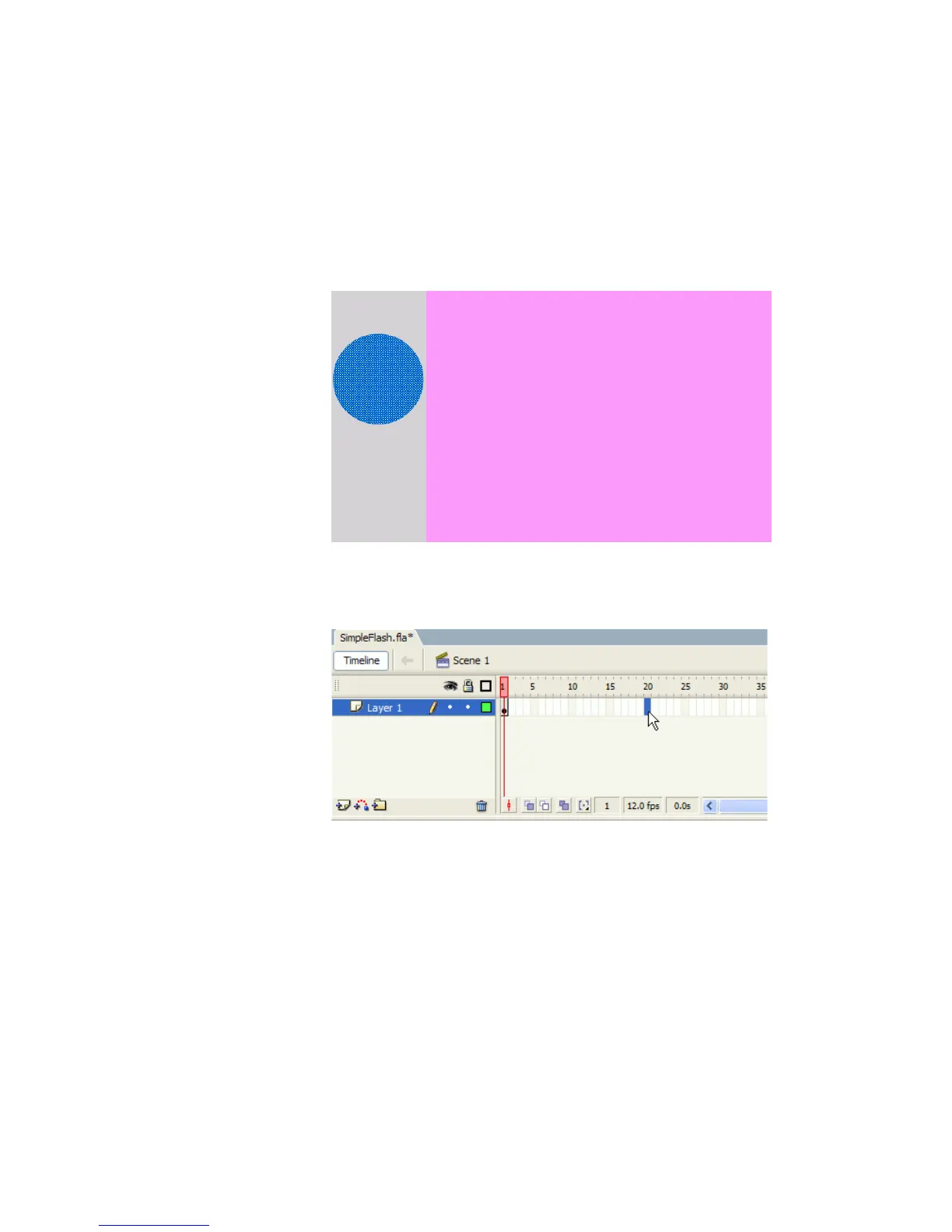
1. Drag the circle to just left of the Stage area.
The circle shape moved to the left of the Stage area
2. Click Frame 20 of Layer 1 in the Timeline.
Selecting Frame 20 of Layer 1 in the Timeline
000_Getting_Started.book Page 12 Friday, September 2, 2005 12:22 PM



 To Next Page