Making a simple Flash document 13
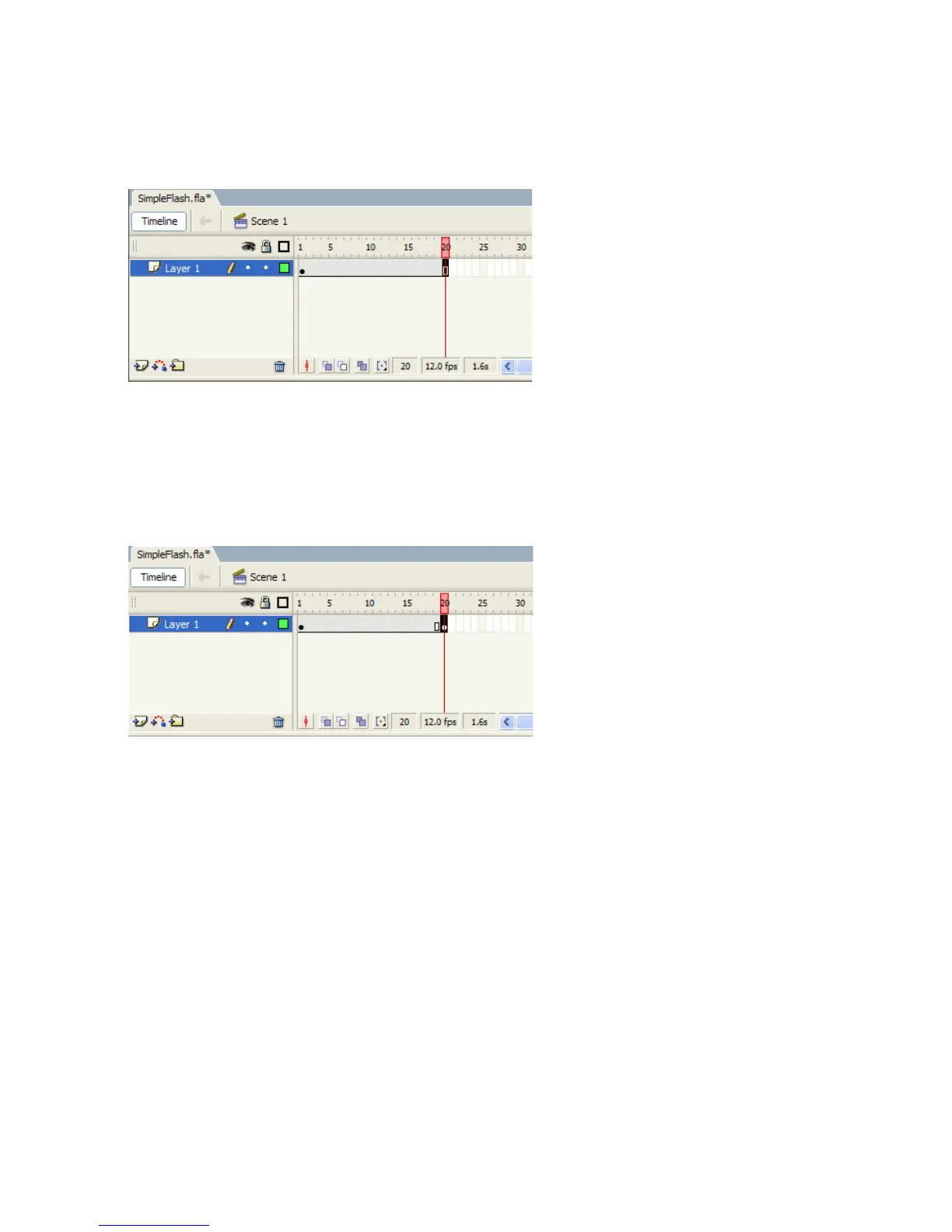
3. Select Insert > Timeline > Frame.
Flash adds frames to Frame 20, which remains selected.
Frames inserted in the Timeline
4. With Frame 20 still selected, select Insert > Timeline > Keyframe.
A keyframe is added in Frame 20. A keyframe is a frame where some
property of an object is explicitly changed. In this new keyframe, you
will change the circle’s location.
Inserting a keyframe in Frame 20
5. With Frame 20 still selected in the Timeline, drag the circle to just right
of the Stage area.
6. Select Frame 1 of Layer 1 in the Timeline.
000_Getting_Started.book Page 13 Friday, September 2, 2005 12:22 PM



 To Next Page