Add a media component 143
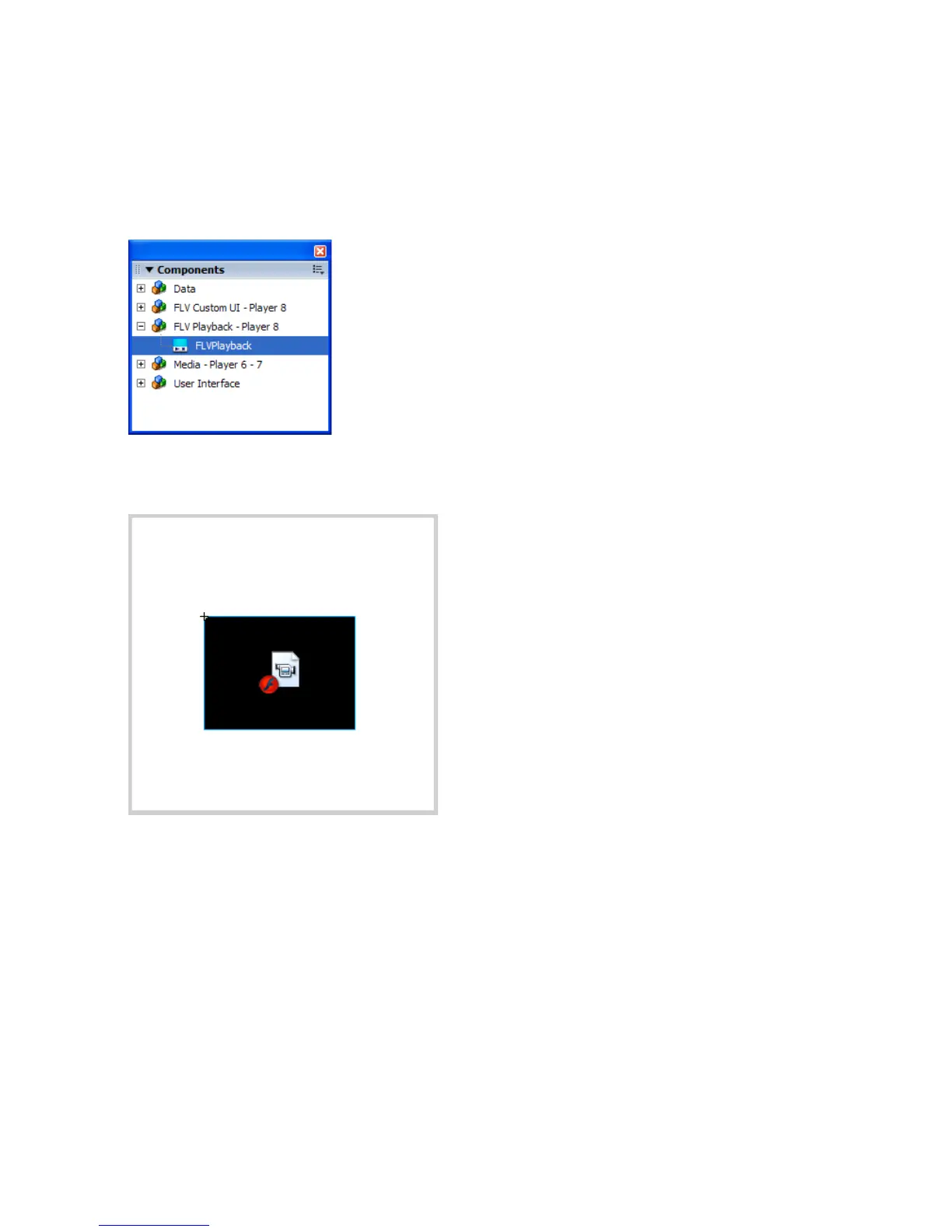
To add a media component:
1. Select Window > Components to open the Components panel.
2. In the Components panel, click the plus sign (+) next to the FLV
Playback - Player 8 category.
3. Drag an FLVPlayback component to the Stage.
The new component remains selected on the Stage by default.
000_Getting_Started.book Page 143 Friday, September 2, 2005 12:22 PM



 To Next Page