144 Tutorial: Building a Video Player (Flash Professional only)
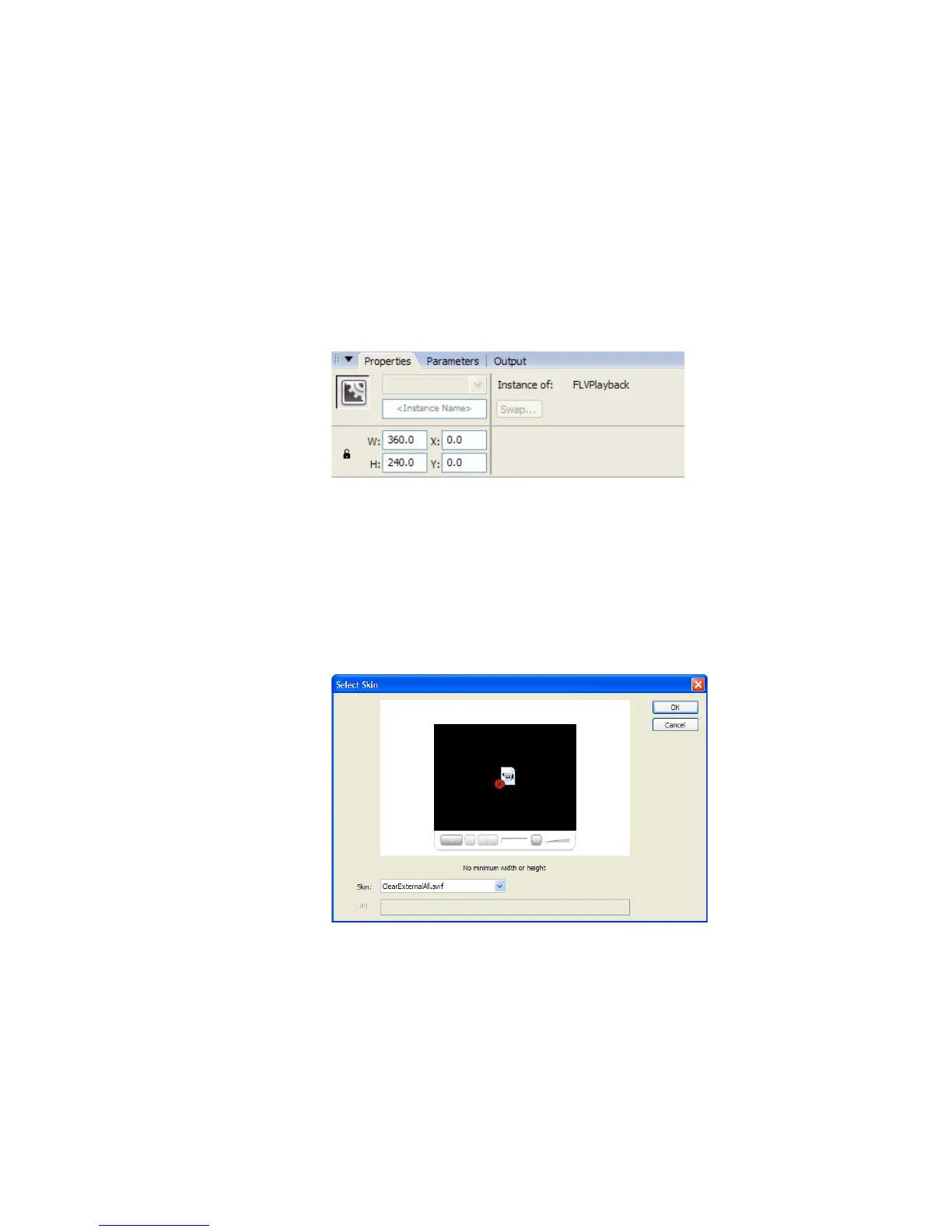
4. With the new component still selected on the Stage, enter the following
values in the Property inspector:
■ W: 360
■ H: 240
■ X: 0
■ Y: 0
This makes the component the same size as the Stage and centers it on
the Stage.
The Property inspector with the proper values entered
5. With the new component still selected on the Stage, select Window >
Component Inspector to open the Component inspector.
6. In the Component inspector’s Parameters tab, click the contentPath
parameter.
7. Click the magnifying glass icon that appears next to it.
8. In the Content Path dialog box, enter cafe_townsend_chef.flv and
click OK.
9. Still in the Component inspector, set the autoRewind parameter
to
false.
000_Getting_Started.book Page 144 Friday, September 2, 2005 12:22 PM



 To Next Page