34 Writing and Editing ActionScript 2.0
Rather than attaching your scripts to elements like keyframes, movie clips, and buttons, you
should respond to events by calling functions that reside in a central location. One method is
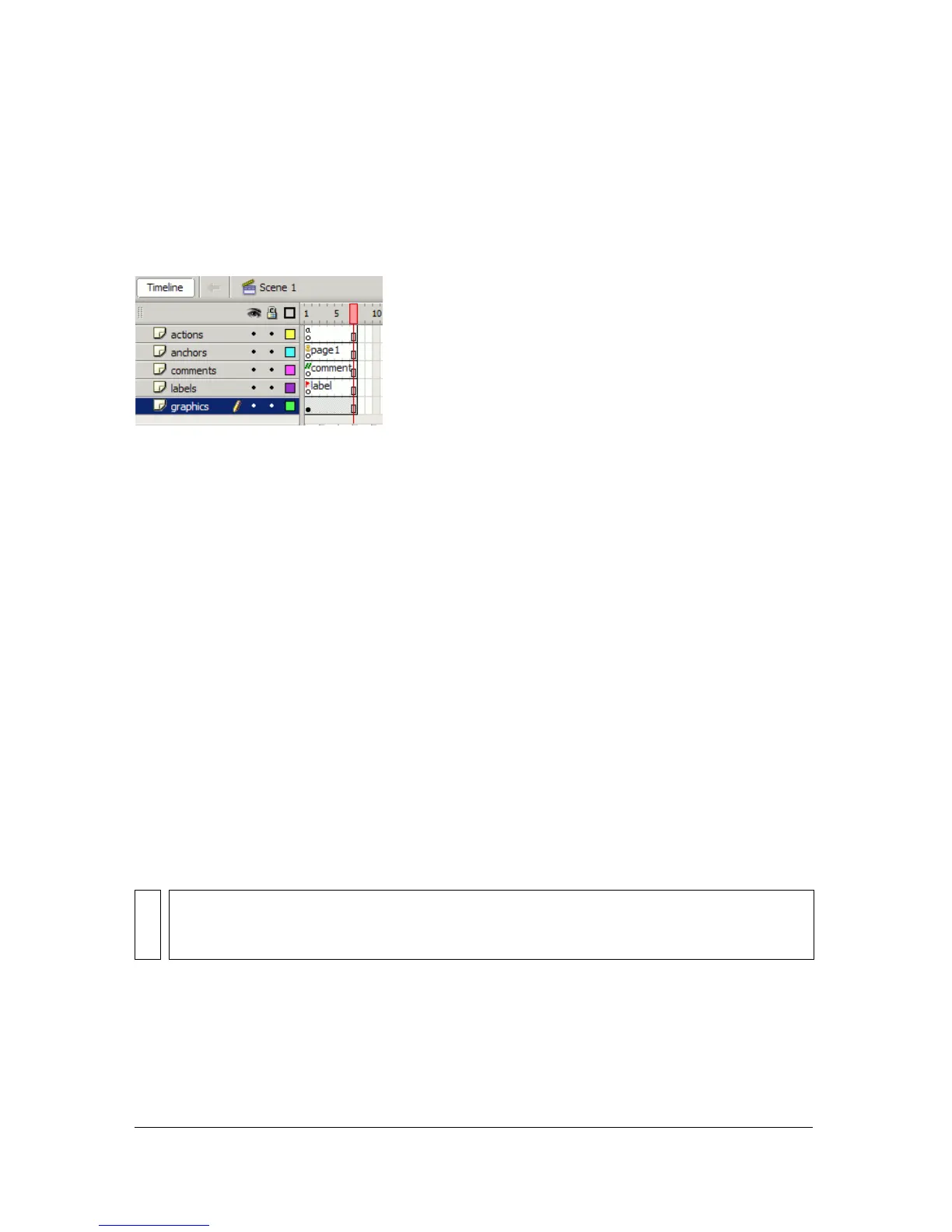
to attach embedded ActionScript to the first or second frame of a timeline whenever possible
so you don’t have to search through the FLA file to find all your code. A common practice is
to create a layer called actions and place your ActionScript code there.
When you attach all your scripts to individual elements, you’re embedding all your code in the
FLA file. If sharing your code between other Flash applications is important to you, use the
Script window or your favorite text editor to create an external ActionScript (AS) file.
By creating an external file, you make your code more modular and well organized. As your
project grows, this convenience becomes much more useful than you might imagine. An
external file aids debugging and also source control management if you’re working on a
project with other developers.
To use the ActionScript code contained in an external AS file, you create a script within the
FLA file and then use the
#include statement to access the code you’ve stored externally, as
shown in the following example:
#include "../core/Functions.as"
You can also use ActionScript 2.0 to create custom classes. You must store custom classes in
external AS files and use
import statements in a script to get the classes exported into the
SWF file, instead of using
#include statements. For more information on writing class files,
see “Writing custom class files” on page 235 and “About importing class files” on page 239
about importing class files. You can also use components (prebuilt movie clips) to share code
and functionality, such as UI elements and scripts.
When you write ActionScript in Flash 8, you use the Actions panel, the Script window, or
both. When you use the Actions panel or Script window is dictated by how you respond to
events, how you organize your code, and, most importantly, coding best practices.
For more information about coding best practices and conventions, see “ActionScript coding
conventions” on page 745.
NOTE
ActionScript code in external files is compiled into a SWF file when you publish, export,
test, or debug a FLA file. Therefore, if you make any changes to an external file, you must
save the file and recompile any FLA files that use it.



 To Next Page