62 Writing and Editing ActionScript 2.0
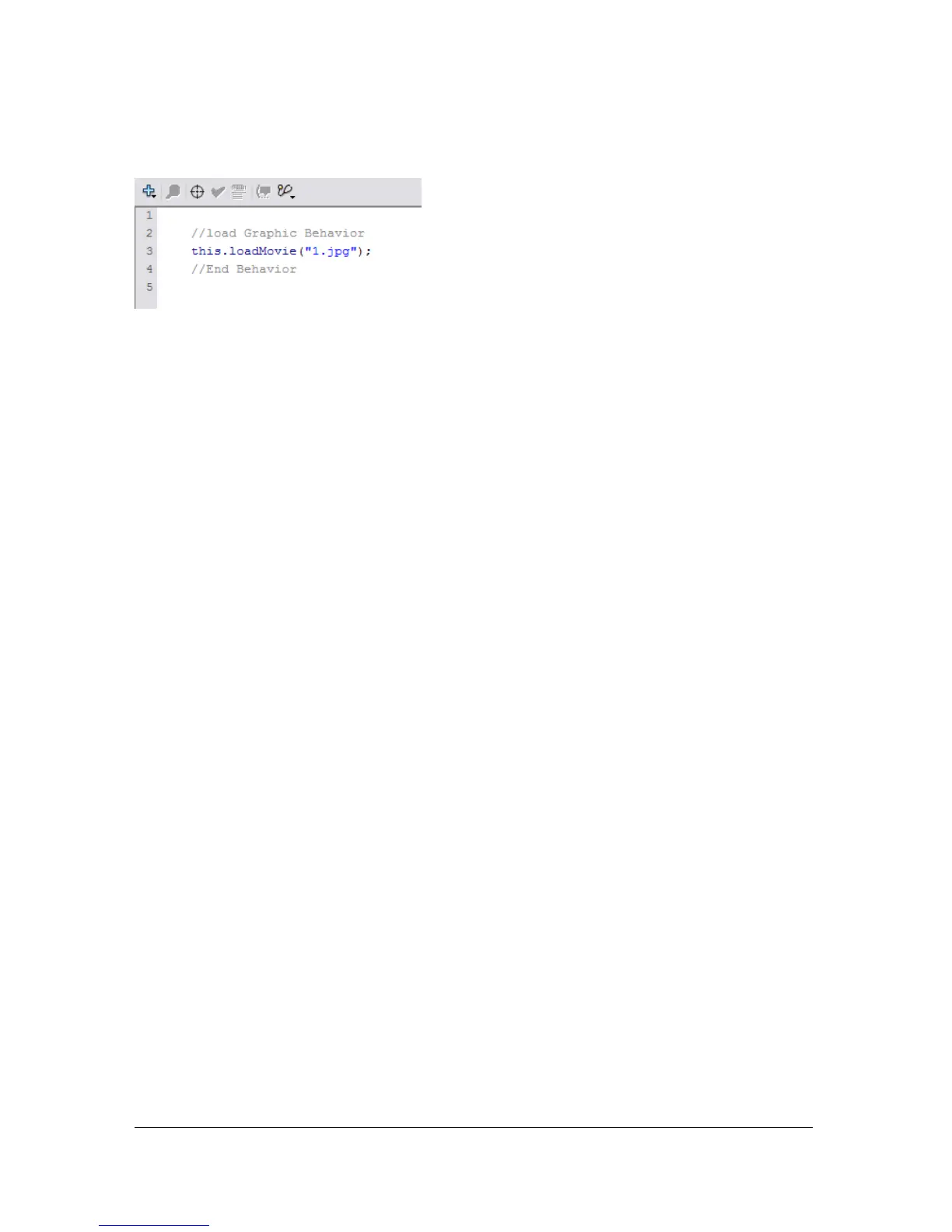
The behavior is added to the object and is displayed in the Actions panel.
About ActionScript publish settings
You can edit ActionScript in two ways. You can edit ActionScript that is embedded into a
Flash document by using the Actions panel. Or you can edit ActionScript that is in a separate
script file, external to the Flash document, using the Script window. Because the Actions panel
and the Script window are essentially two different views that use the same ActionScript
editor, ActionScript settings and preferences within Flash apply to both views.
You edit the Flash document’s publish settings to change the version of ActionScript that will
be used when the document is published. You can also set the classpath for the current
document by passing the global ActionScript classpath.
For more information about modifying the ActionScript publish settings, see “Modifying
ActionScript publish settings” on page 62. For more information about setting a document-
level or the global level classpath, see “Modifying the classpath” on page 63.
Modifying ActionScript publish settings
When you publish a Flash document, the ActionScript version is set to 2.0 by default and the
classpath is inherited from the global classpath setting. If you need to change the version of
ActionScript or to specify a document-level classpath, you can do so by editing the publish
settings.



 To Next Page