About behaviors 61
The Target Path tool, which is available in the Actions panel, prompts you to enter the target
path for the selected action in your script.
To insert a target path:
1. Select and position the pointer in an action in your script.
2. Click Target Path on the Actions panel toolbar.
The Insert Target Path dialog box appears.
3. Do one of the following:
■ Manually enter the path to the target instance.
■ Select the target from the list of available targets.
4. Select either the Absolute or Relative path option.
5. Click OK.
The path is appended to the action.
About behaviors
Behaviors are predefined ActionScript functions that you can attach to objects in your Flash
document without having to create the ActionScript code yourself. Behaviors provide you
with prewritten ActionScript functionality, such as frame navigation, loading of external SWF
files and JPEGs, controlling the stacking order of movie clips, and movie clip dragging.
You can use behaviors as a convenience when building your Flash application—as a way to
avoid having to write ActionScript, or conversely as a way to learn how ActionScript works in
certain situations.
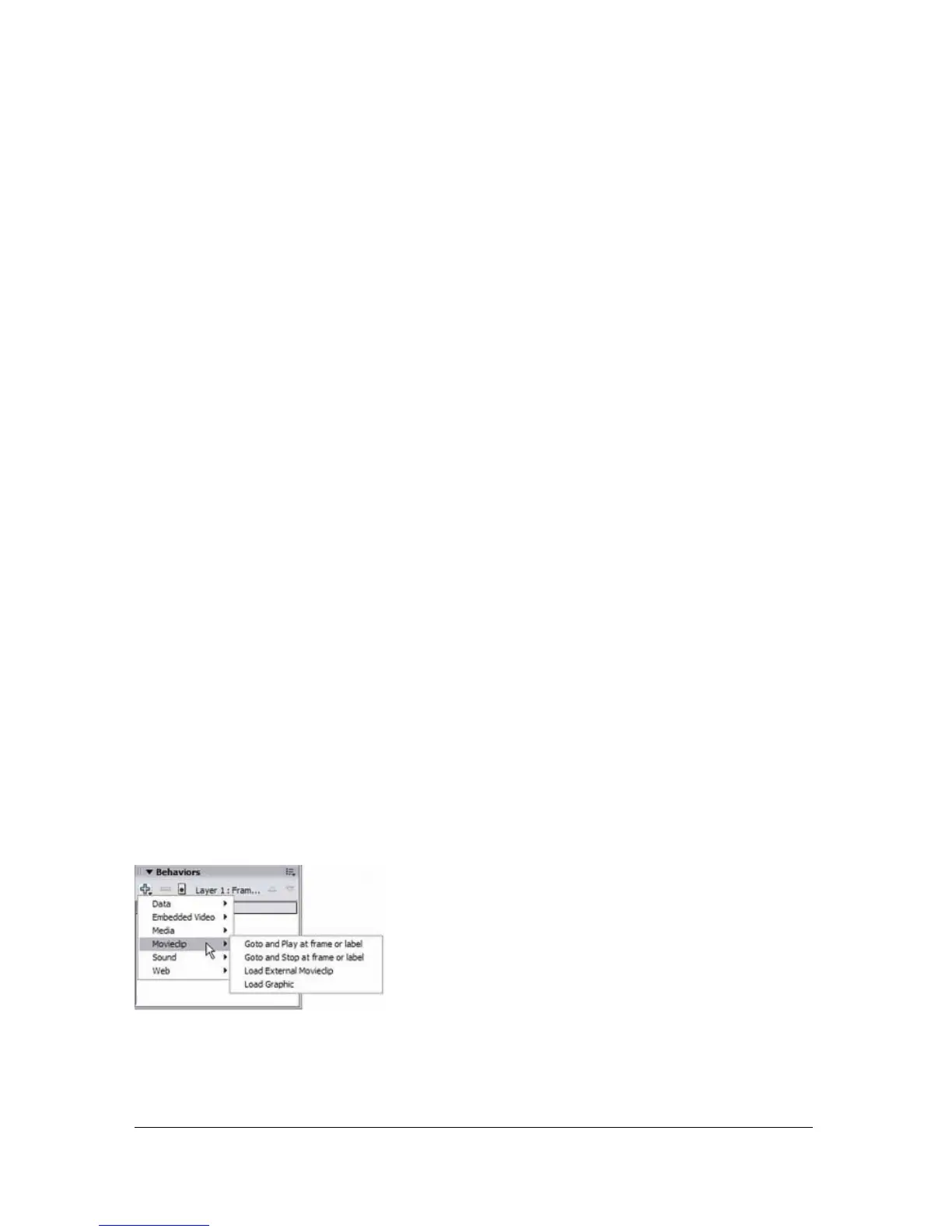
Behaviors are available to you only when you are working in a Flash document, not in an
external script file. Typically, you select a triggering object in your document, a movie clip or a
button, select Add on the Behaviors panel to display the available behaviors, and then select
the behavior you want, as shown in the following example:



 To Next Page