Using HTML-formatted text 443
To create a formatted table of data using tab stops:
1. Create a new Flash document, and save it as tabstops.fla.
2. In the Timeline, select the first frame on Layer 1.
3. Open the Actions panel (Window > Actions), and enter the following code in the
Actions panel:
// Create a new text field.
this.createTextField("table_txt", 99, 50, 50, 450, 100);
table_txt.multiline = true;
table_txt.html = true;
// Creates column headers, formatted in bold, separated by tabs.
var rowHeaders:String = "<b>Name\tAge\tOccupation</b>";
// Creates rows with data.
var row_1:String = "Rick\t33\tDetective";
var row_2:String = "AJ\t34\tDetective";
// Sets two tabstops, at 50 and 100 points.
table_txt.htmlText = "<textformat tabstops='[50,100]'>";
table_txt.htmlText += rowHeaders;
table_txt.htmlText += row_1;
table_txt.htmlText += row_2 ;
table_txt.htmlText += "</textformat>";
The use of the tab character escape sequence (\t) adds tabs between each column in the
table. You append text using the
+= operator.
4. Select Control > Test Movie to view the formatted table.
Underline tag
The <u> tag underlines the tagged text, as shown in the following code:
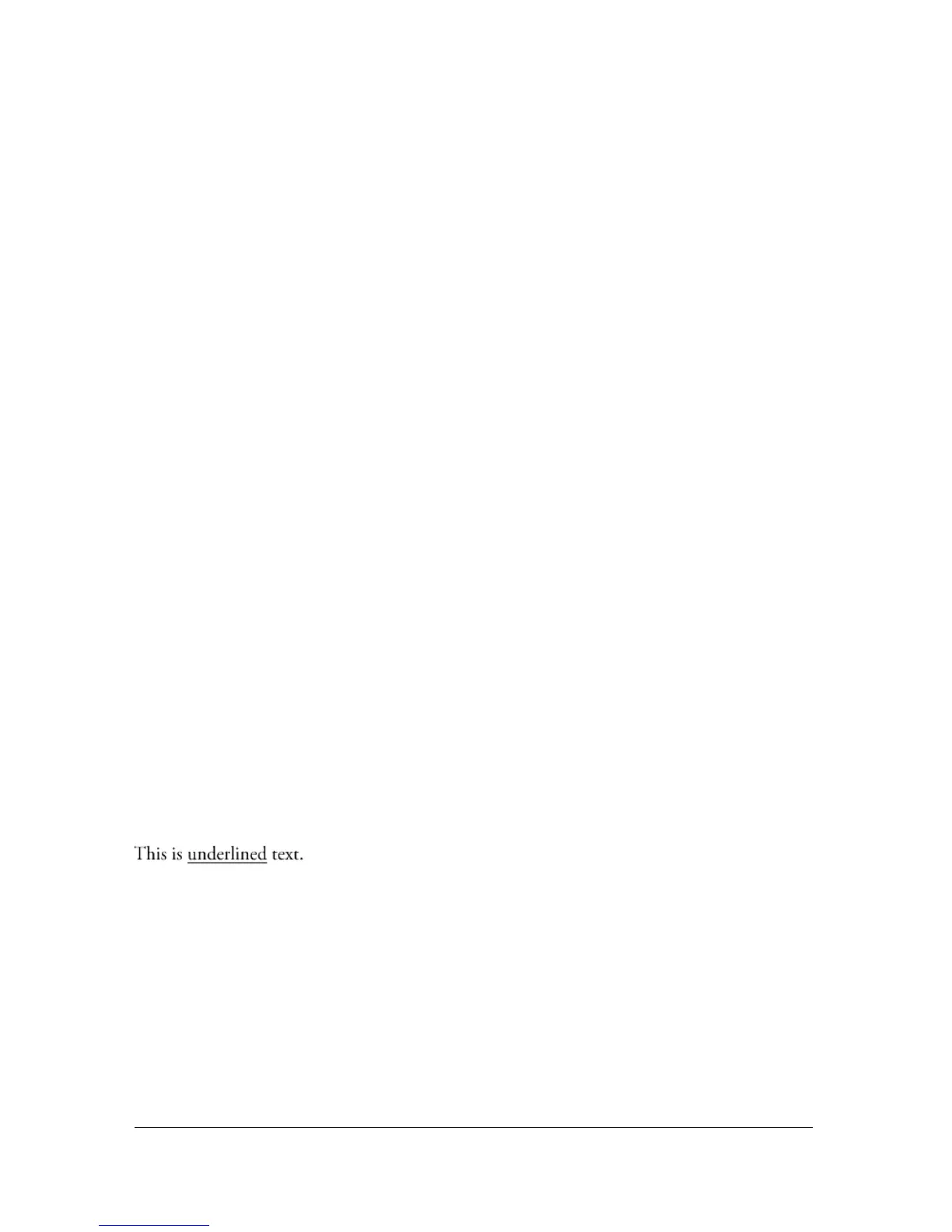
This is <u>underlined</u> text.
This code would render as follows:



 To Next Page