Working with filters using ActionScript 511
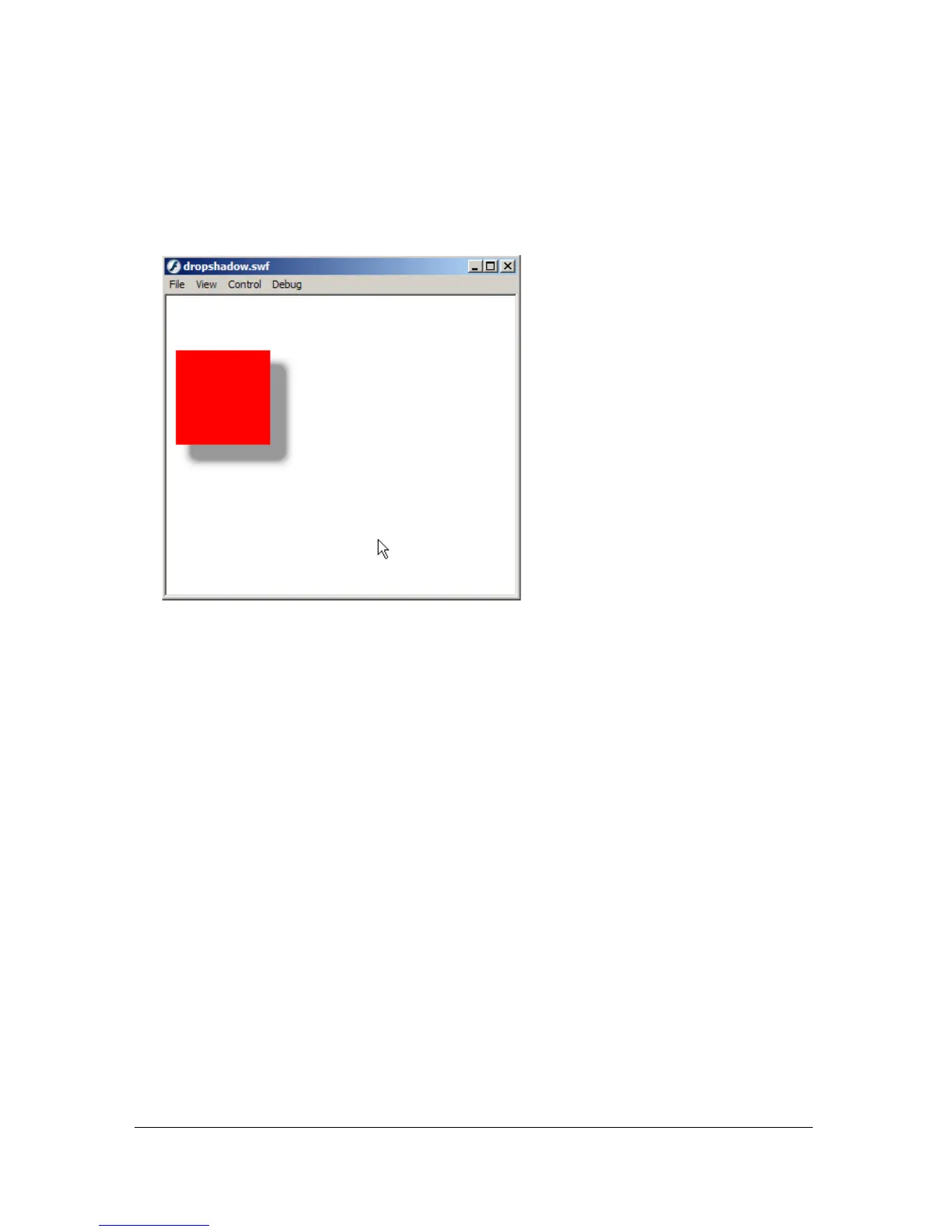
3. Select Control > Test Movie to test the Flash document.
Move the mouse pointer along the x-axis to change the value of the drop shadow’s
distance, and move the mouse pointer along the y-axis to change the amount of blur
applied to the movie clip instance.
You can also create drop shadows and apply them to dynamically loaded images. The
following procedure demonstrates how you can load an external image and apply a drop
shadow that follows the mouse pointer. The further the pointer moves away from the image’s
upper-left corner, the more horizontal and vertical blurring is applied to the image.



 To Next Page