Working with filters using ActionScript 519
3. Select Control > Test Movie to test the Flash document.
When you move the mouse pointer along the x-axis, the offset distance of the bevel
increases or decreases. When you move the mouse pointer along the y-axis, the mouse
pointer’s current coordinates modifies the amount of horizontal and vertical blurring.
About the gradient bevel filter
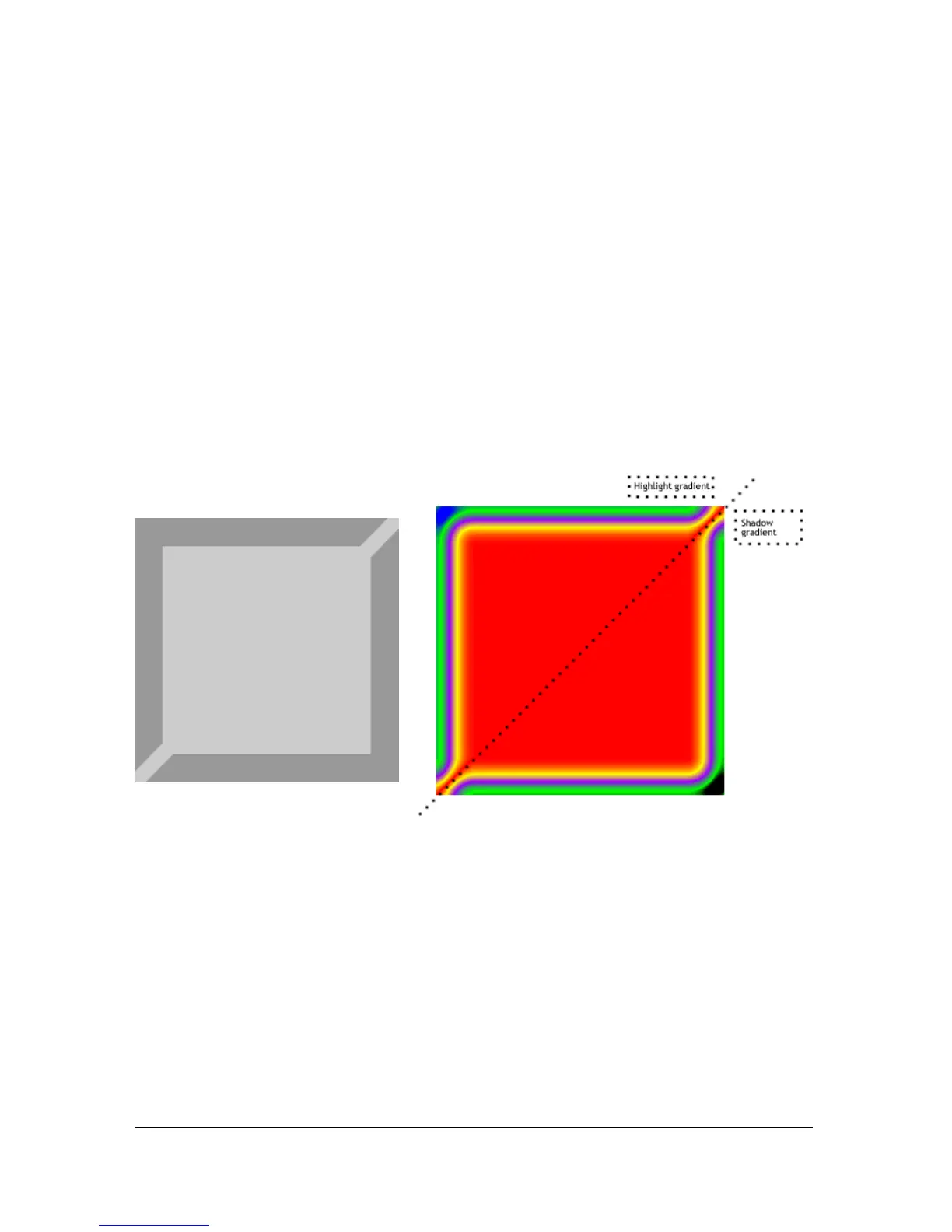
The gradient bevel filter is applied to an object as a rectangle, with the colors of the gradient
distributed to three portions of the rectangle: two bevel edges (a highlight and a shadow) and
an area we’ll call the base fill. The following diagrams depicts the rectangle, with the bevel type
set to inner. In the rectangle on the left, the dark gray areas are the bevel edges, and the light
gray area is the base fill. In the rectangle on the right, a rainbow gradient bevel, with a four-
color bevel on each edge, is applied.



 To Next Page