About Actions panel features 59
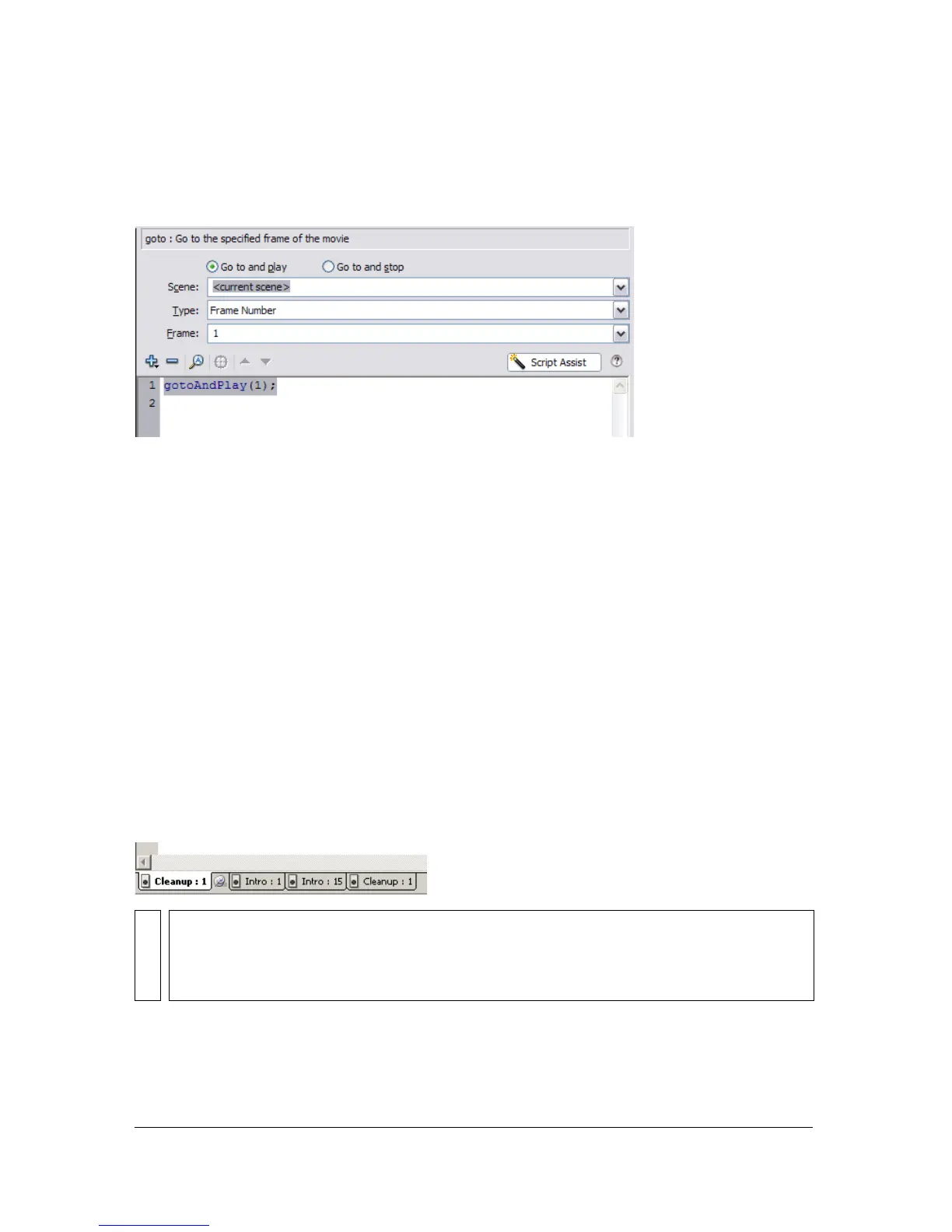
In the example below, the gotoAndPlay function was added to the Script pane. Script Assist
displays all of the prompts needed to use this ActionScript function—in this case, the scene
name, the type, and the frame number.
Pinning scripts in the Actions panel
If you don’t centralize your code within a FLA file in one location (discussed in “Organizing
ActionScript code” on page 33) or if you’re using behaviors (see “About behaviors”
on page 61), you can pin multiple scripts in the Actions panel to make it easier to move
among them. To pin a script means that you can keep the location of the code open in the
Actions panel, and easily click between each open script.
In the following figure, the script associated with the current location on the timeline is on
Frame 1 of the layer named Cleanup. (The tab at the far left always follows your location
along the timeline.) That script is also pinned (it is shown as the right-most tab). Two other
scripts are pinned: one on Frame 1 and the other on Frame 15 of the layer named Intro. You
can move among the pinned scripts by clicking on the tabs or by using keyboard shortcuts,
such as Control+Shift+. (period). Moving among pinned scripts does not change your current
position on the timeline. As you can see in the following figure, multiple scripts are open in
the Actions panel, and you can click each tab to move between the scripts.
TIP
If the content in the Script pane doesn’t change to reflect the location that you select on
the timeline, the Script pane is probably showing a pinned script. Click the left tab at the
lower left of the Script pane to show the ActionScript associated with your location
along the timeline.



 To Next Page