Debugging your scripts 713
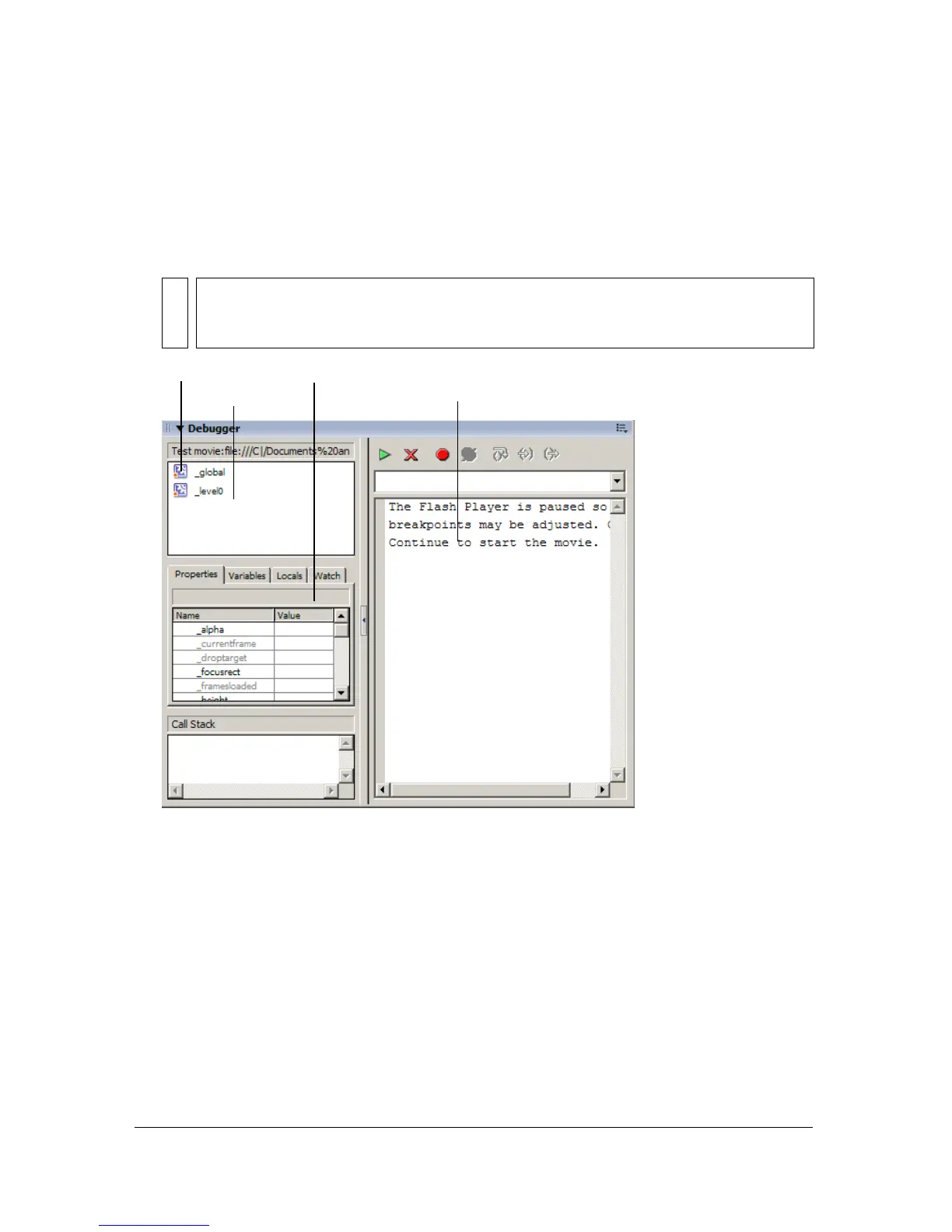
To activate the Debugger in test mode:
■ Select Control > Debug Movie.
This command exports the SWF file with debugging information (the SWD file) and
enables debugging of the SWF file. It opens the Debugger and opens the SWF file in
test mode.
For more information, see the following topics:
■ “Debugging a SWF file from a remote location”
■ “Displaying and modifying variables” on page 716
■ “Using the Watch list” on page 717
■ “Displaying movie clip properties and changing editable properties” on page 719
■ “Setting and removing breakpoints” on page 720
■ “About working through lines of code” on page 722
NOTE
If necessary, you can resize the various regions of the Debugger panel. When your
pointer changes between each region, you can drag to resize the Display list, Watch
list, and code view.
Display list
Code view
a
us
ar
atc
ist



 To Next Page