Debugging your scripts 717
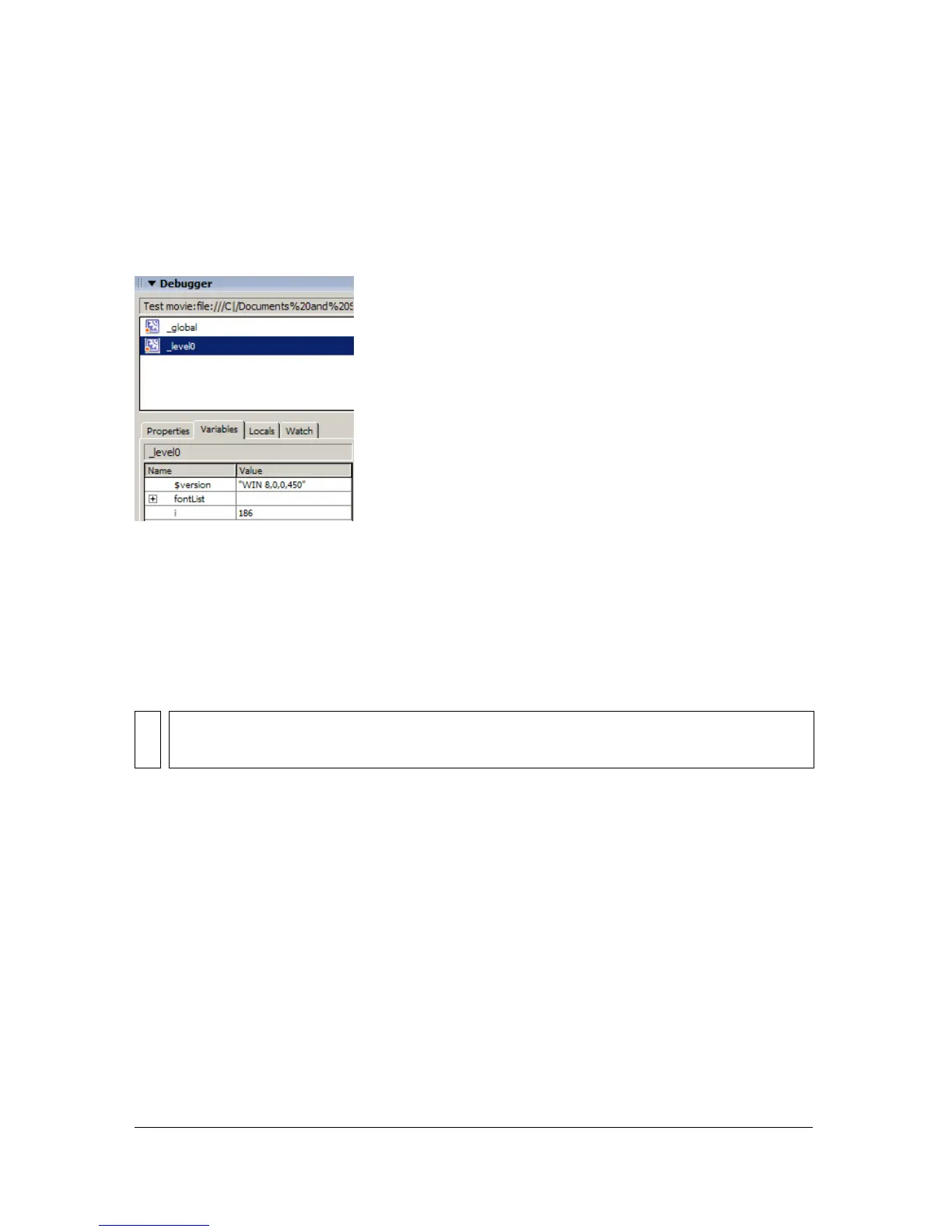
The display list updates automatically as the SWF file plays. If a movie clip is removed from
the SWF file at a specific frame, that movie clip, along with its variable and variable name, is
also removed from the display list in the Debugger. However, if you mark a variable for the
Watch list (see “Using the Watch list” on page 717), the variable is removed from the
Variables tab, but can still be viewed in the Watch tab.
To modify a variable value:
■ Double-click the value, and enter a new value.
The value cannot be an expression. For example, you can use
"Hello", 3523, or "http://
www.macromedia.com"
, and you cannot use x + 2 or eval("name:" +i). The value can be
a string (any value surrounded by quotation marks [""]), a number, or a Boolean value (
true
or
false).
Using the Watch list
To monitor a set of critical variables in a manageable way, you can mark variables to appear in
the Watch list. The Watch list shows the absolute path to the variable and the value. You can
also enter a new variable value in the Watch list the same way as in the Variables tab. The
Watch list can show only variables and properties that you can access by using an absolute
target path, such as
_global or _root.
NOTE
To write the value of an expression to the Output panel in test mode, use the trace
statement. See “Using the trace statement” on page 728.



 To Next Page