Using the Output panel 725
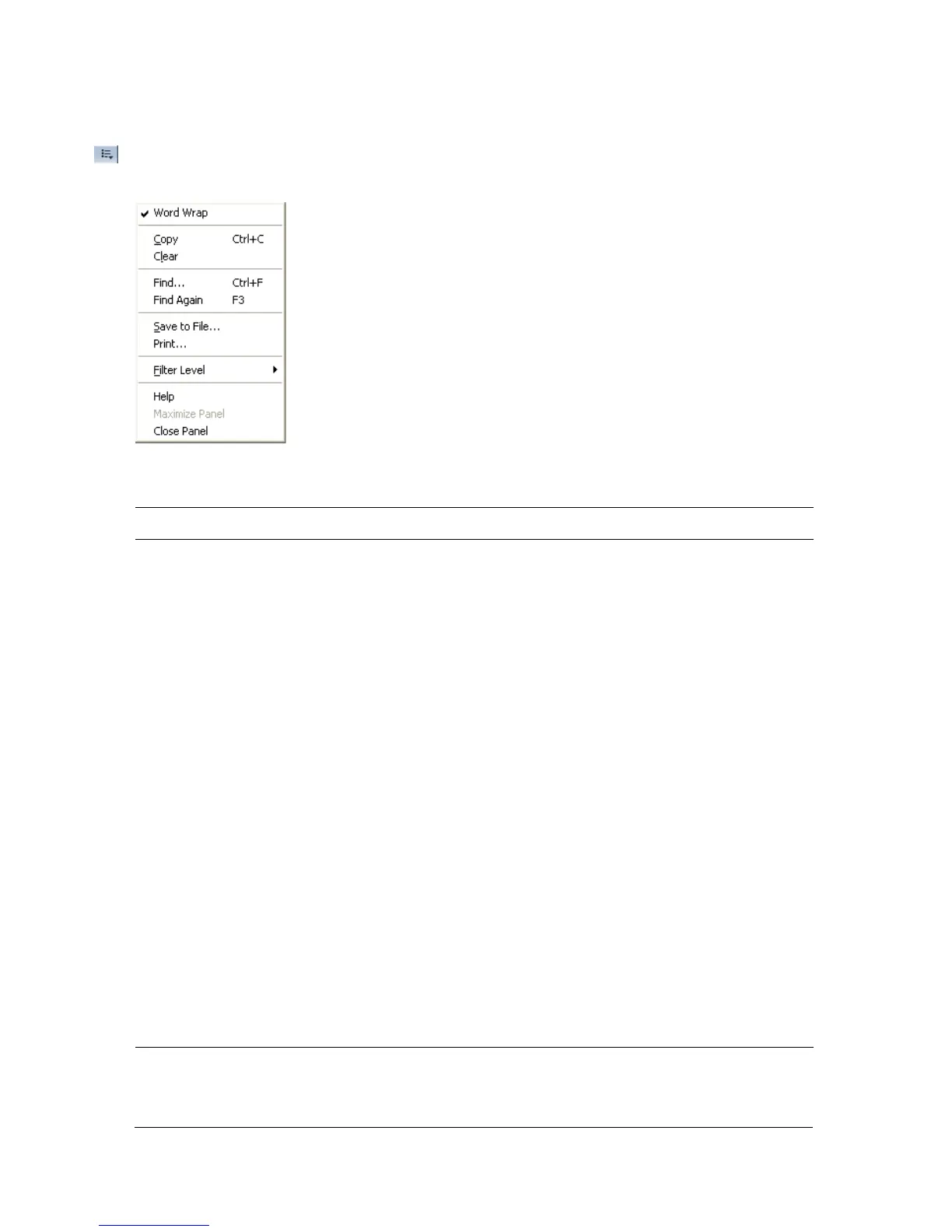
To work with the contents of the Output panel, click the pop-up menu in the upper
right corner to see your options.
The following table lists the options available on the Output panel’s pop-up menu:
Menu item What it does
Word wrap Toggles whether long lines wrap automatically, so the user does
not have to use the horizontal scroll bar to view the entire line of
characters. If selected, lines wrap; otherwise, lines do not wrap.
Copy Copies the entire contents of the Output panel to the computer's
Clipboard. To copy a selected portion of the output, select the area
you want to copy and then select Copy.
Clear Clears all output currently in the Output panel.
Find Opens a dialog box that you can use to find a keyword or phrase
within the Output panel contents.
Find Again Attempts to locate the next instance of a keyword or phrase in the
Output panel contents.
Save to File Saves the current contents of the Output panel to an external text
file.
Print Shows the Print dialog box, which lets you print the current
contents of the Output panel to an installed printer or installed
programs such as Flash Paper or Acrobat.
Filter level Lets you select two possible levels of output: None or Verbose.
Selecting None suppresses all output sent to the browser.
Maximize Panel Maximizes the Output panel when it is docked.
Close Panel Closes the Output panel and clears the contents of the panel.



 To Next Page