Using the Output panel 729
To use the trace statement in a script:
1. Select Frame 1 of the Timeline, and add the following code in the Actions panel:
this.createEmptyMovieClip("img_mc", 10);
var mclListener:Object = new Object();
mclListener.onLoadInit = function(target_mc:MovieClip) {
trace(target_mc+" loaded in "+getTimer()+" ms");
};
mclListener.onLoadError = function(target_mc:MovieClip,
errorCode:String, httpStatus:Number) {
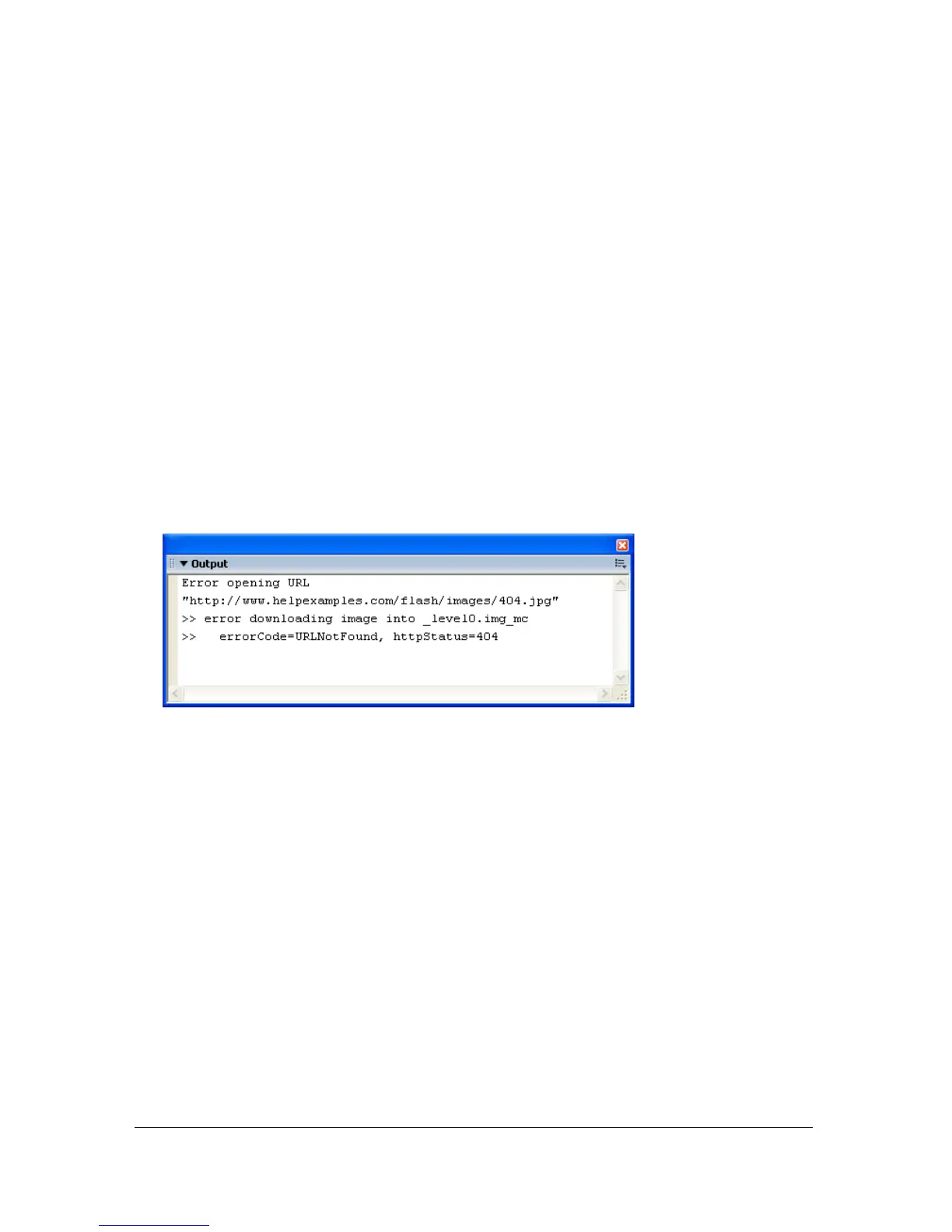
trace(">> error downloading image into "+target_mc);
trace(">>\t errorCode="+errorCode+", httpStatus="+httpStatus);
};
var img_mcl:MovieClipLoader = new MovieClipLoader();
img_mcl.addListener(mclListener);
img_mcl.loadClip("http://www.helpexamples.com/flash/images/404.jpg",
img_mc);
2.
Select Control > Test Movie to test the SWF file.
The Output panel displays the following message:
Updating Flash Player for testing
You can download the latest version of Flash Player from the Macromedia Support Center at
www.macromedia.com/support/flash and use it to test your SWF files.



 To Next Page