Camera.get() 317
You can’t use ActionScript to set the Allow or Deny value for a user, but you can display the
Privacy panel for the user by using
System.showSettings(0). If the user selects Remember,
Flash Player no longer displays the Privacy dialog box for movies from this domain.
If
Camera.get returns null, either the camera is in use by another application, or there are no
cameras installed on the system. To determine whether any cameras are installed, use
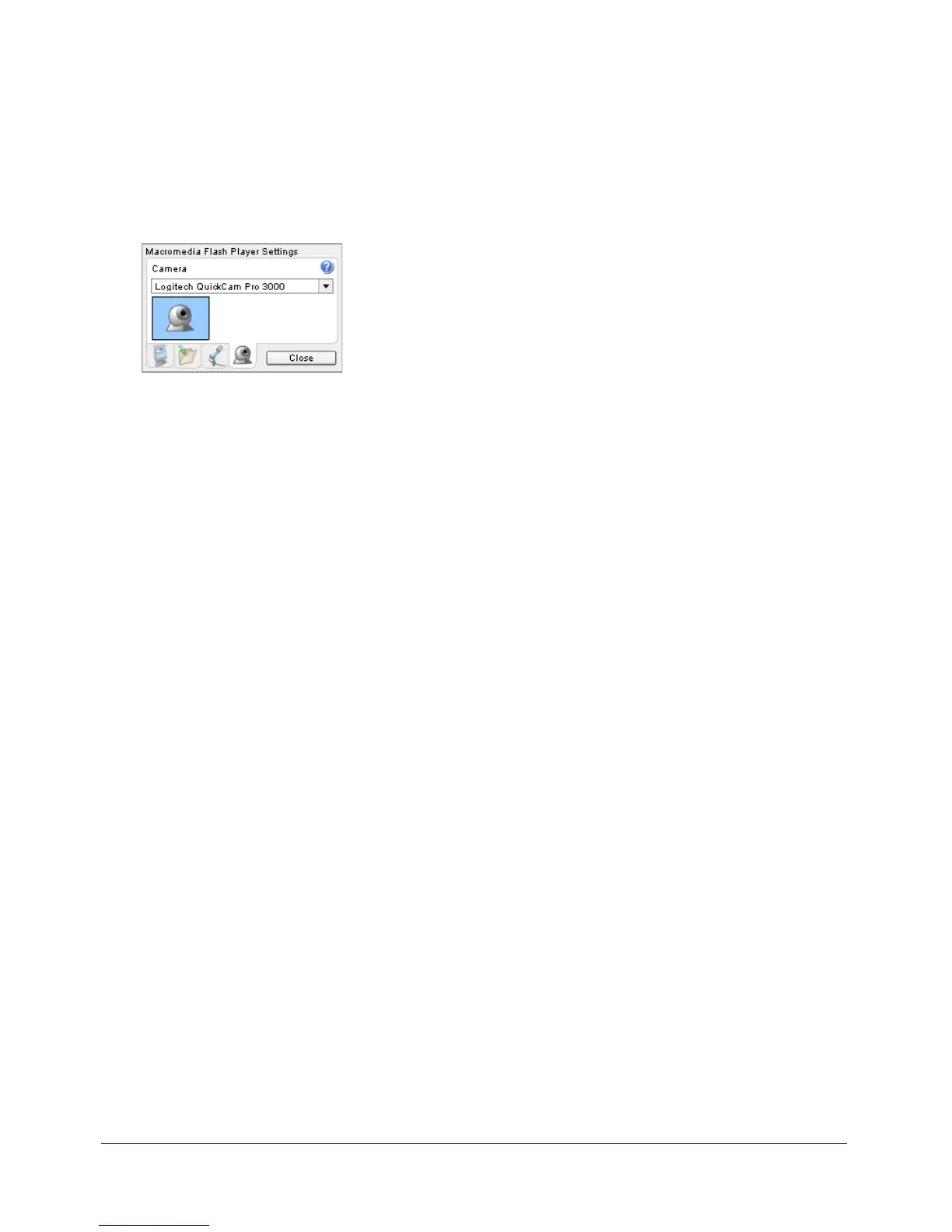
Camera.names.length. To display the Flash Player Camera Settings panel, which lets the user
choose the camera to be referenced by
Camera.get(), use System.showSettings(3).
Scanning the hardware for cameras takes time. When Flash finds at least one camera, the
hardware is not scanned again for the lifetime of the player instance. However, if Flash doesn’t
find any cameras, it will scan each time
Camera.get is called. This is helpful if a user has
forgotten to connect the camera; if your SWF file provides a Try Again button that calls
Camera.get, Flash can find the camera without the user having to restart the SWF file.
Example
The following example captures and displays video locally within a Video object named
my_video on the Stage.
var my_cam = Camera.get();
my_video.attachVideo(myCam);
See also
Camera.index
, Camera.muted, Camera.names, Camera.onStatus, Camera.setMode(),
System.showSettings(),
Video.attachVideo()



 To Next Page