Updating Flash Player for testing 79
The Debug > List Objects command in test mode lists TextField objects. If an instance name is
specified for a text field, the Output panel displays the full target path including the instance
name in the following form:
Target = "target path"
Using the trace statement
When you use the
trace statement in a script, you can send information to the Output panel.
For example, while testing a movie or scene, you can send specific programming notes to the
panel or have specific results appear when a button is pressed or a frame is played. The
trace
statement is similar to the JavaScript
alert statement.
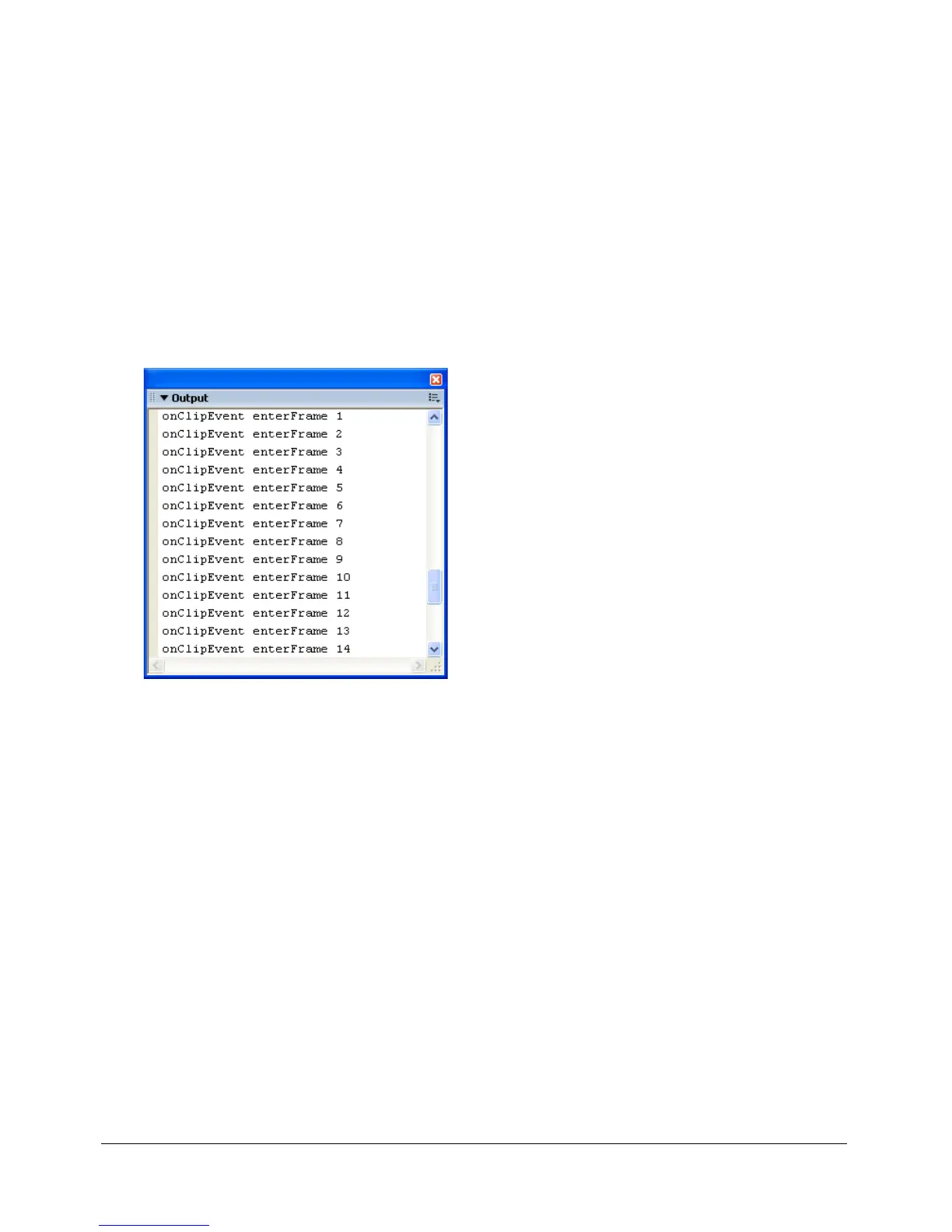
When you use the
trace statement in a script, you can use expressions as parameters. The value
of an expression is displayed in the Output panel in test mode, as shown here:
The
trace statement returns values that appear in the Output panel.
onClipEvent(enterFrame){
trace("onClipEvent enterFrame " + enterFrame++)
}
Updating Flash Player for testing
You can download the latest version of Flash Player from the Macromedia Support Center at
www.macromedia.com/support/flash and use it to test your SWF files with the most recent
version of Flash Player.



 To Next Page