Otometrics 11
1 Before testing
1.1 Preparing for the test
• Fit the AccuScreen PRO with a charged battery pack.
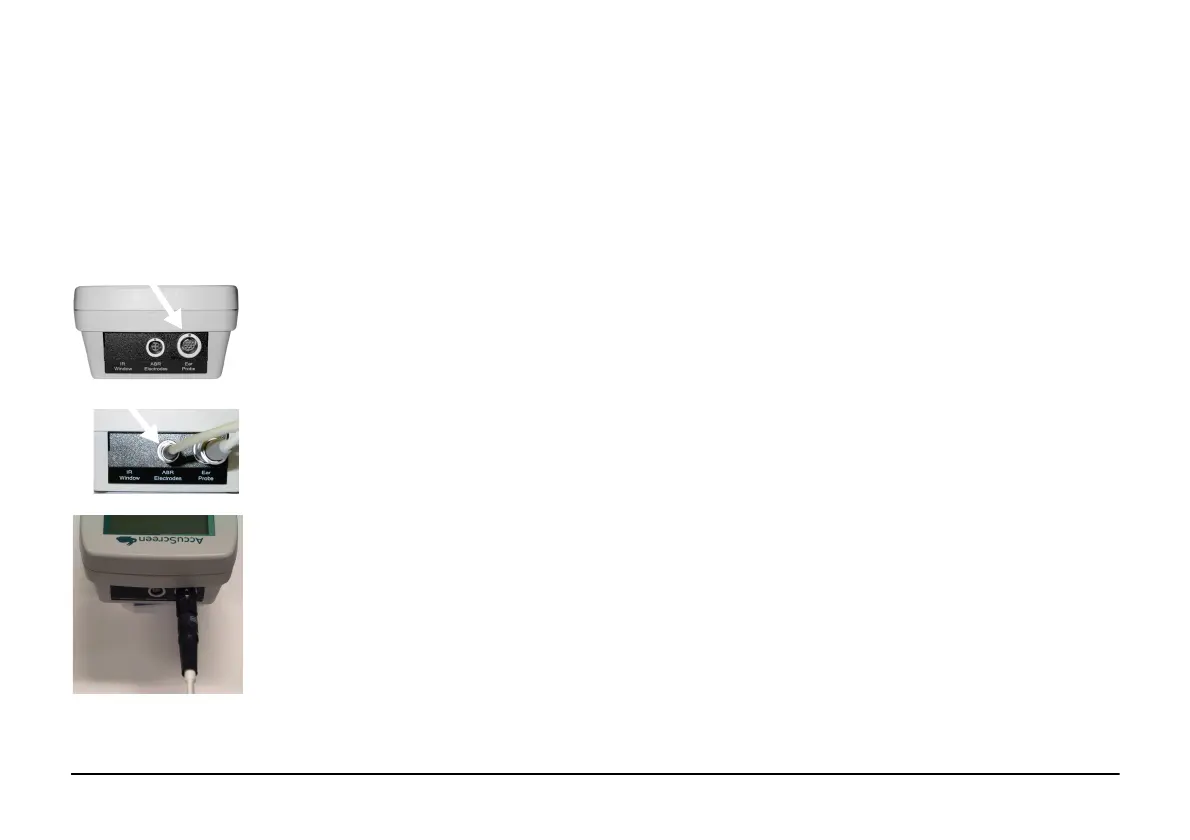
• Plug the probe lead into the socket on top of the AccuScreen PRO. Align the red dot on the
probe plug with the red dot on the socket.
• For ABR testing also plug the electrode cable into the ABR plug.
• For ABR testing the probe can be replaced by the Y-cable with Ear Couplers. A major advantage
in using the Y-cable is that once the test starts, both ears will be tested consecutively.
• Plug the Y-cable plug into the "Ear probe" socket on top of the AccuScreen PRO. Align the white
dot on the probe plug with the red dot above the socket of the AccuScreen PRO.
• The patient data can be entered in the AccuScreen PRO directly or in the AccuLink and then be
transferred to the AccuScreen PRO. To do so, see “From a PC to AccuScreen PRO” on page 22
Note · If this is the first test of the day, switch on the AccuScreen PRO and make a probe test: Fit the probe
in the probe cavity and select
Options > Self test > Probe test.
Note ·
For details on settings and how to use the AccuScreen PRO see the AccuScreen PRO User Manual.



 To Next Page