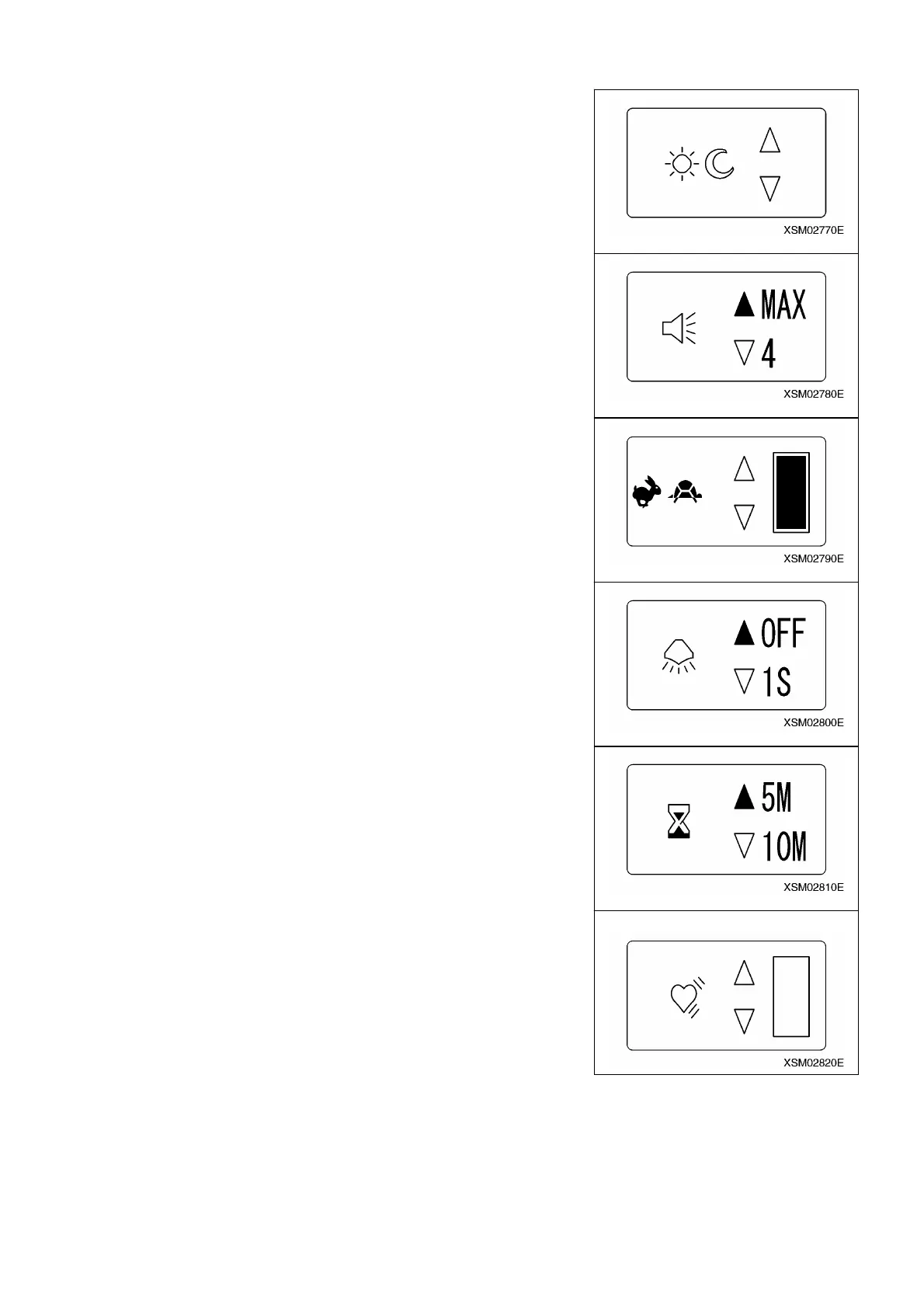
2. Items for establishing the initial mode for user:
(1) Contrast of LCD
For adjusting the contrast of LCD.
㨯 To make the contrast stronger: Press K button
㨯 To make the contrast weaker: Press L button
*At the time of factory shipment, the contrast is set to be optimum for in door use.
(2) Voice Volume
For adjusting the volume of voice message.
4 (four) settings of OFF, 1, 2, 3, 4 and MAX are available.
*At the time of factory shipment, this is set at MAX.
(3) Acceleration
For varying the amount of throttle shift in accordance with the angle of accelerator
lever. (Setting the maximum amount)
*At the time of factory shipment, this is set at 100%.
(4) Light
For selection of backlight OFF as will as how many seconds the backlight remains
on after releasing each operation button. There are 4 selections of OFF, 1, 3 and 5
seconds. If you are concerned about of running down of battery, set this at OFF.
*At the time of factory shipment, this is set at OFF.
(5) OFF Timer
For setting the Auto Power Off time for transmitter power.
There are 3 selections of 5, 10 and 15 minutes.
*At the time of factory shipment, this is set at 5 minutes.
(6) Idling Up
For setting the percentage of acceleration from established idling speed for crane
operation.
*At the time of factory shipment, this is set at 0% up.
156



 To Next Page