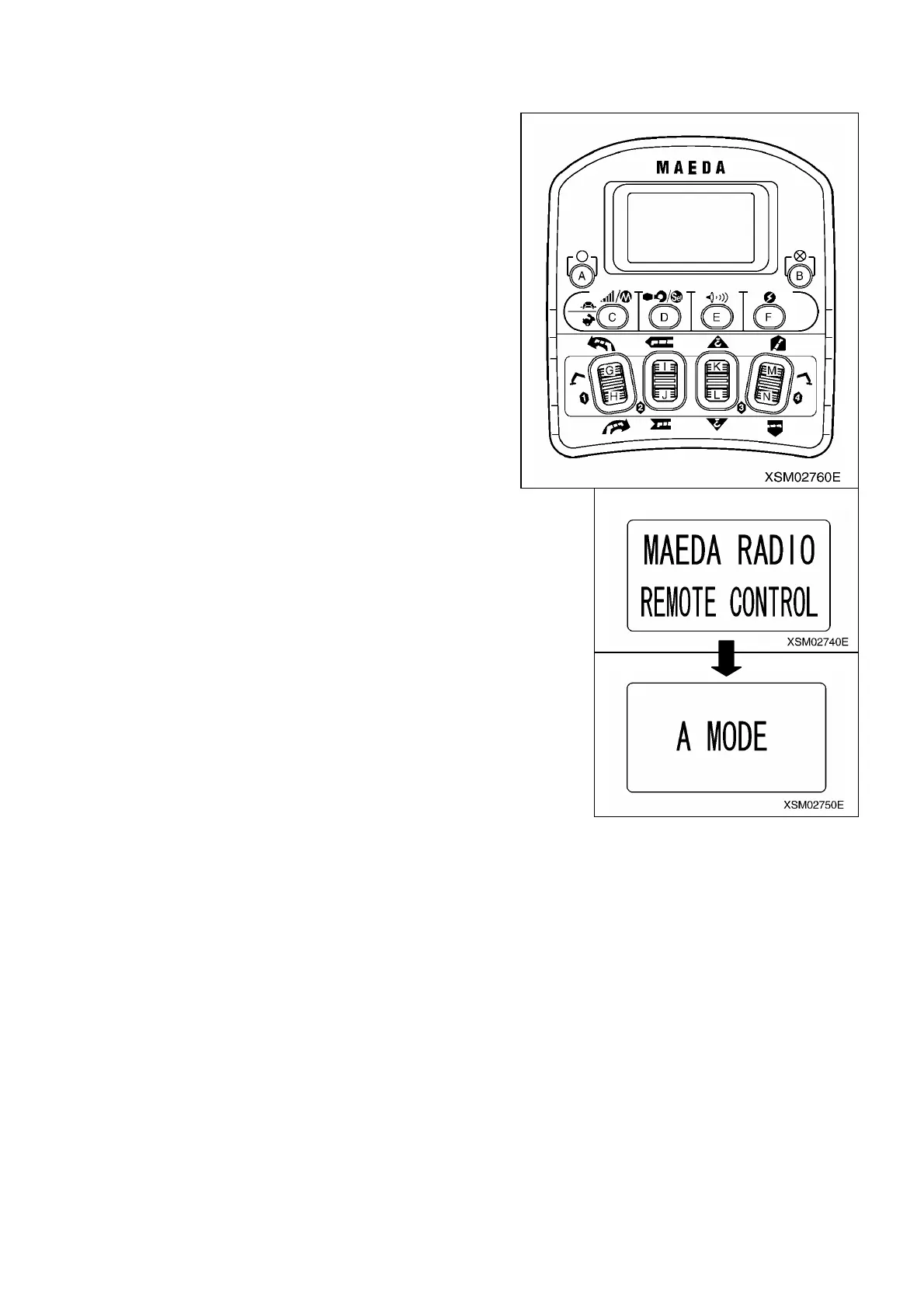
1.3 INITIAL MODE FOR USER (A MODE)
This system has an Initial Mode for User.
Items and contents for changing are as follows:
㧖The content of setting, once established, will be saved in memory,
requiring no more setting for each work.
1. Retrieving the screen for initial mode for user:
With the system power remaining turned OFF, while holding C button
pressed, continue to press F button until the screen of initial mode for
user appears (For about 2 seconds).
After “MAEDA RADIO REMOTE CONTROL” having appeared.
Note:
㨯 Be sure to turn OFF the main switch at receiver before starting to operate the initial mode.
㨯 Before starting to change the setting, always make sure that “A MODE” has appeared on the LCD.
155



 To Next Page