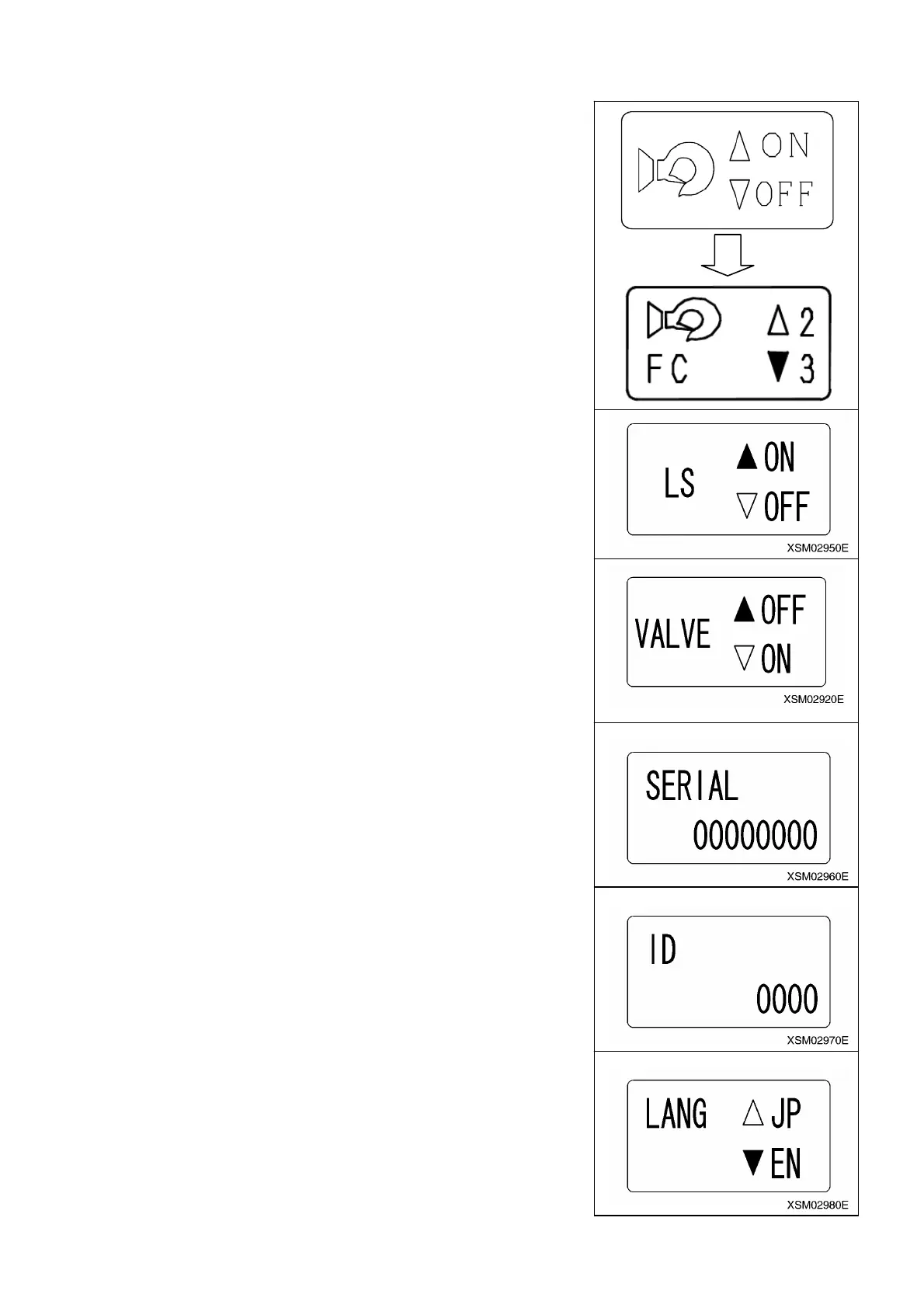
(4) Hook Stow
For selection of availability of hook stowing function. Check the specifications of
your crane.
If it has the function, set is as ON.
If not, set it as OFF.
*At the time of factory shipment, this is set at ON.
㪘㪻㫁㫌㫊㫋㫀㫅㪾㩷㪿㫆㫆㫂㩷㫊㫋㫆㫎㪸㪾㪼㩷㫊㫇㪼㪼㪻㩷
#HVGTUGNGEVKPI10HQTJQQMUVQYCIG㩷
D[TGOQVGEQPVTQNUGNGEVJQQMUVQYCIGURGGF
HTQOQTUNQYHCUV
(5) Anti tow block device
For selection of contacts A and B of anti two block device.
For the contact A (NO), set it at ON.
For the contact B (NC), set it at OFF.
If your crane is not provided with hook stowing function, select this OFF.
㧖At the time of factory shipment, this is set at ON.
(6) Valve neutral position setting (VALVE INT)
For setting valve neutral position.
If you want to abort setting, push D button when the cursor is at OFF.
For details, see “2.4 Print Card Neutral Setting Procedure”
(7) Serial Number
Serial number will be displayed.
㧖At the time of factory shipment, serial number of your transmitter has been
entered. Make sure that it coincides with the serial number label affixed to your
transmitter. This is different from the label number affixed to receiver.
(8) ID Code
ID code will be displayed.
Not used.
(9) Language
For selection of language for the transmitter in use.
㨯 JP: Japanese
㨯 EN: English
*At the time of factory shipment, this is set at EN.
160



 To Next Page