8
Chapter
Settings
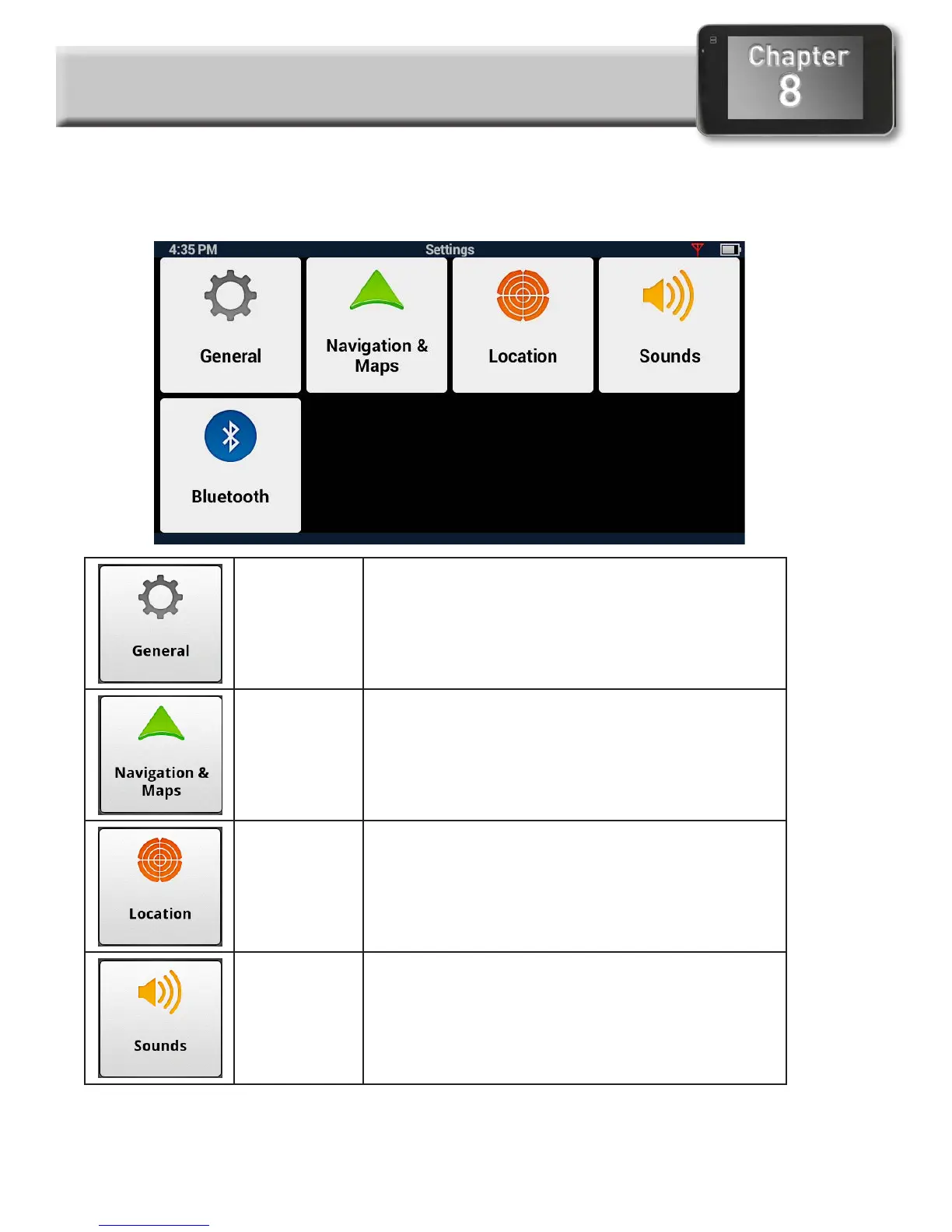
Settings Menu
The Settings Menu is the starting point for accessing the tools needed to customize and set the
necessary parameters for the Magellan RoadMate.
General
Settings
Access tools to set the language, units of
measure, auto power off, screen brightness
settings as well as devices details such as
available storage, product information, etc.
Navigation
and Maps
Customize the way navigation is computed as
well as setting the night mode and speed limits.
Location Select the regional maps being used (when
additional maps are installed) and define how
the GPS position is set (via GPS or manually).
Sounds Alternate method for setting the volume as well
as defining what sounds will be presented.



 To Next Page
 Loading...







